Home Automation

33 articles

The Best Zigbee Push Button from ThirdReality
Buttons

The Best Zigbee Push Button from ThirdReality

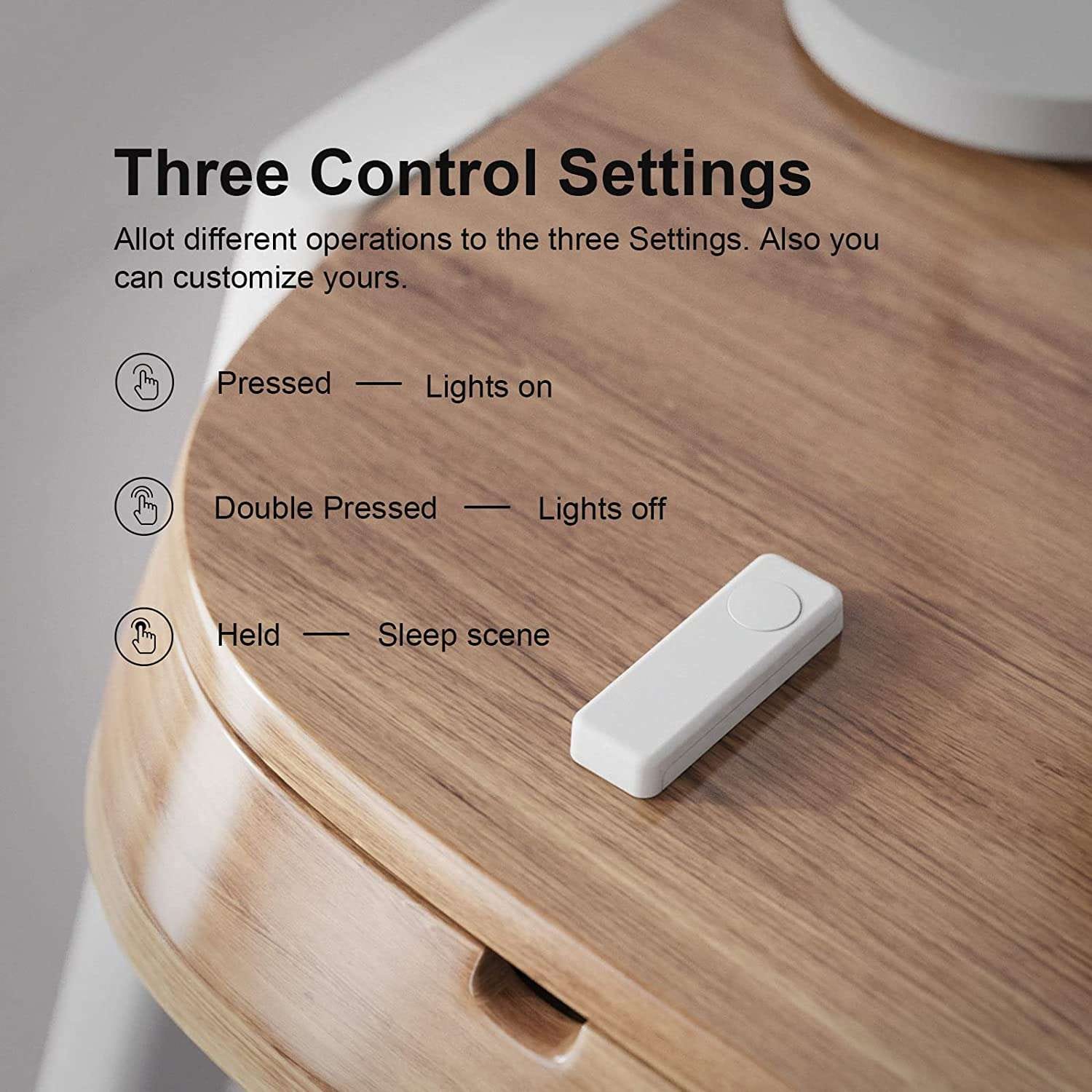
The ThirdReality Zigbee smart button device is a reliable, simple, and powerful Zigbee push button device. Powered by 2x AAA batteries, featuring a large single button with 3 supported interaction types (tap, double tap, hold), this button is out top pick for single-button devices to integrate with Hubitat or SmartThings.

April 2, 2023
Netgear Orbi 960 Series Review
Hardware

Netgear Orbi 960 Series Review

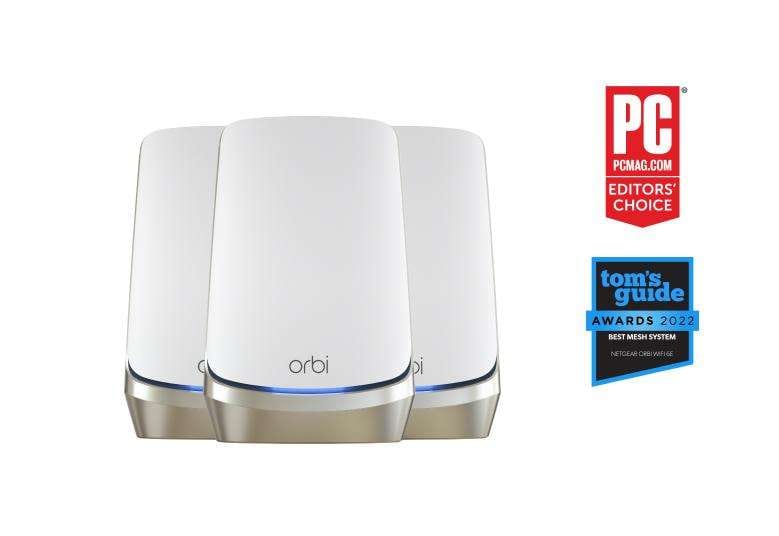
The Netgear Orbi 960 Series is a high-performance mesh Wi-Fi system that promises to deliver reliable and fast Wi-Fi coverage throughout your home. The system comes with one Orbi router and one Orbi satellite, which work together to create a seamless Wi-Fi network.

March 18, 2023
Z-Wave vs. Zigbee: Which is best for home automation?
Gadgets

Z-Wave vs. Zigbee: Which is best for home automation?

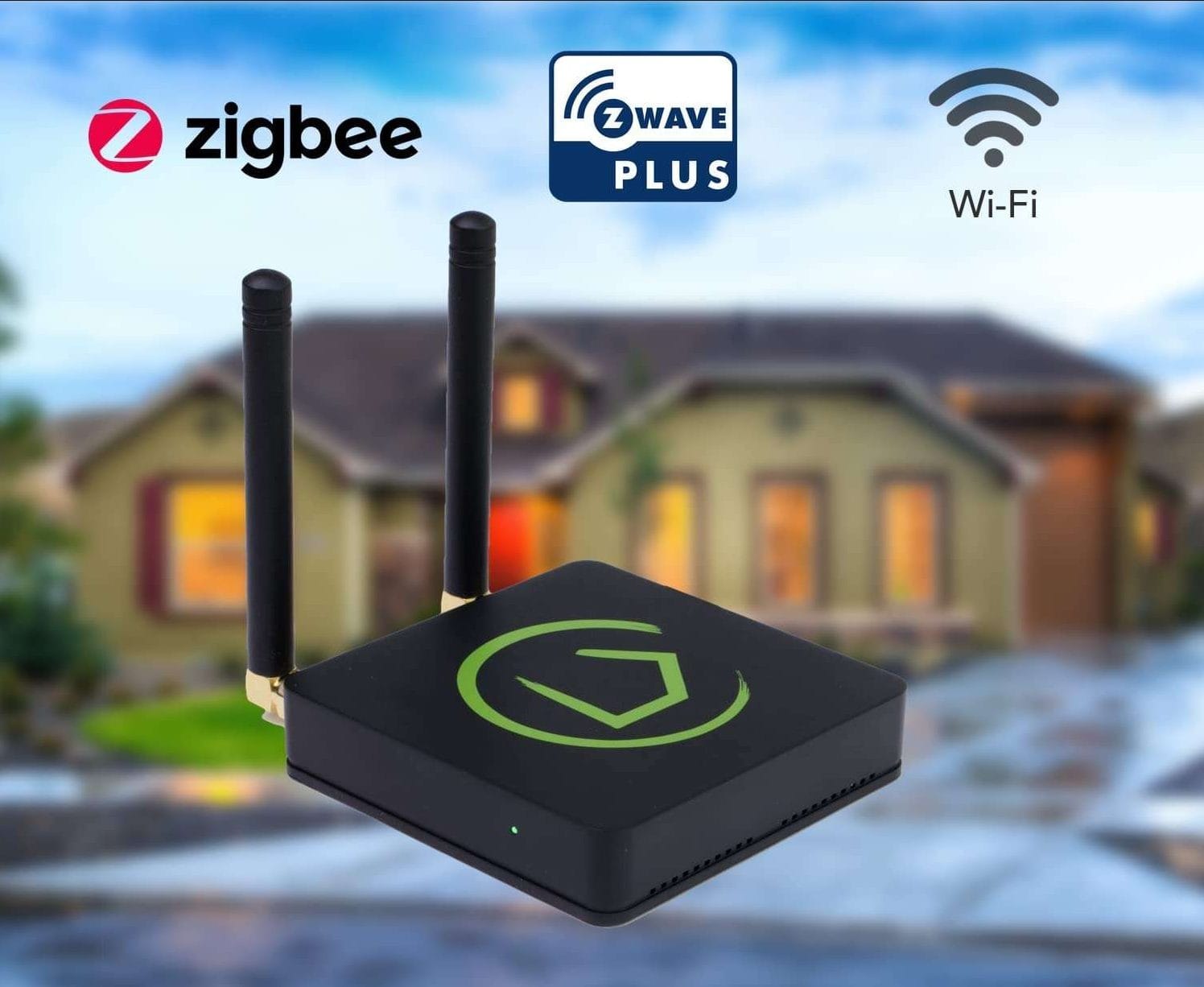
While Z-Wave offers better interoperability, longer range, and more advanced security, it comes at a higher cost and limited compatibility. On the other hand, Zigbee offers wider compatibility, lower cost, and energy efficiency, but it may have interoperability issues, less security, and shorter range.

February 25, 2023
What is Z-Wave? Learn about the most powerful home automation network
Hardware

What is Z-Wave? Learn about the most powerful home automation network

As technology continues to advance, the concept of the smart home is becoming more and more popular. Home automation and IoT devices have taken over homes across the world, and with good reason. They offer convenience, security, and energy efficiency, making our lives easier and more comfortable. However, with so many devices available in the market, it can be challenging to choose the right one for your home.

February 25, 2023
The Ultimate Guide to Buttons for Hubitat & SmartThings
Buttons

The Ultimate Guide to Buttons for Hubitat & SmartThings

After reviewing over 25 smart buttons for SmartThings and other smart home hubs, we thought it'd be helpful to single-out the top 3 buttons to date. The buttons we link to below are natively compatible with SmartThings, and utilize Z-wave, Zigbee, and sometimes both.

January 24, 2020
Aeotec NanoMote Quad: Multi-function Z-Wave Controller
Buttons

Aeotec NanoMote Quad: Multi-function Z-Wave Controller

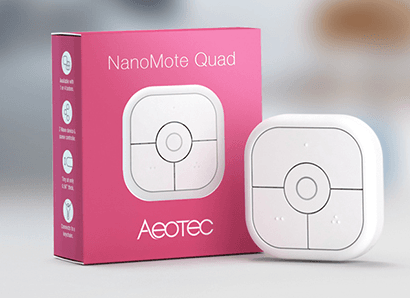
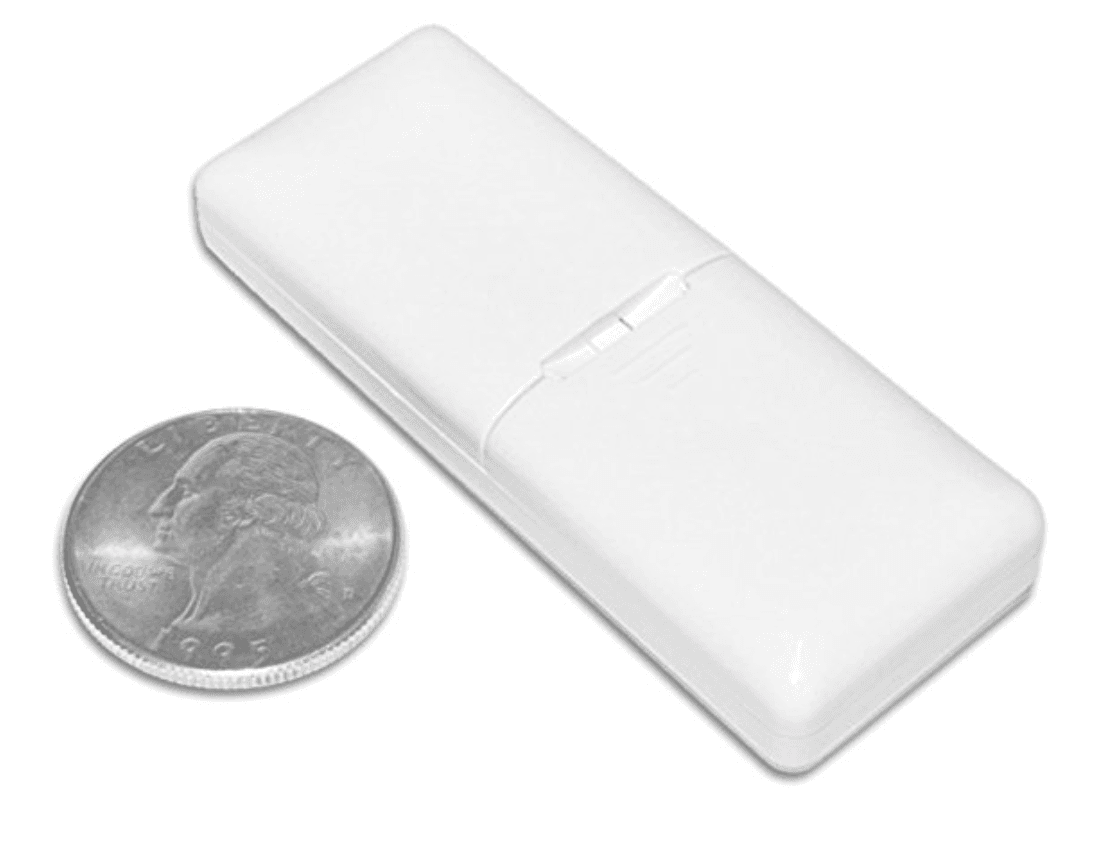
Released in early 2019, the new Aeotec NanoMote (Available on Amazon) comes natively compatible with Samsung SmartThings, in addition to other Z-Wave Smart Home Hubs. Offering 4 physical buttons, each with 2 touch-modes (short press & long press), the NanoMote is an upgrade to the Aeotec WallMote Dual and Quad button controllers. Comparatively, the NanoMote is significantly smaller; measuring about 2-inches by 2/3-inch.

April 4, 2019
Cable Management Tools for DIY Home Automation Projects
Cable Management

Cable Management Tools for DIY Home Automation Projects

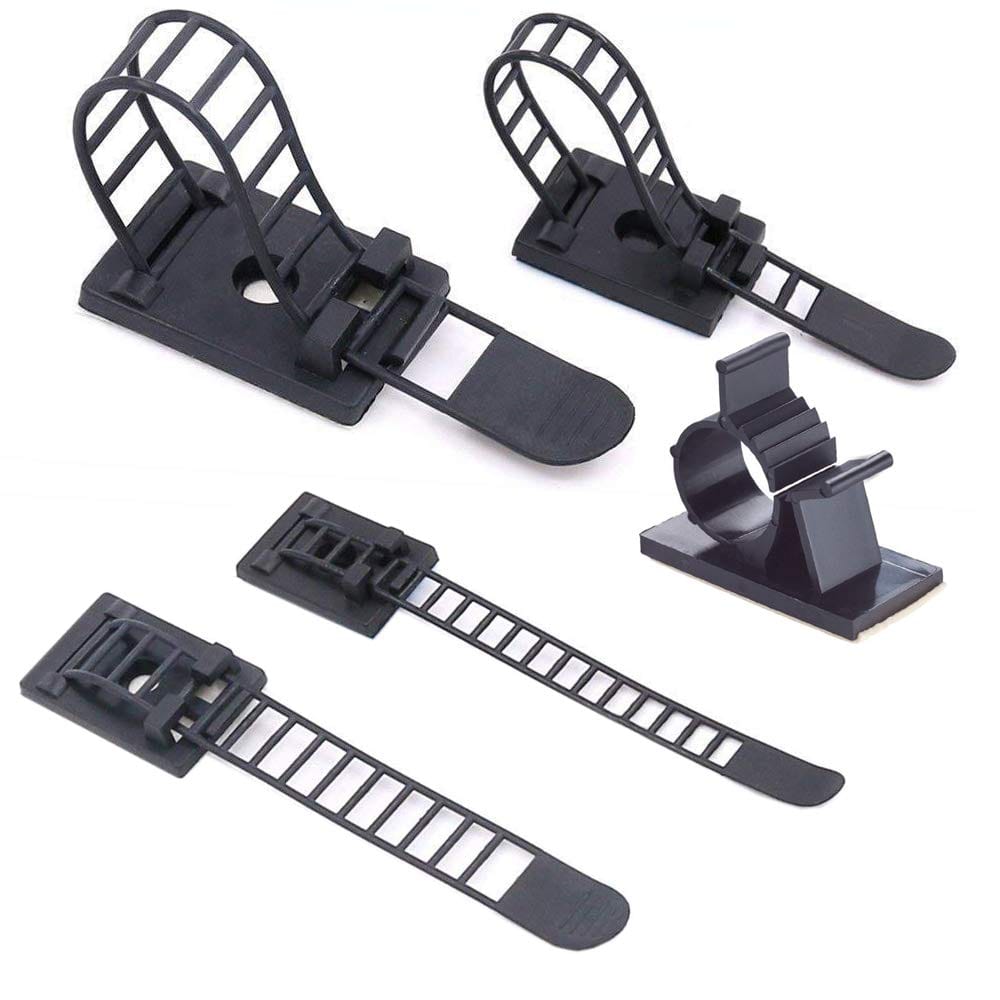
Black extension cord running along a white baseboard? Matrix of cables hanging from your new flat screen? Three power strips plugged into each other in the closet? These types of finishing touches can detract from the hard work and hours it took to setup. A few simple additions focused on cable management, like cable clips or raceways, can give any project a professional appearance.

March 24, 2019
How to Optimize Your Home WiFi Network for Speed
Apps

How to Optimize Your Home WiFi Network for Speed

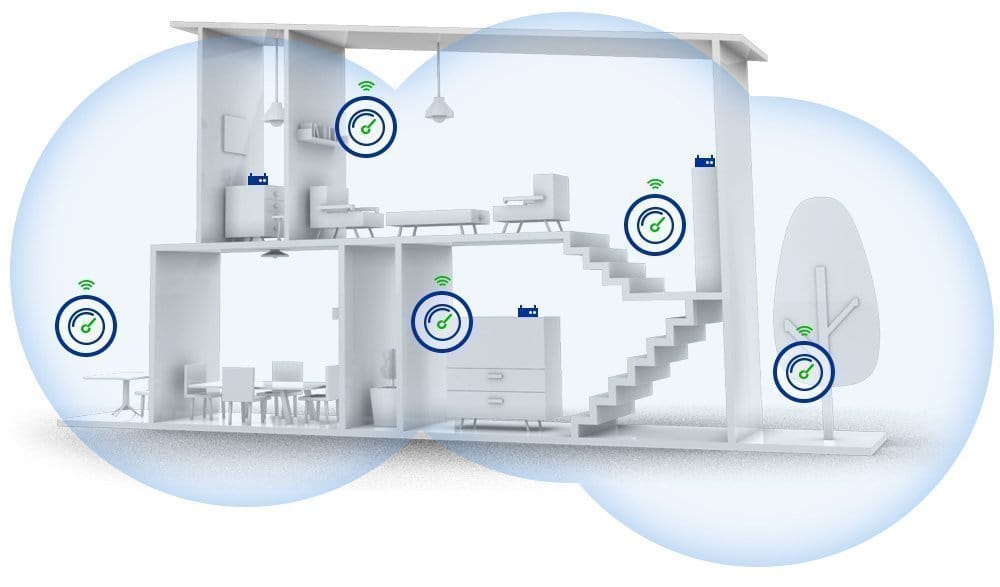
In addition to router brand, home size, and internet service provider (ISP) speed caps, there are a number physical factors - inside and outside - which can affect performance and speed of the WiFi network in your home. It's important to think about these factors when placing access points, and mesh network nodes, around your house.

March 2, 2019
Fibaro Z-Wave Button: Big & Simple
Buttons

Fibaro Z-Wave Button: Big & Simple

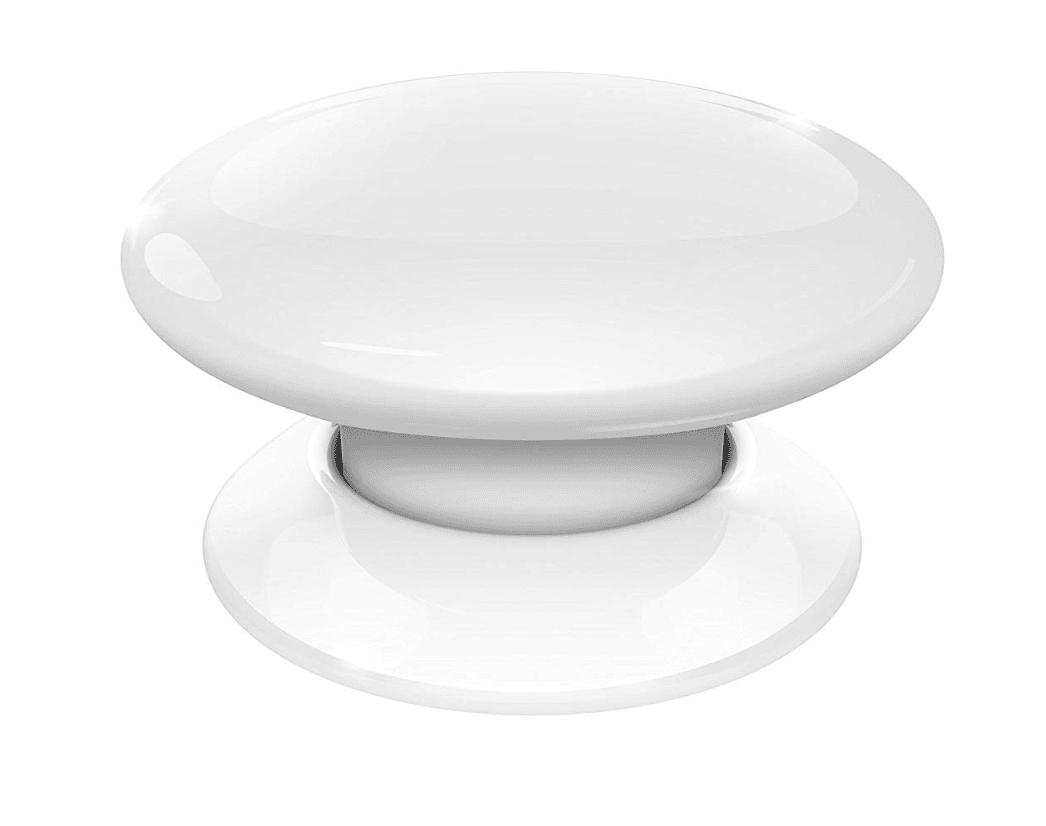
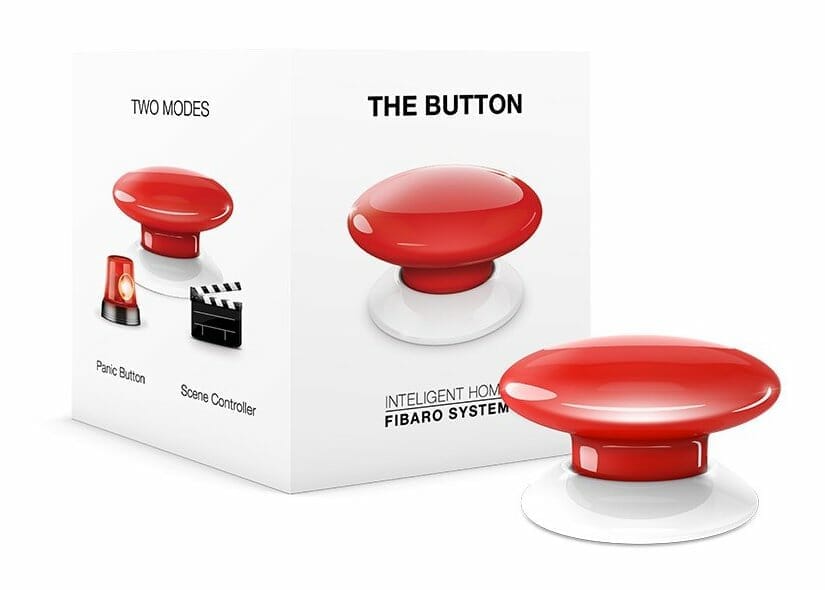
This stand-out push button for Z-Wave smart homes (including Samsung SmartThings), developed by Fibaro, can function as a standalone panic button or a scene controller. Depending on your configuration, a single push can trigger any number of devices and automations.

December 22, 2018
Aeotec Z-Wave Smart Dimmer Outlet Plug
Home Automation

Aeotec Z-Wave Smart Dimmer Outlet Plug

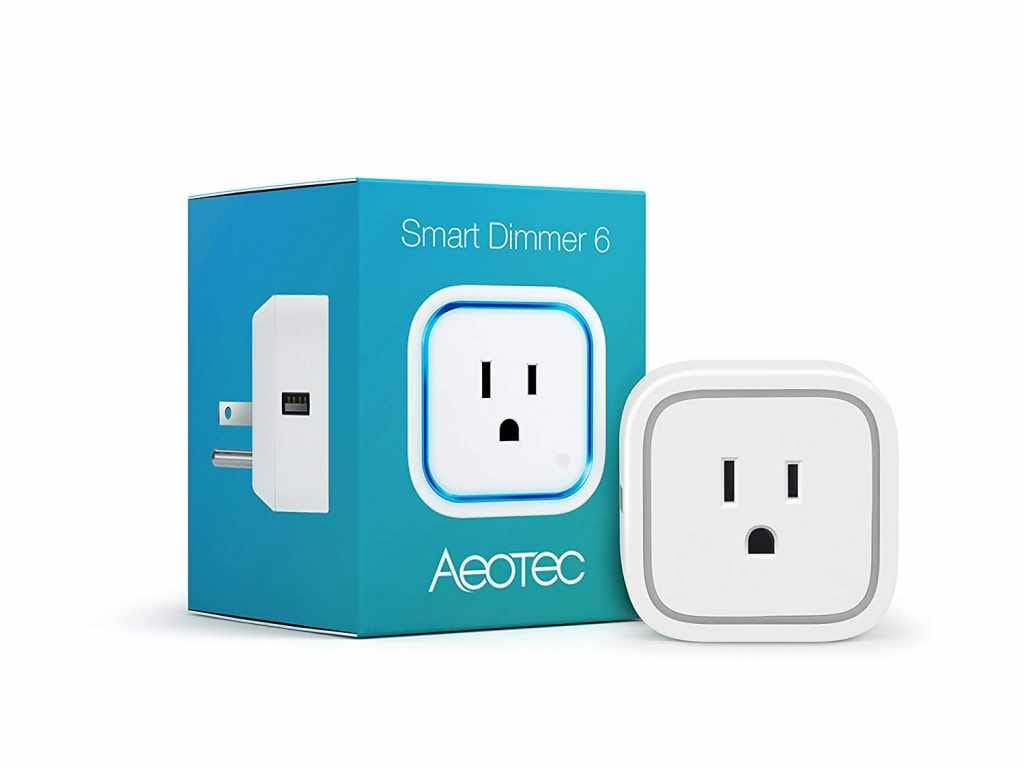
The basic operation is to toggle power on and off using the SmartThings mobile app, but you can also dim the brightness of the plugged-in device using a fully customizable sliding scale. This feature enables homeowners to achieve the perfect dimmer level for table and floor lamps, and other lighting applications.

November 29, 2018
GE Outdoor Z-Wave Plus Appliance Control Switch
Home

GE Outdoor Z-Wave Plus Appliance Control Switch

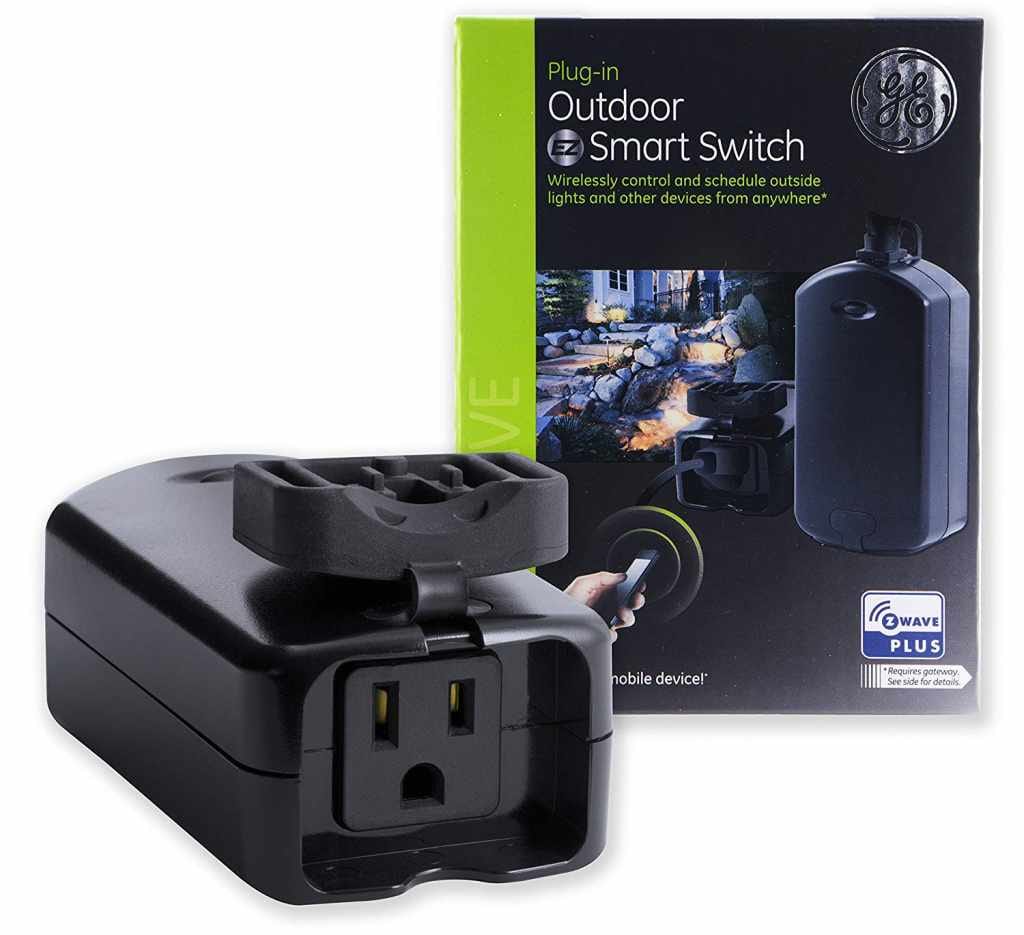
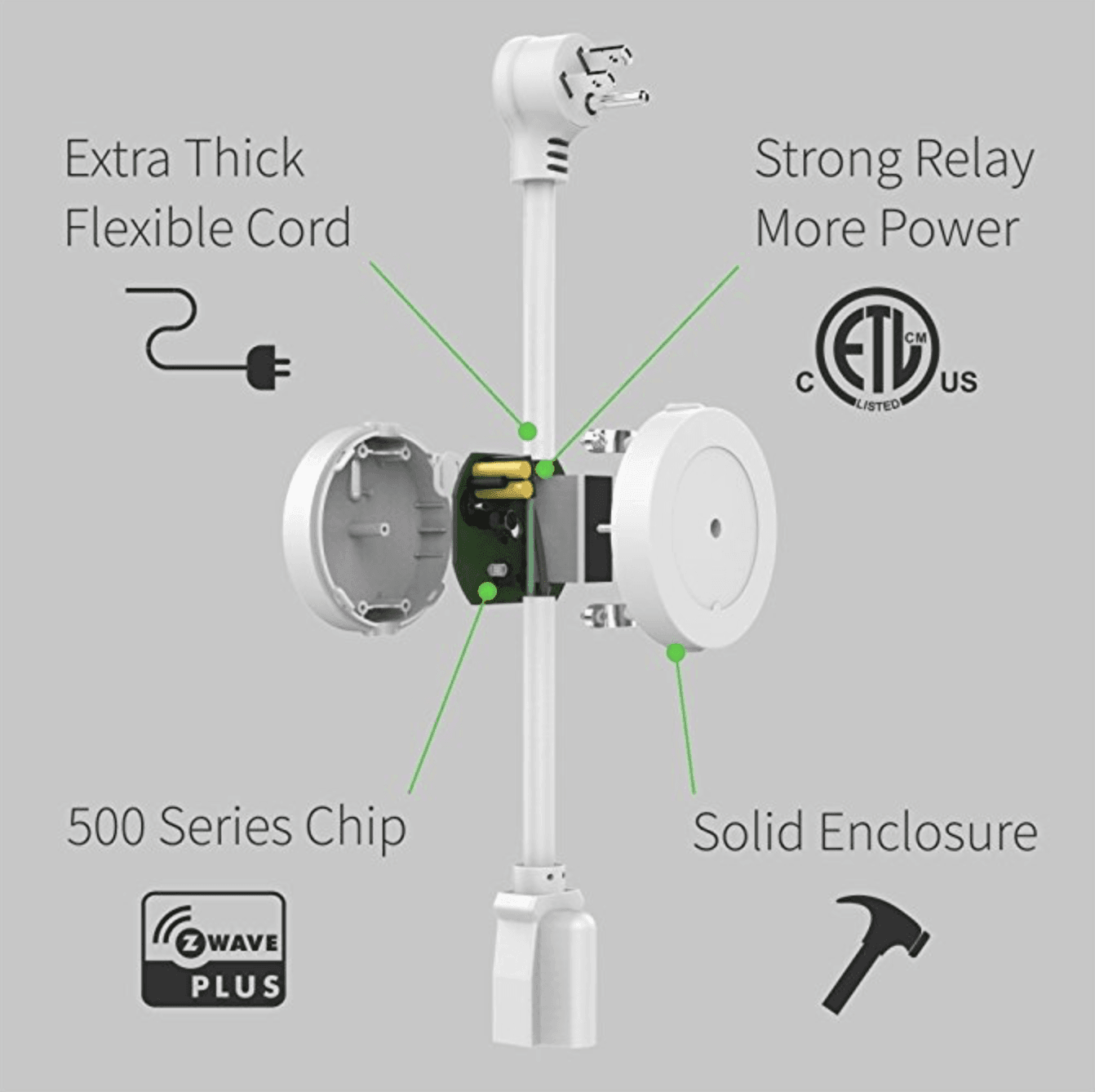
The Z-Wave Plus outdoor smart switch from GE is a reliable, heavy duty controller for lighting and appliances exposed to weather and the elements. Natively compatible with SmartThings, its compact, all-black enclosure and short 7.5-inch power cord can easily be concealed behind foliage and rocks, or mounted to an exterior surface.

November 29, 2018
Samsung SmartThings Push Button
Buttons

Samsung SmartThings Push Button

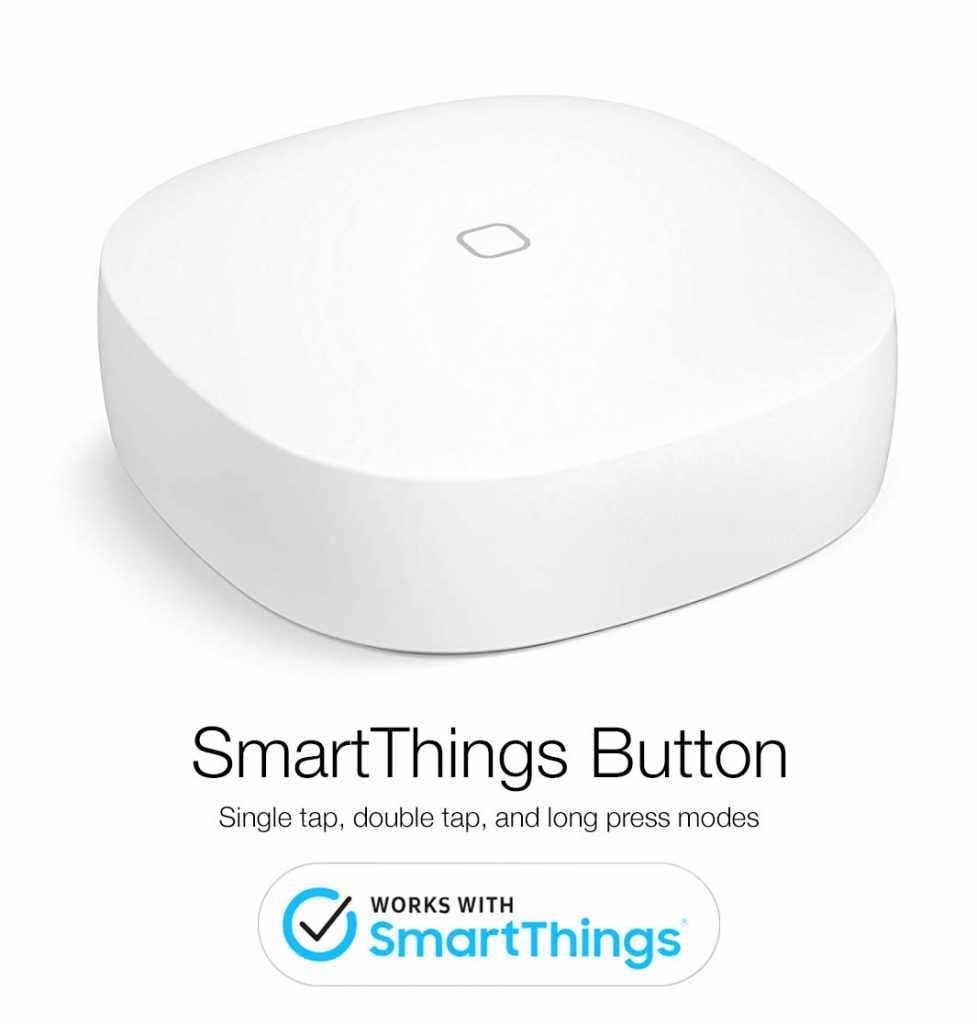
Manufactured directly from the makers of the Samsung SmartThings Hub, this simple, elegant, and affordable push button enables unlimited possibilities for smart home automation. With native device compatibility, this button takes about 30 seconds to pair to your hub. Simply open the app, tap "+Add Device" and select "Samsung SmartThings Button".

November 25, 2018
Sylvania Smart+ Zigbee Wall Outlet
Buttons

Sylvania Smart+ Zigbee Wall Outlet

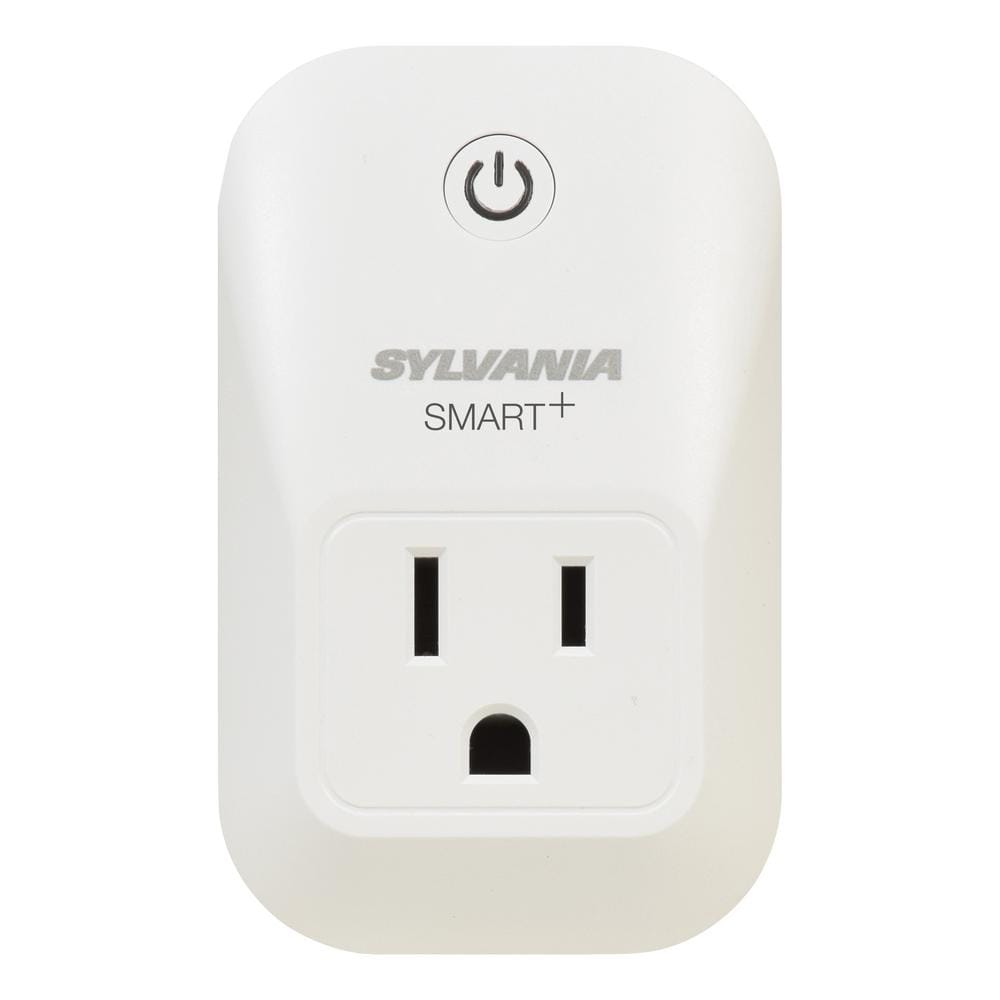
Automating lamps and other plug-in appliances in a smart home has never been easier than the SYLVANIA SMART+ 'Lightify' Zigbee power outlet. Natively compatible with Samsung SmartThings, simple design, and 30-second installation and pairing make this outlet out #1 pick for SmartThings wall plug control.

November 25, 2018
Chamberlin MyQ Garage Door Controller
Apps

Chamberlin MyQ Garage Door Controller

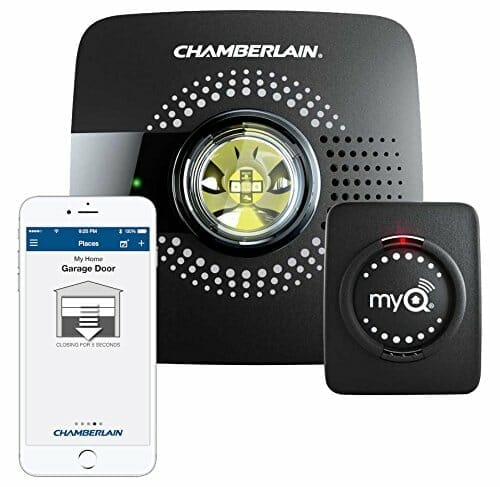
The garage door is a common roadblock for home automation, because garage door openers are “dumb”, expensive, and not something you'd want to break. Have no fear! If you pair a SmartThings hub with the Chamberlin MyQ Garage Door Kit, you can control your garage door remotely, and check its current status. You can even automate it using IFTTT and webCoRE.

November 24, 2018
Top Burglar Alarm Sirens for SmartThings
Home Automation

Top Burglar Alarm Sirens for SmartThings

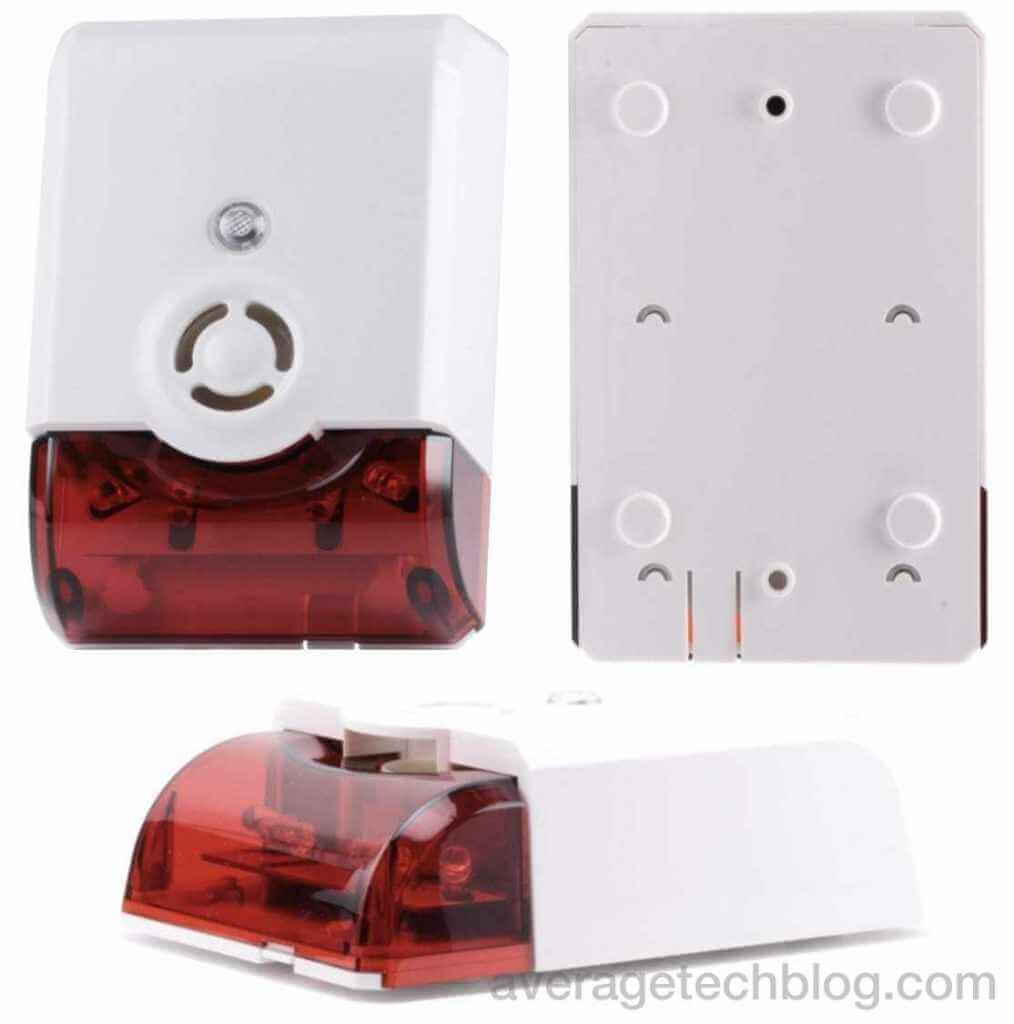
This compact siren and strobe plugs directly into the wall outlet. It extends up about 3 inches, but, the device can be plugged-in upside down if necessary. It boasts a 105dB audio siren, with 5 different alert tones available to choose from. The bright LED strobe is a white light that can flash when triggered. No other customization can be done to the strobe light functionality.

November 15, 2018
WebCoRE Automation for SmartThings
Apps

WebCoRE Automation for SmartThings

WebCoRE is capable of executing automation flows using inputs from any Z-Wave or Zigbee device connected to your SmartThings hub. Explore pistons...

November 15, 2018
Flic Mini Buttons for Smart Home Automation (Released 2023)
Apps

Flic Mini Buttons for Smart Home Automation (Released 2023)

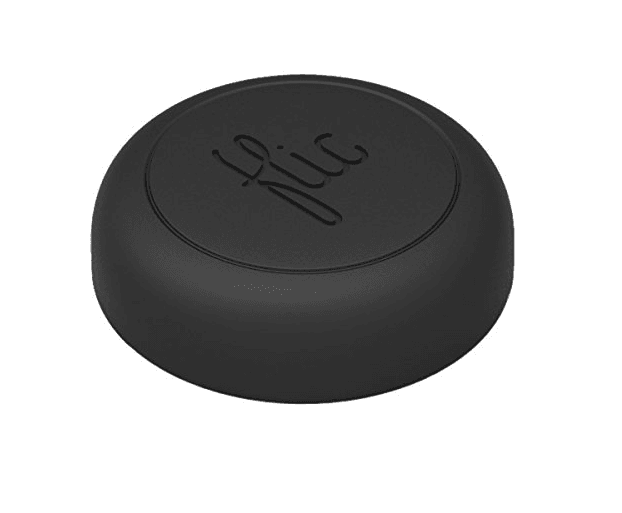
The Logi Pop smart button is, by far, the most aesthetically pleasing IoT push button. However, this beautifully designed smart button requires an additional hub for basic remote operation. To achieve an experience comparable to a native SmartThings device, you'll need to use a custom device handler & smart app, on top of IFTTT web hooks.

November 9, 2018
Top 3 Smart Z-Wave Deadbolts for Home Automation
Door Locks

Top 3 Smart Z-Wave Deadbolts for Home Automation

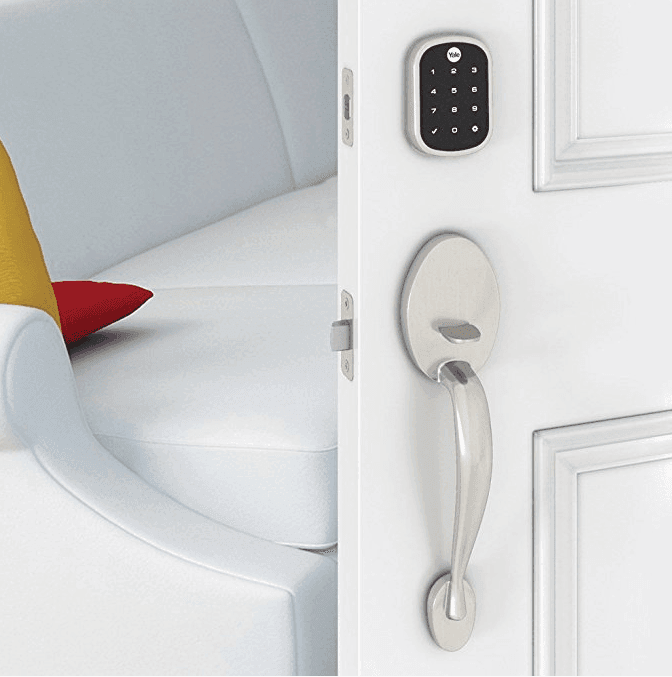
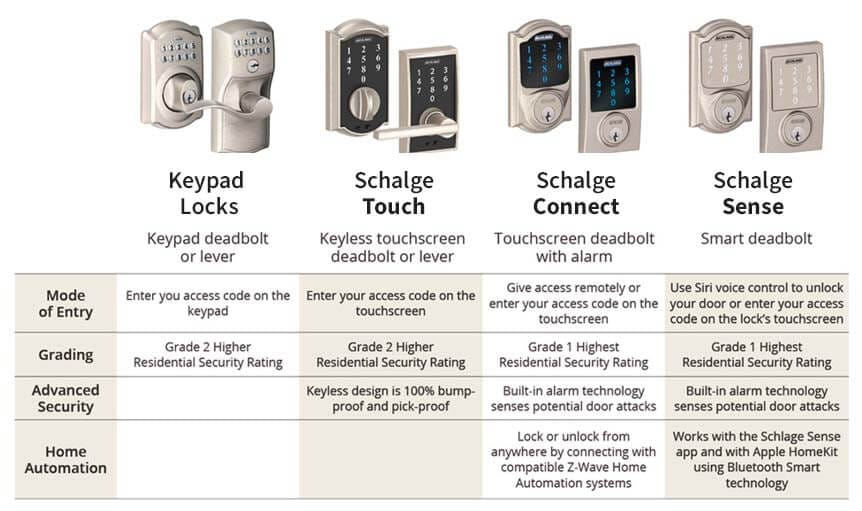
For both standard and non-standard doors, or doors with decorative door handles, you should consider adding a deadbolt-only smart device to the door to enable remote control and access. A smart deadbolt is simply a locking mechanism that fits into the existing deadbolt cut-out in your door, and connects to the internet to allow for remote access and programming.

September 16, 2018
Zooz Heavy Duty Z-Wave Power Switch
Gadgets

Zooz Heavy Duty Z-Wave Power Switch

This outlet controller from Zooz is natively compatible with SmartThings, which means no custom device handlers or coding is needed to get setup. Be sure to stand near your hub when pairing, otherwise installation is a breeze and takes less than 60 seconds!

June 10, 2018