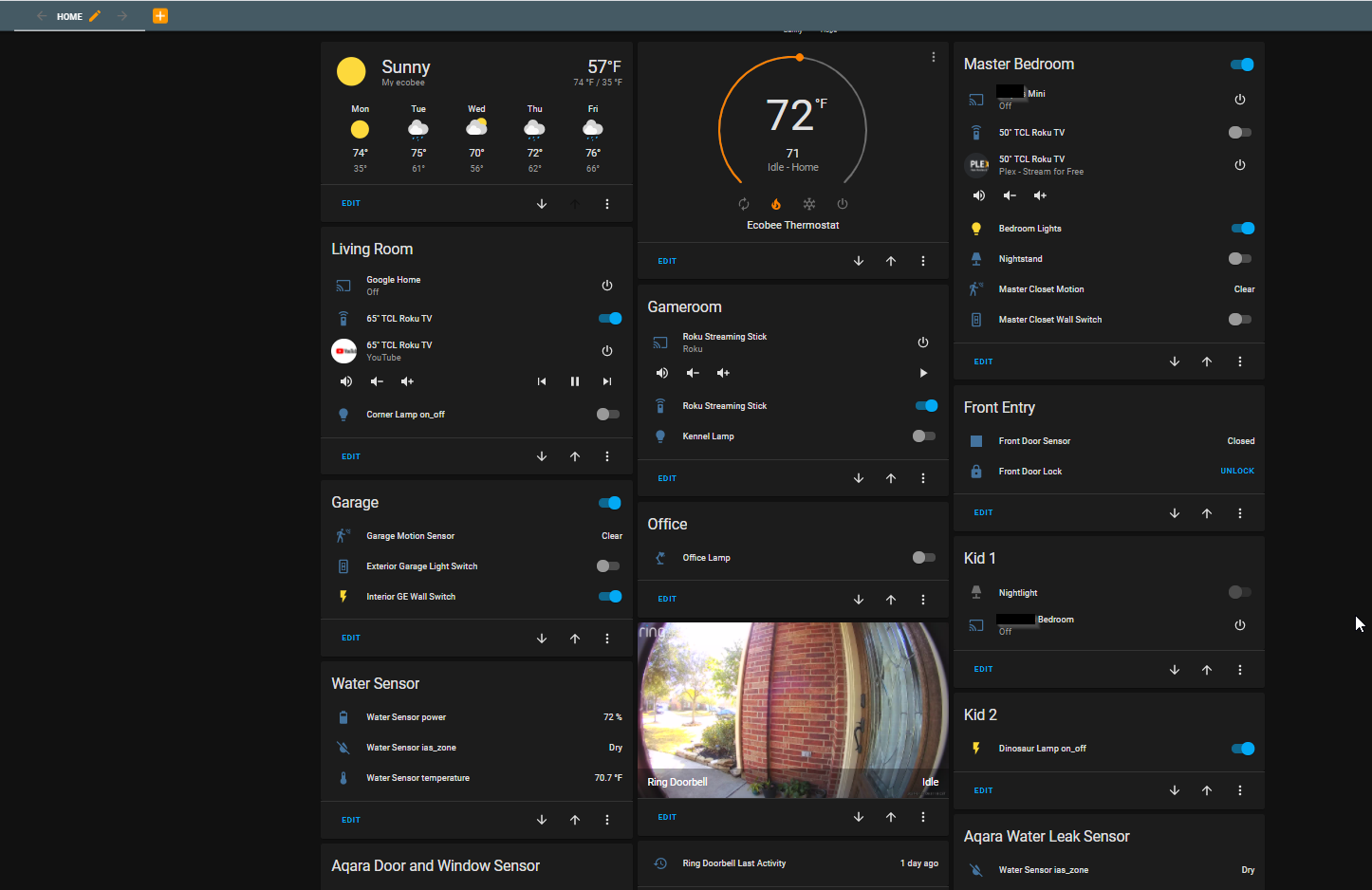
Home Automation
How to Migrate from SmartThings to Home Assistant | Step-by-Step Guide (2026)
Complete guide to migrating your smart home from SmartThings to Home Assistant. Learn hardware, device pairing, automation setup, and timelines.
26 articles
Complete guide to migrating your smart home from SmartThings to Home Assistant. Learn hardware, device pairing, automation setup, and timelines.
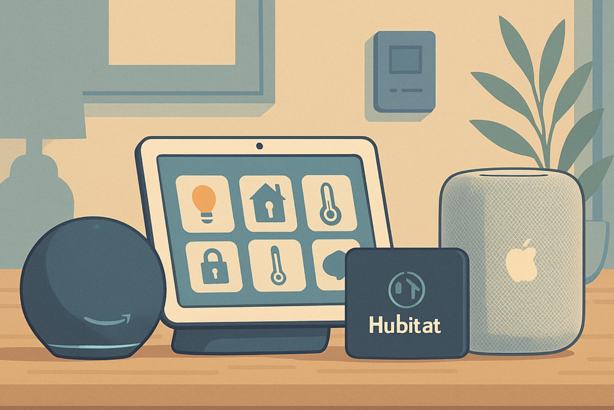
Comparing SmartThings, Home Assistant, and Hubitat—the three major smart home hubs in 2026. Find which one fits your needs, skills, and ecosystem.
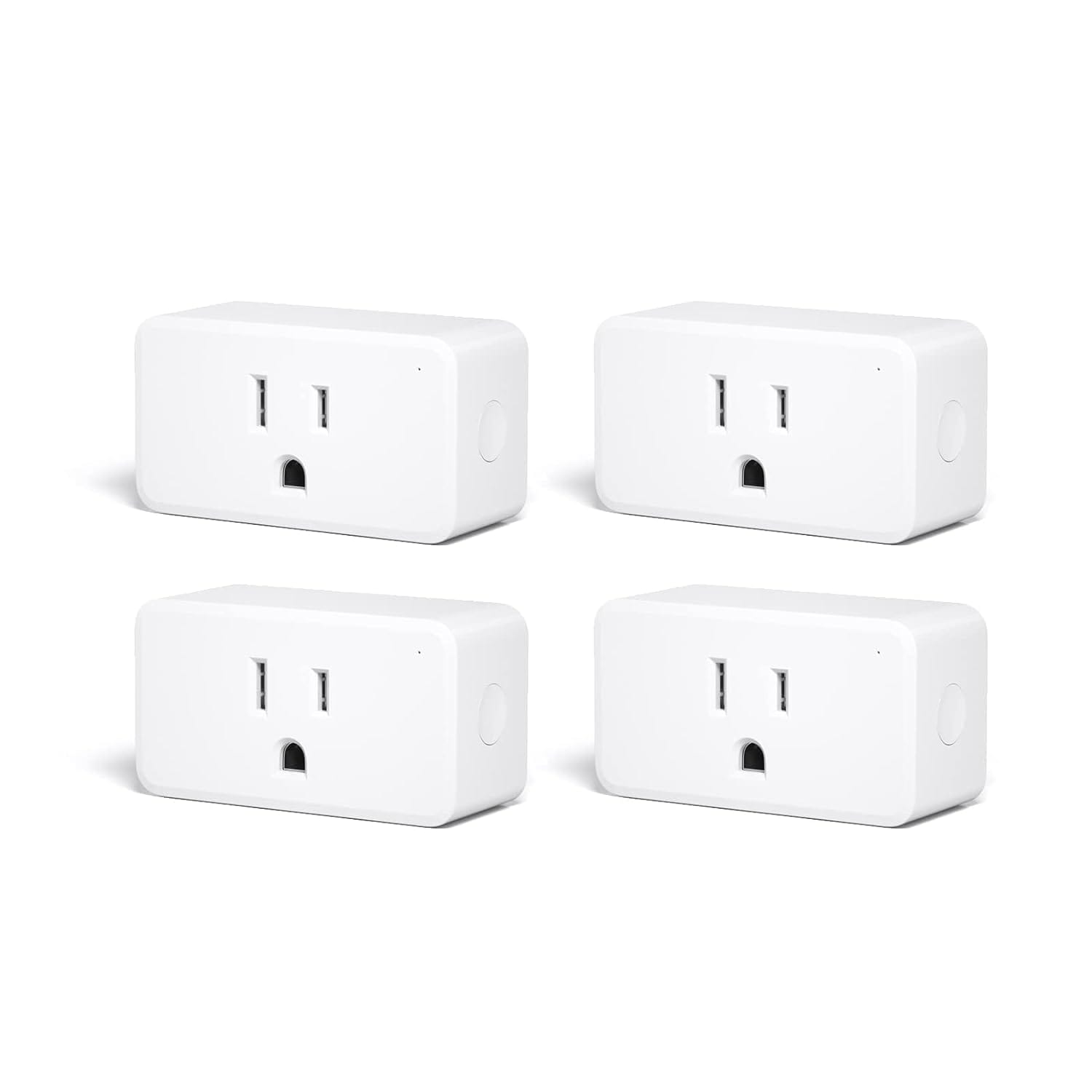
The ThirdReality ZigBee Smart Plug has quickly become a favorite among smart home enthusiasts, and for good reason. This device combines robust functionality, seamless integration, and energy efficiency into one compact unit, making it a top choice for anyone looking to automate their home.
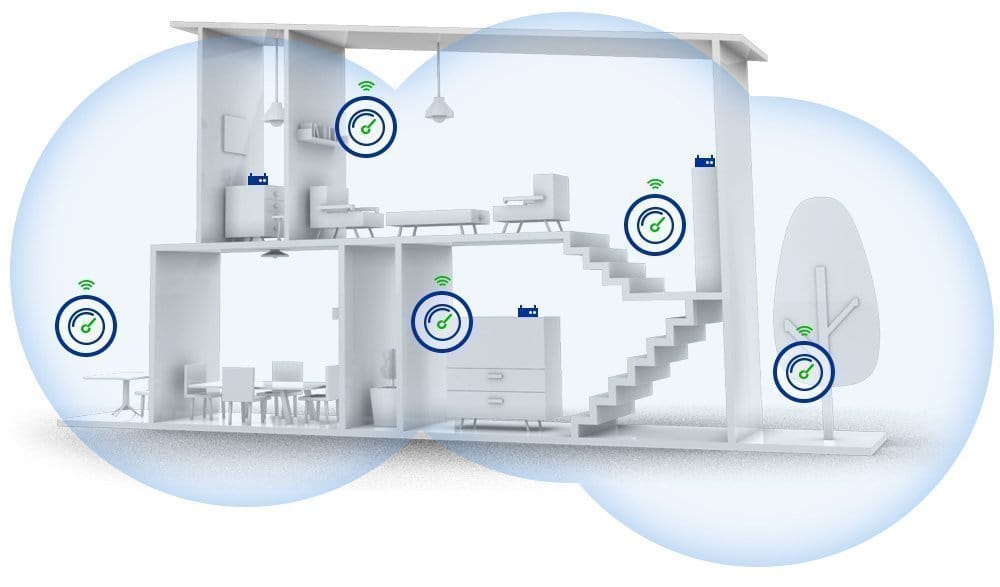
After many years of satisfied SmartThings automation, I started wanting more from my IoT hub and began looking for better solutions. Then I found the Hubitat Elevation hub, and my smart home was forever changed for the better.
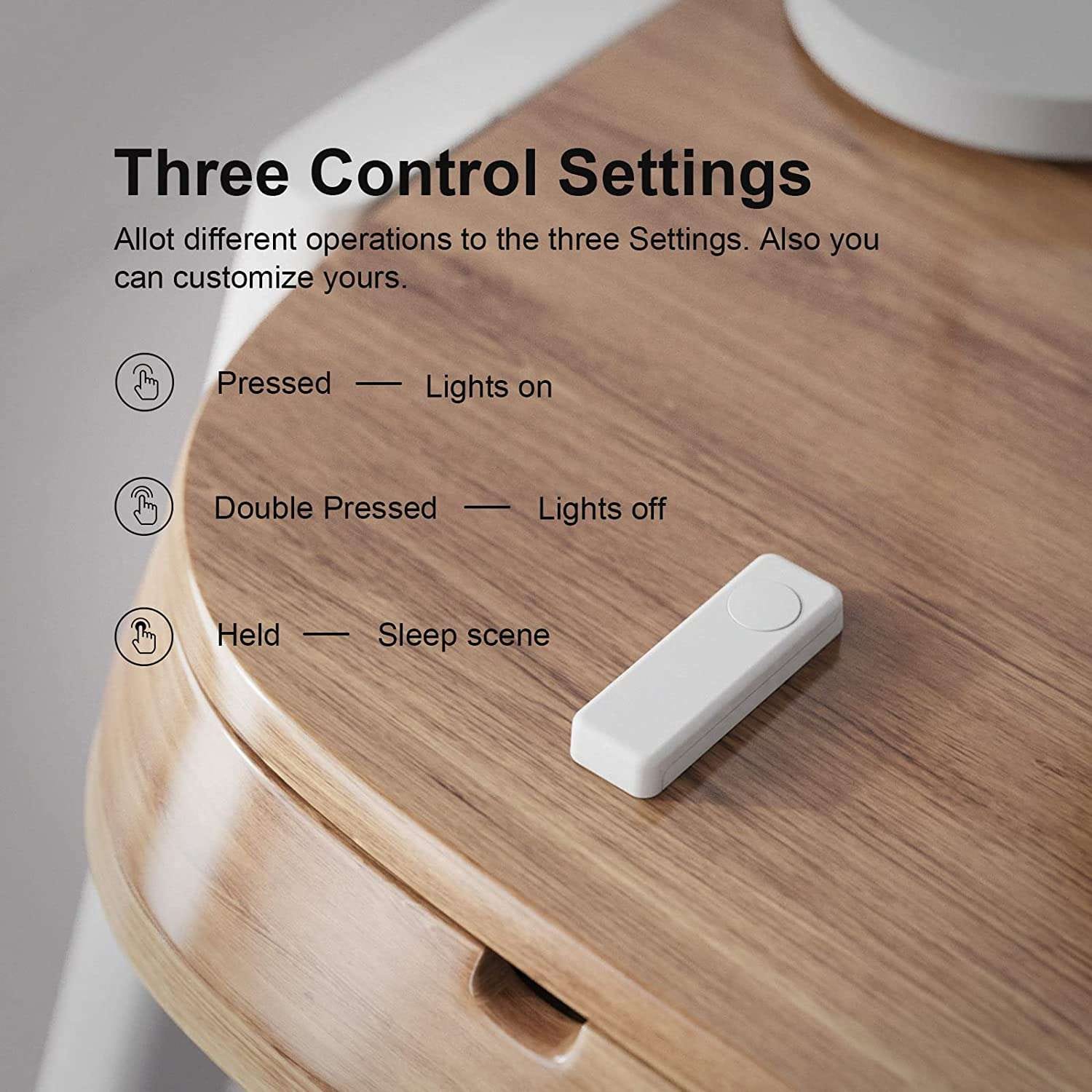
The ThirdReality Zigbee smart button device is a reliable, simple, and powerful Zigbee push button device. Powered by 2x AAA batteries, featuring a large single button with 3 supported interaction types (tap, double tap, hold), this button is out top pick for single-button devices to integrate with Hubitat or SmartThings.
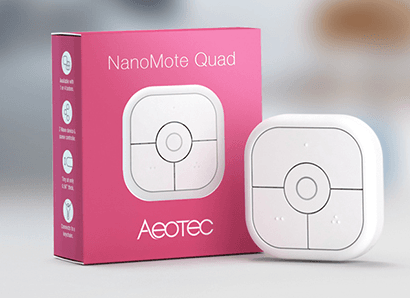
IoT Button Devices: Top Picks for 2023 As you expand your smart home's capabilities and build new automations in SmartThings or Hubitat, the need for push bu...

After reviewing over 25 smart buttons for SmartThings and other smart home hubs, we thought it'd be helpful to single-out the top 3 buttons to date. The buttons we link to below are natively compatible with SmartThings, and utilize Z-wave, Zigbee, and sometimes both.
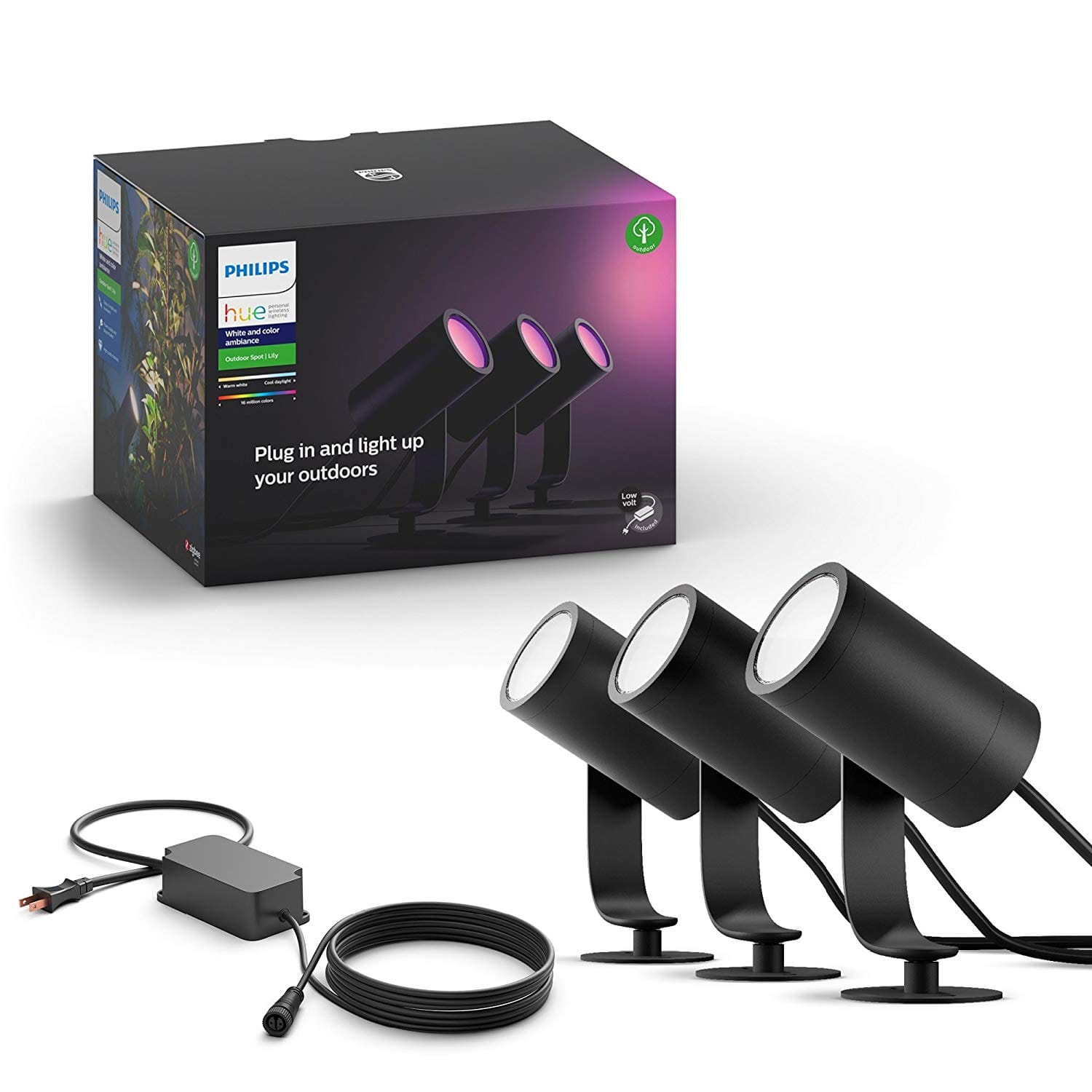
The latest products from Philips Hue for outdoor and indoor smart LEF lighting, light strips, path lighting, and more. Updated 6 days ago.
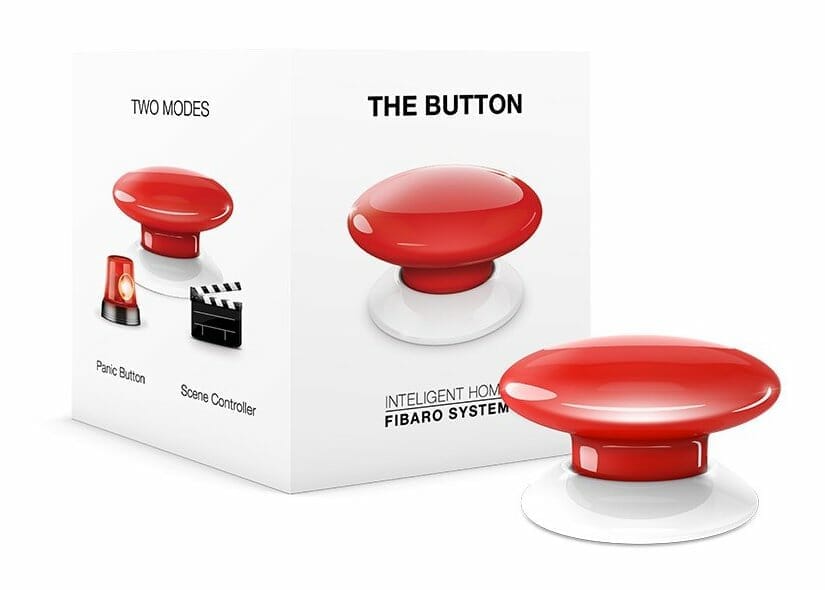
This stand-out push button for Z-Wave smart homes (including Samsung SmartThings), developed by Fibaro, can function as a standalone panic button or a scene controller. Depending on your configuration, a single push can trigger any number of devices and automations.
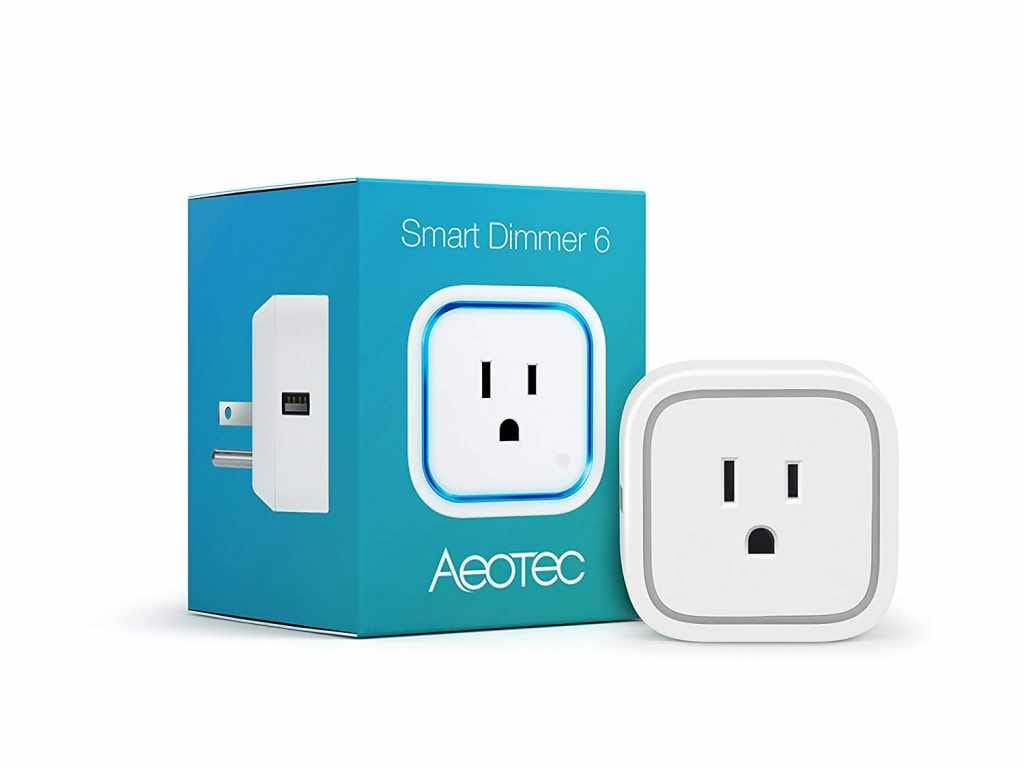
The basic operation is to toggle power on and off using the SmartThings mobile app, but you can also dim the brightness of the plugged-in device using a fully customizable sliding scale. This feature enables homeowners to achieve the perfect dimmer level for table and floor lamps, and other lighting applications.
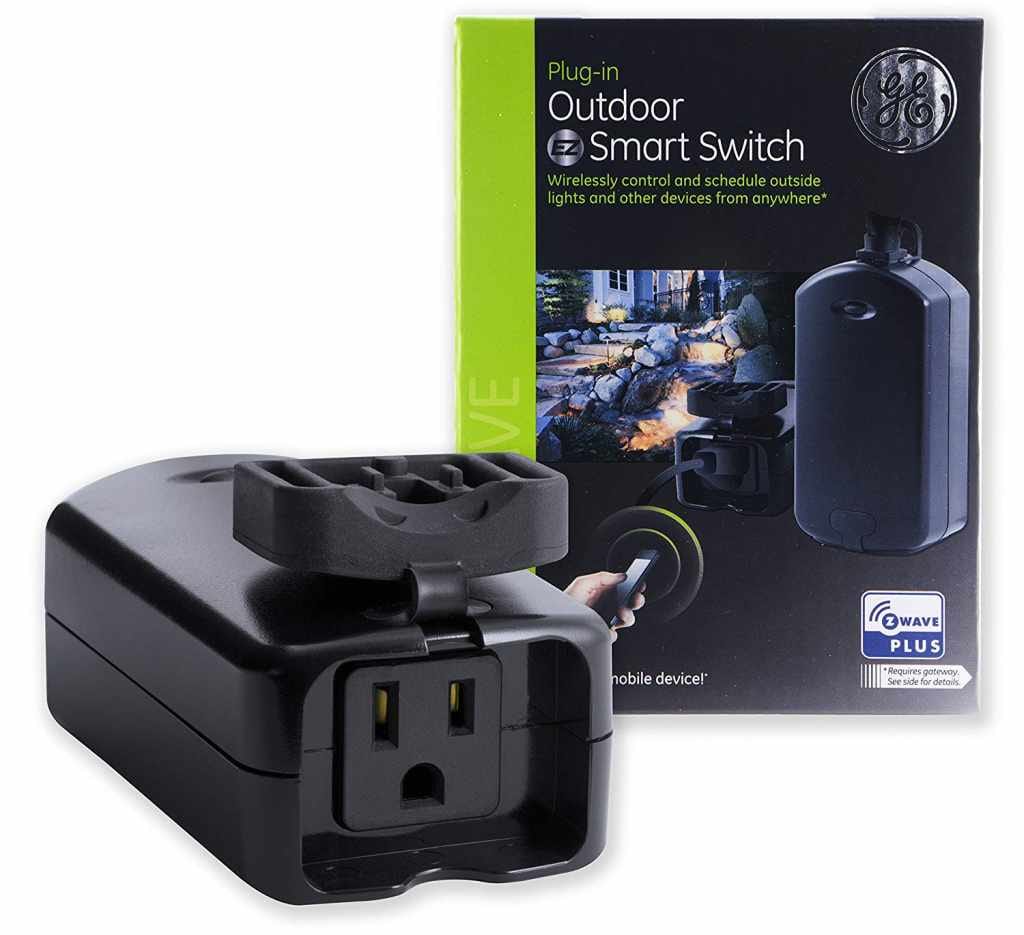
The Z-Wave Plus outdoor smart switch from GE is a reliable, heavy duty controller for lighting and appliances exposed to weather and the elements. Natively compatible with SmartThings, its compact, all-black enclosure and short 7.5-inch power cord can easily be concealed behind foliage and rocks, or mounted to an exterior surface.
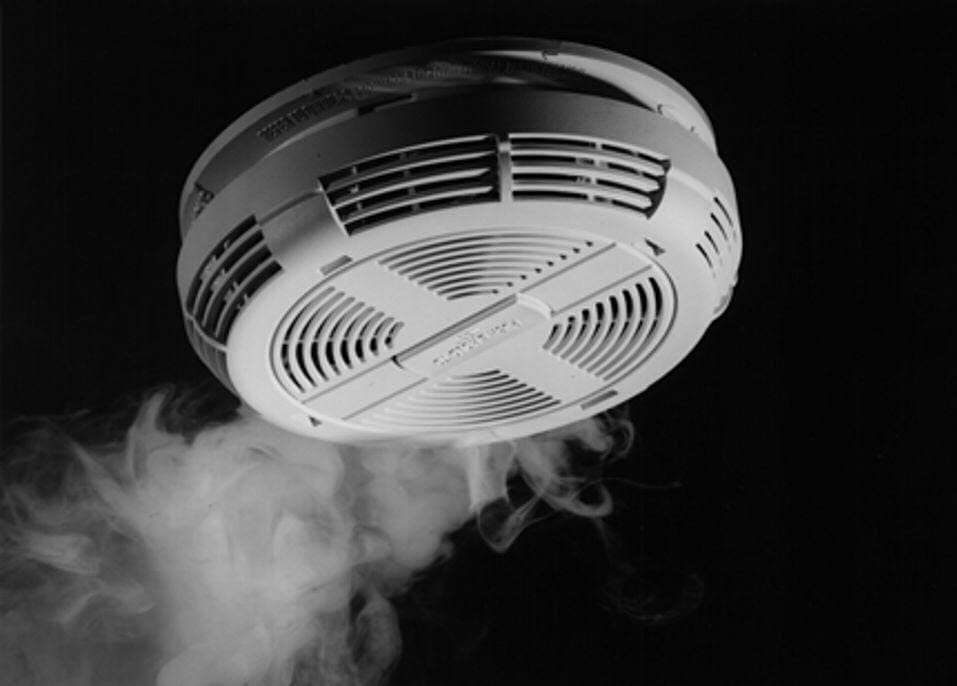
Fire safety is, arguably, one of the most important aspects to home ownership. Not only are you responsible for yourself, but also everyone else living in the home. If your home is not already equipped with hardwired smoke detectors, it's simple to add wireless smoke detectors to SmartThings (or any Z-Wave home automation system) for less than $50.
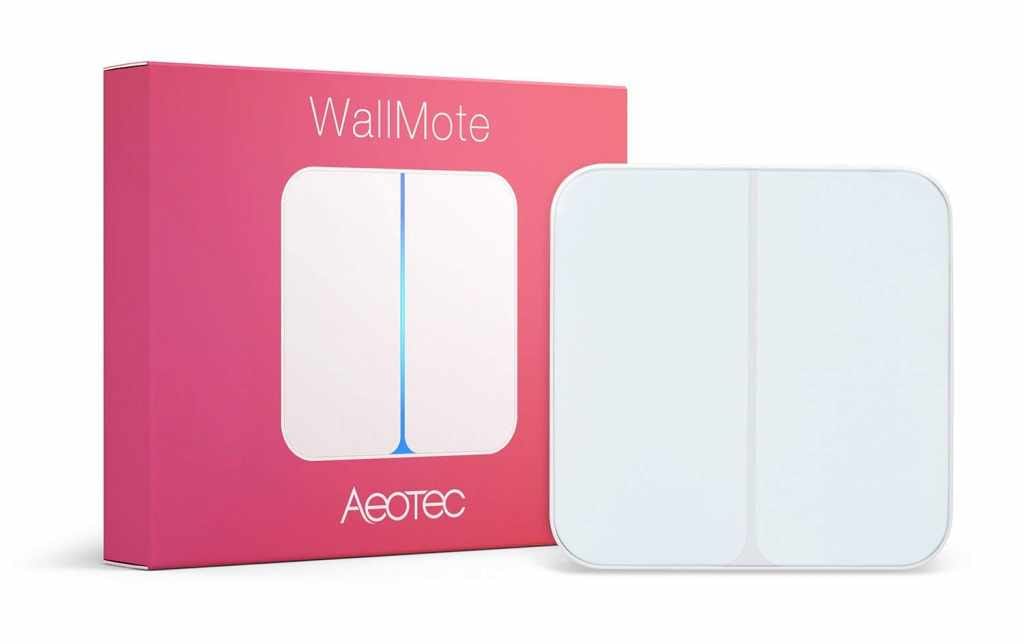
The WallMote from Aeotec is a sleek and simple dual-button remote control with Z-Wave Plus radio and native SmartThings compatibility. Available on Amazon, the Aeotec WallMote is an essential smart device for high-end smart homes.
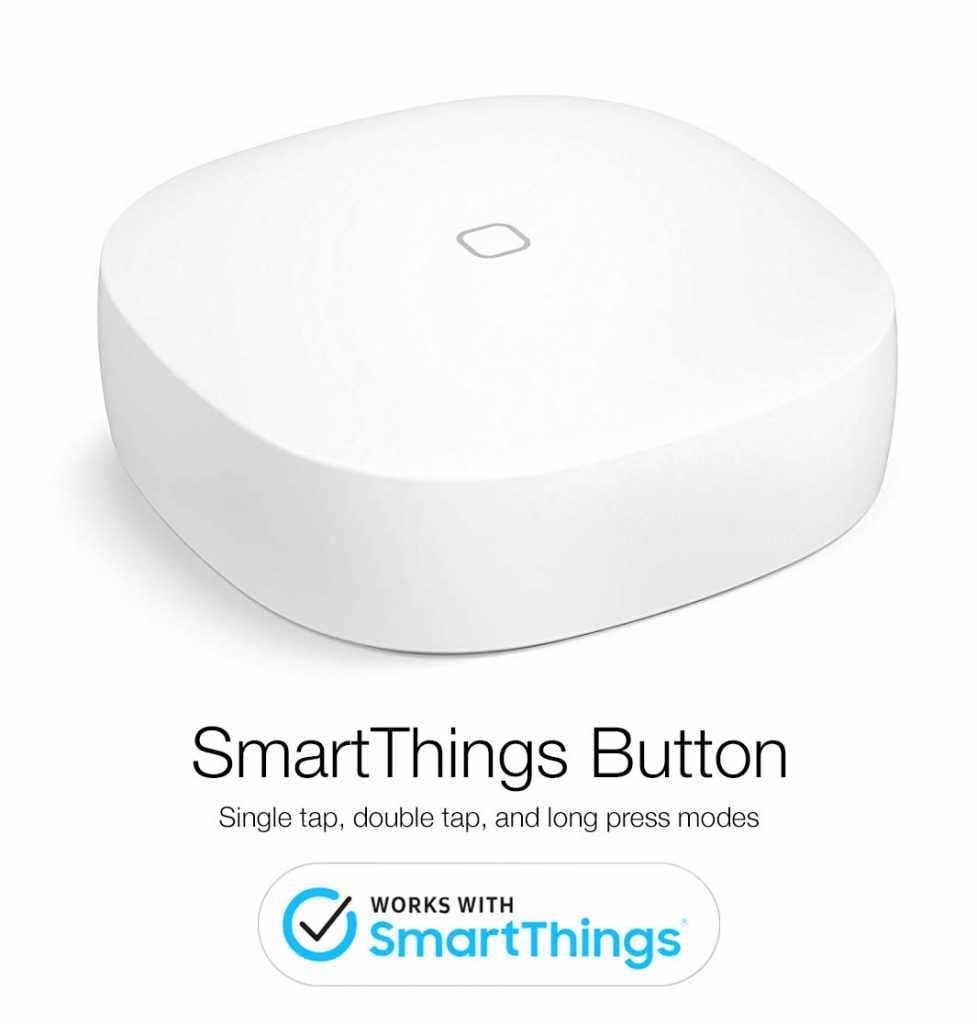
Manufactured directly from the makers of the Samsung SmartThings Hub, this simple, elegant, and affordable push button enables unlimited possibilities for smart home automation. With native device compatibility, this button takes about 30 seconds to pair to your hub. Simply open the app, tap "+Add Device" and select "Samsung SmartThings Button".
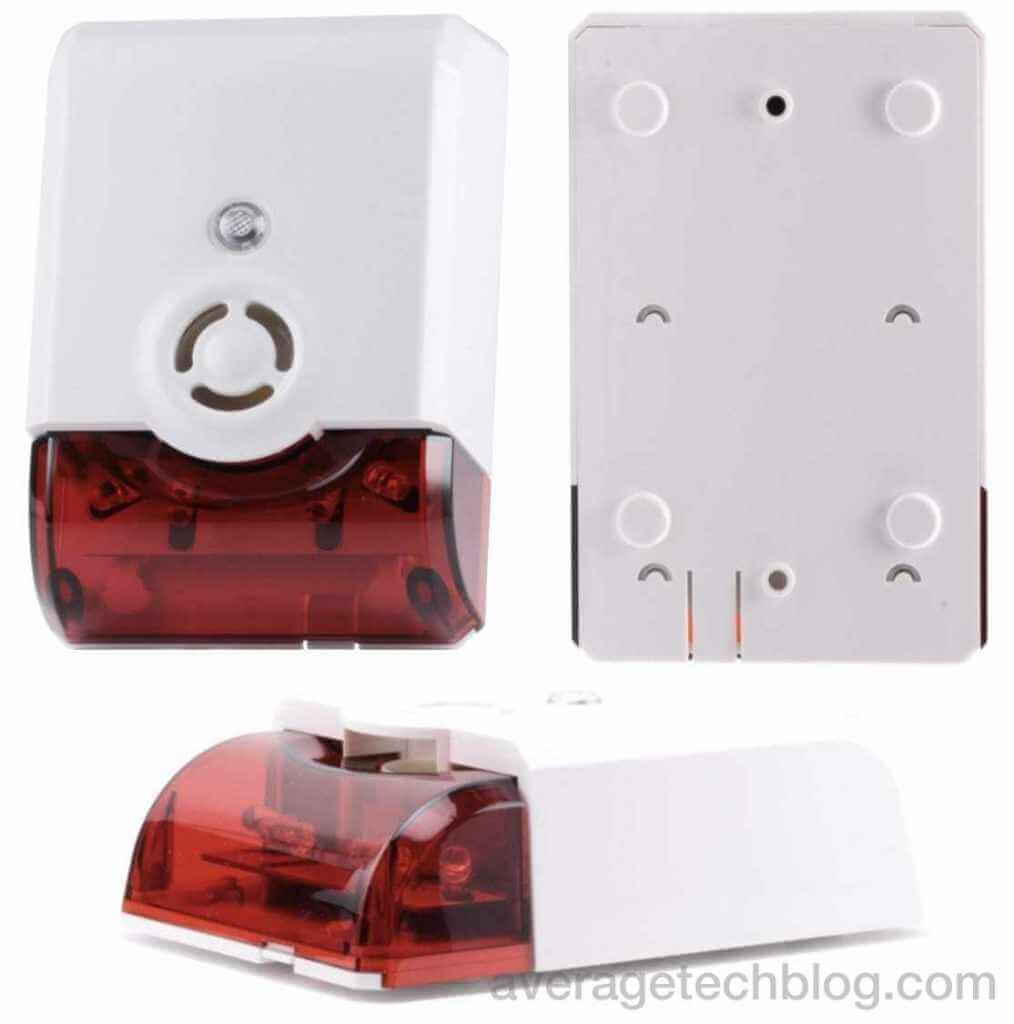
This compact siren and strobe plugs directly into the wall outlet. It extends up about 3 inches, but, the device can be plugged-in upside down if necessary. It boasts a 105dB audio siren, with 5 different alert tones available to choose from. The bright LED strobe is a white light that can flash when triggered. No other customization can be done to the strobe light functionality.
WebCoRE is capable of executing automation flows using inputs from any Z-Wave or Zigbee device connected to your SmartThings hub. Explore pistons...
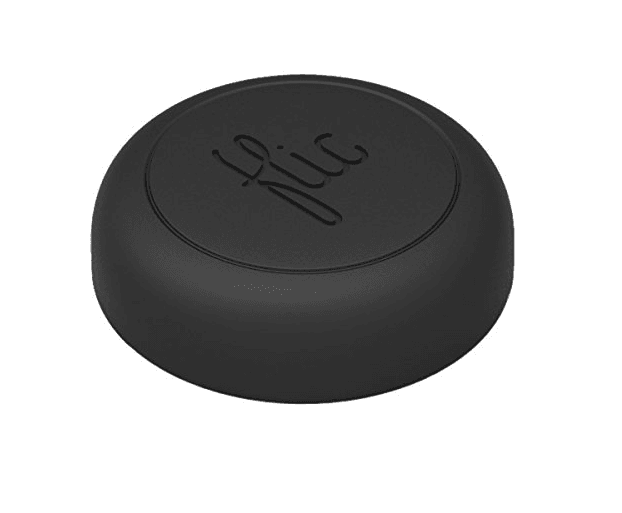
The Logi Pop smart button is, by far, the most aesthetically pleasing IoT push button. However, this beautifully designed smart button requires an additional hub for basic remote operation. To achieve an experience comparable to a native SmartThings device, you'll need to use a custom device handler & smart app, on top of IFTTT web hooks.
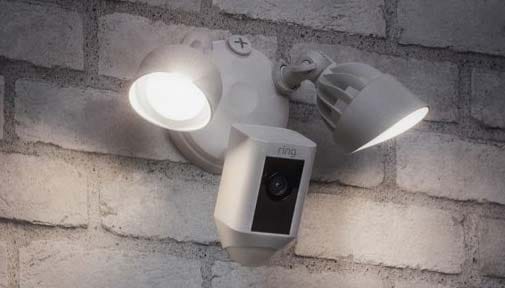
The Ring Spotlight cam combines motion-activated security lighting with Wifi security camera. The perfect addition to any smart home with...
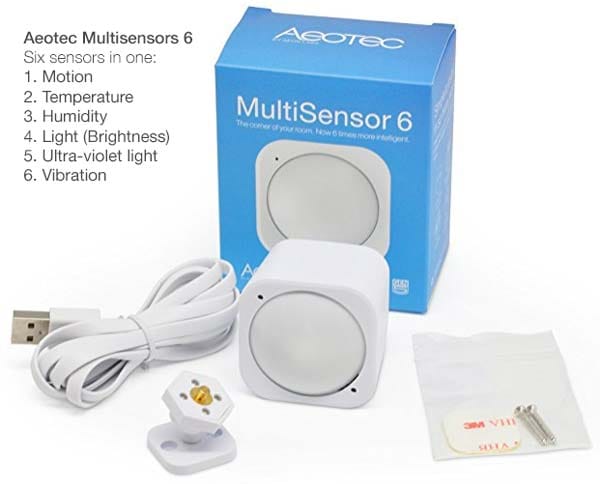
The Aeotec Multisensor (Available on Amazon) has six sensors combined into 1 small, 1.8″ square plastic housing. When the Aeotech Multisensor is placed in a hallway or room, you can use the SmartThings app to monitor motion, humidity, temperature, light lux (brightness), UV, and vibration. On top of all those features, the Aeotec Multisensor 6 is natively compatible with SmartThings, so no custom device handlers or coding is necessary out-of-the-box.
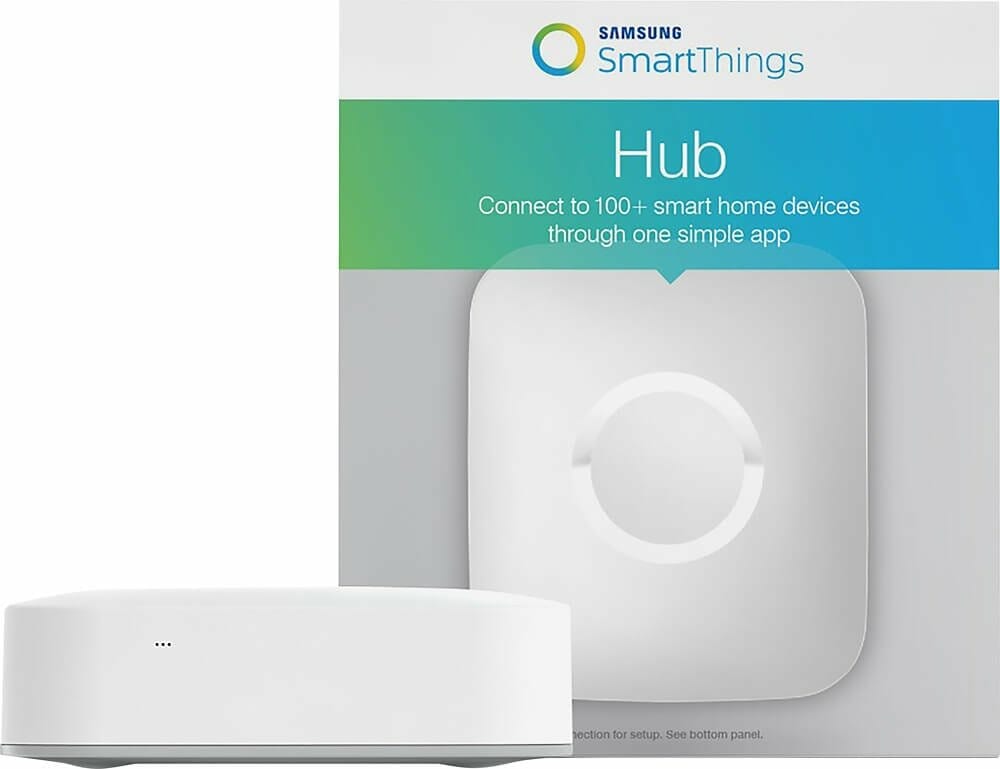
New to SmartThings? Looking for the best Z-wave devices for your smart home? Read reviews of popular devices, how-to guides for integrations, and more.
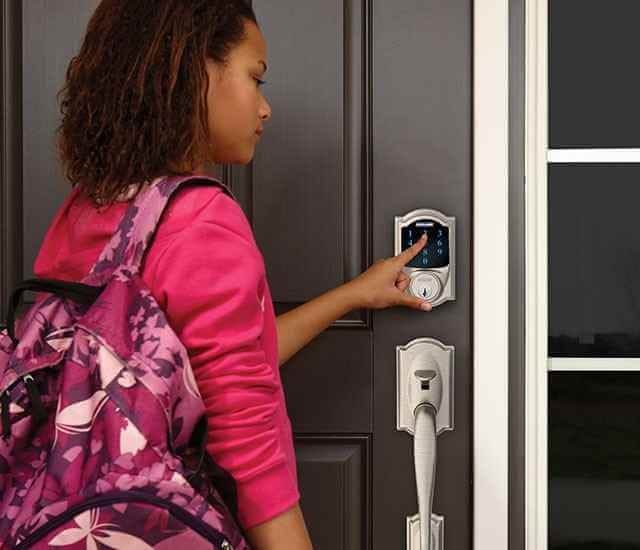
Understand the various Schlage door locks for IoT: Schlage Connect, Sense, and Touch. SmartThings compatibility and guides for smart locks.
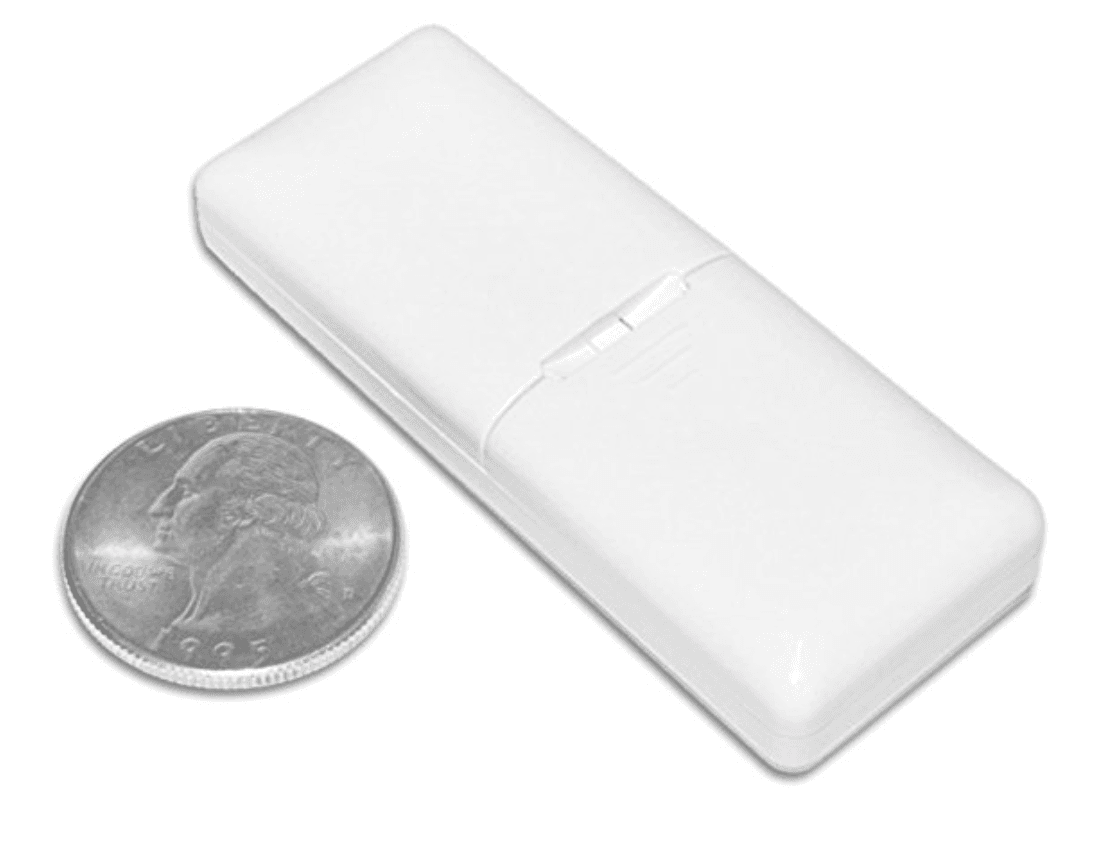
Visonic MCT-340 E Wireless Door Window Temperature Sensor is perfect for homes powered by SmartThings. At less than $20 on Amazon, this is...
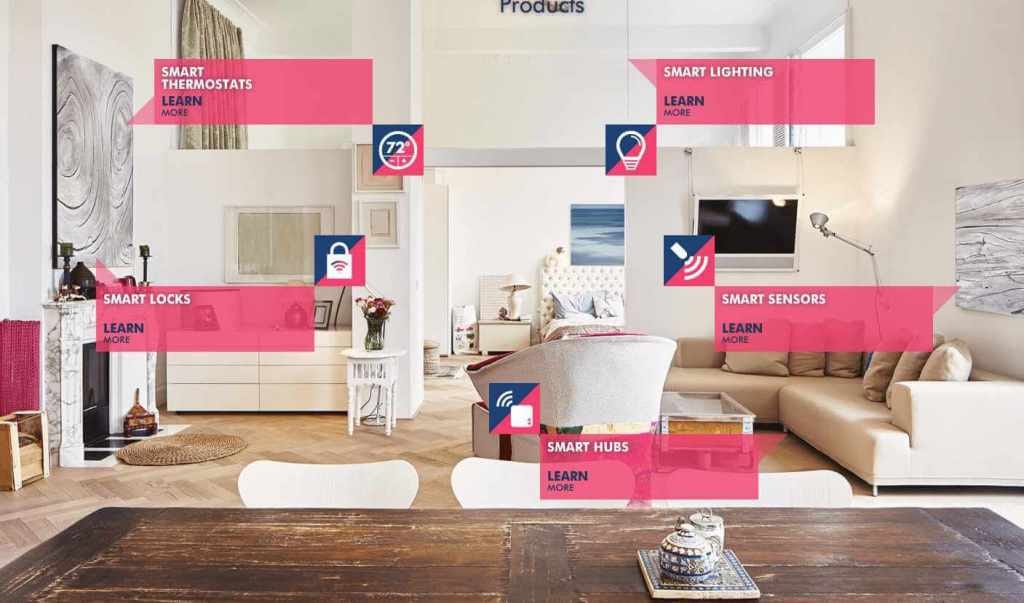
Learn about the underlying network that powers most modern smart homes, including those with Samsung SmartThings hubs running online.
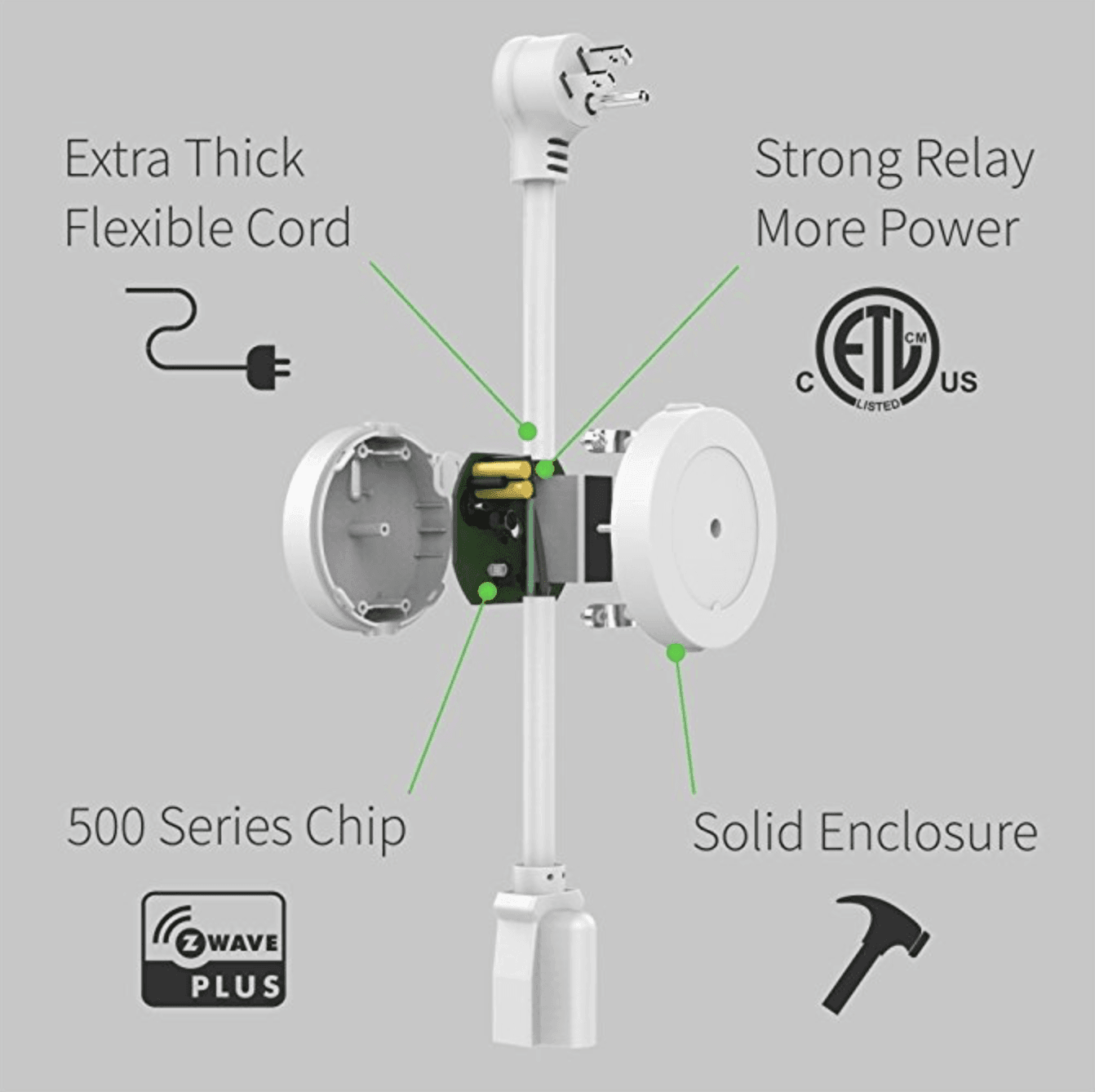
This outlet controller from Zooz is natively compatible with SmartThings, which means no custom device handlers or coding is needed to get setup. Be sure to stand near your hub when pairing, otherwise installation is a breeze and takes less than 60 seconds!
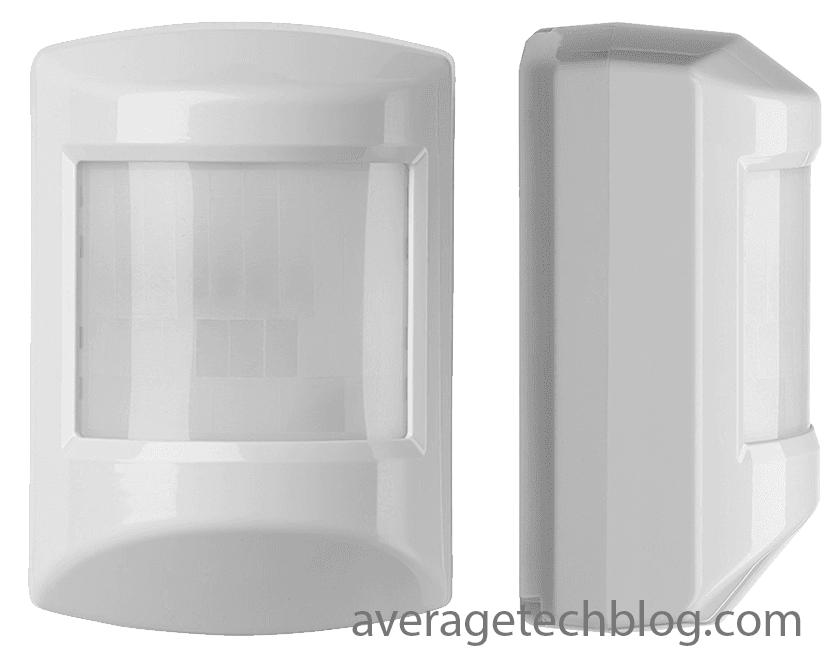
Reliable, affordable, and functional motion detector: the Ecolink Z-wave Plus Pet Immune. Use to trigger lights, scenes & more w/ SmartThings
Read about how to turn party mode ON with your Phillips Hue lights. All you need is an iOS device with a microphone! Step by step guide...