I'm not the kind of person who gets excited about smoke detectors. They're supposed to be invisible—hard-mounted to the ceiling, doing their job silently for years. Until one day you need them and you're very grateful they exist.
That's where smart smoke detectors come in. You still get the basic protection. You also get phone alerts when something's wrong, even when you're not home. And you can check their status from your app instead of standing on a ladder squinting at the lights.
I've tested three models that actually work with your smart home setup, and each one occupies a different price-and-feature tier. Here's what matters.
Why Smart Smoke Detectors Matter
A traditional hardwired smoke detector works fine. If there's smoke in your kitchen, the alarm goes off and you wake up. But if you're away from home—traveling, at work, at a concert—you have no idea there's a problem until you smell smoke or see damage.
Smart smoke detectors send you a notification to your phone the moment they detect smoke or carbon monoxide. The alert tells you which room it is. Some models also include voice alerts, letting you know what's happening before the siren starts blaring.
The CO detection is especially valuable. Carbon monoxide is invisible and kills people in their sleep. A smart detector that notifies you gives you time to get out and call for help, even if you're home. Especially if you're home.
1. Google Nest Protect — The Gold Standard
Price: ~$120
Nest Protect is the most sophisticated smoke and CO detector you can buy. The hardware has a split-spectrum sensor that distinguishes between real fires and kitchen steam. The Pathlight—a gentle glow that activates when you move past it at night—is unexpectedly useful if you have kids or if you just want to avoid stubbing your toe.
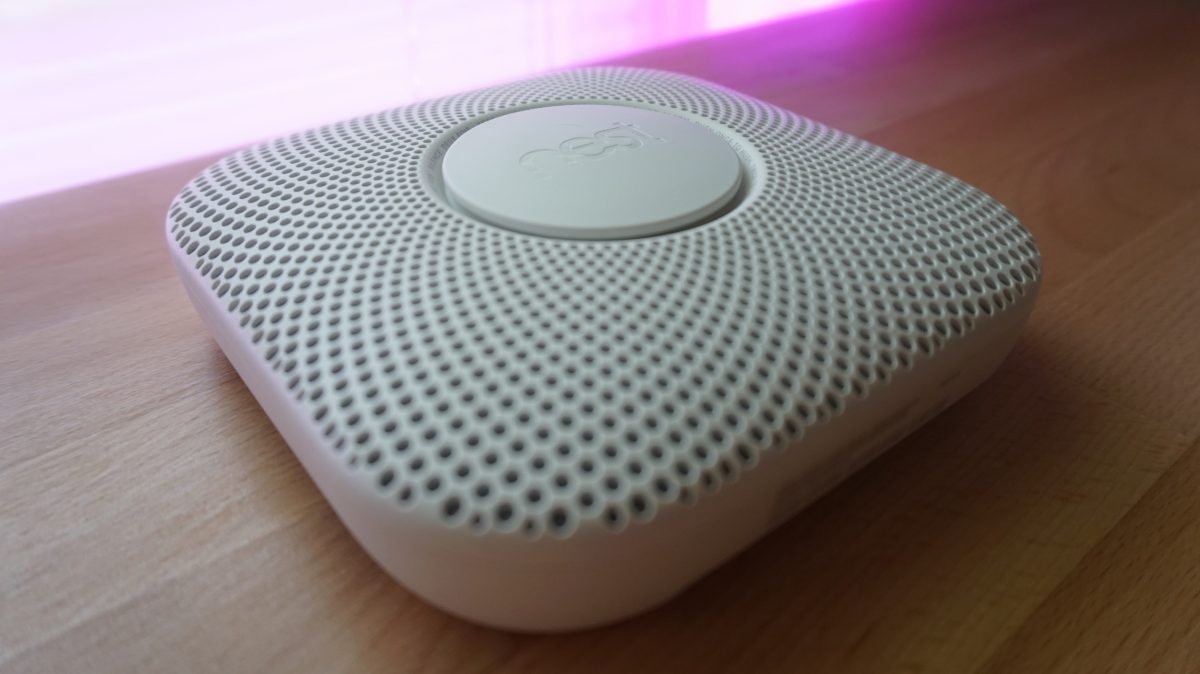
The app experience is excellent. You get notifications immediately when there's smoke or CO. You can silence false alarms from your phone, which is fantastic when you're cooking and setting off sensors.
Nest Protect has a self-testing feature that runs once a month to verify the sensors are working. You get a notification when the test completes. That sounds boring until you realize how much better it is than manually checking a detector yourself.
The other big feature is wireless interconnect. If one Nest Protect detects smoke, all the others in your home alarm simultaneously. That's a hard-wired feature in traditional detectors, but doing it wirelessly is elegant.
The catch? Nest Protect only works with Google Home. If you're using Apple Home, Alexa, or Home Assistant, this isn't an option. It's locked into Google's ecosystem.
Also, you can silence false alarms from the app, which is great for preventing panic over burnt toast. But it also means you have to actively dismiss notifications instead of the alarm stopping on its own after a certain time. Some people find that slightly annoying.
2. First Alert Onelink — Best for Apple Households
Price: ~$100
First Alert Onelink is designed for people who live in Apple's world. It has HomeKit support, which is rare for smoke detectors.
The hardware includes a 10-year sealed battery, so you never have to replace batteries on this unit. Once it expires, you buy a new detector. That's actually cleaner than replacing batteries every year. The design is clean and minimal.
Onelink includes an Alexa speaker, which is a nice bonus. You get voice alerts from the detector itself, and it can also function as a regular smart speaker for your kitchen or bedroom.
The HomeKit integration is solid. You see the status in the Home app, get notifications when there's an alert, and can check battery and sensor health from your iPhone.
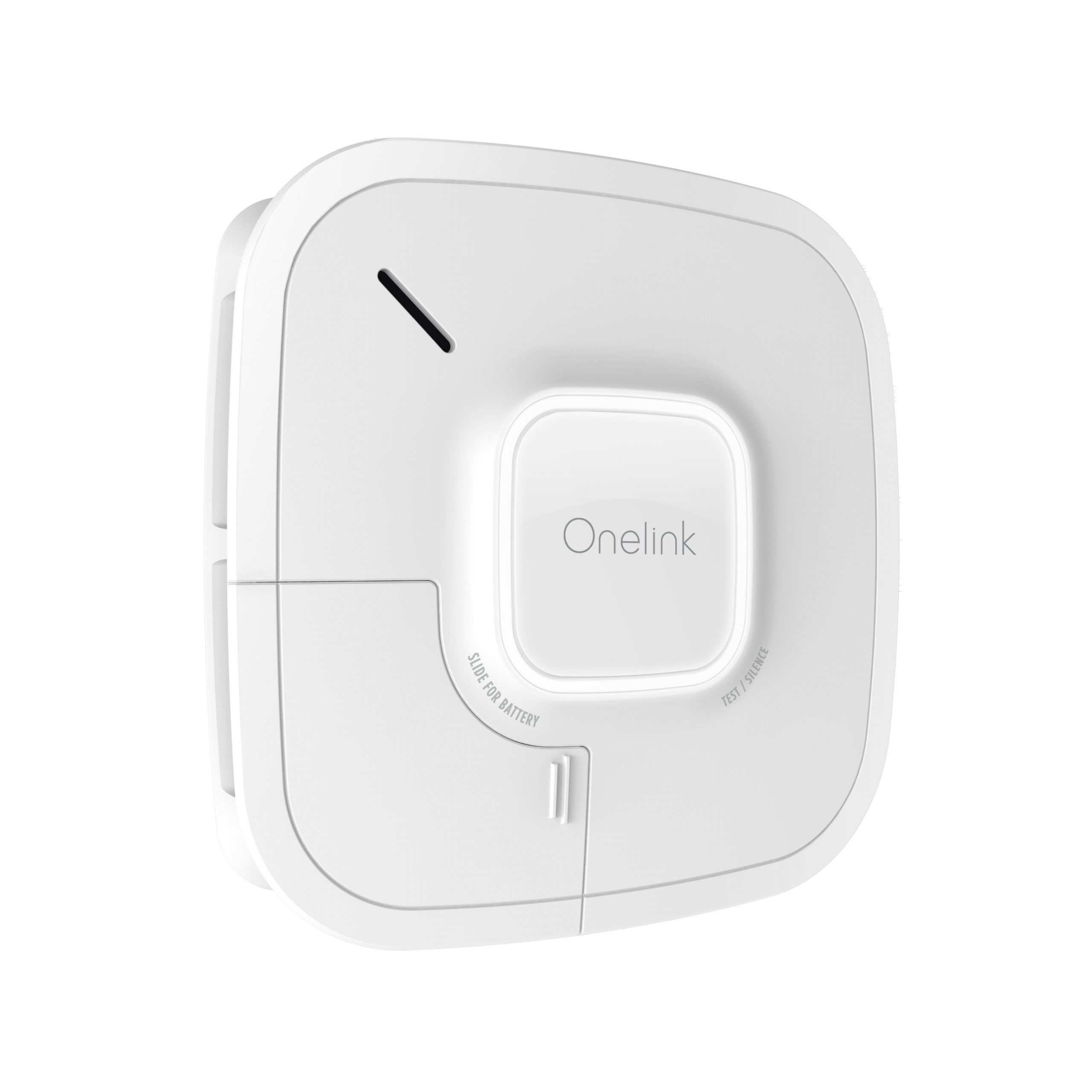
The motion-activated nightlight is less sophisticated than Nest Protect's Pathlight, but it's there and it works.
One thing to know: Onelink doesn't have wireless interconnect the way Nest does. If you have multiple detectors, they don't alarm together automatically. You can set up HomeKit automations to alert you about multiple detectors, but it's not the same as synchronized hardware alarms.
For Apple households that want HomeKit compatibility, Onelink is the best choice. For everyone else, the ecosystem limitations matter more.
3. Kidde Smart Detect — Best Budget Option
Price: ~$35
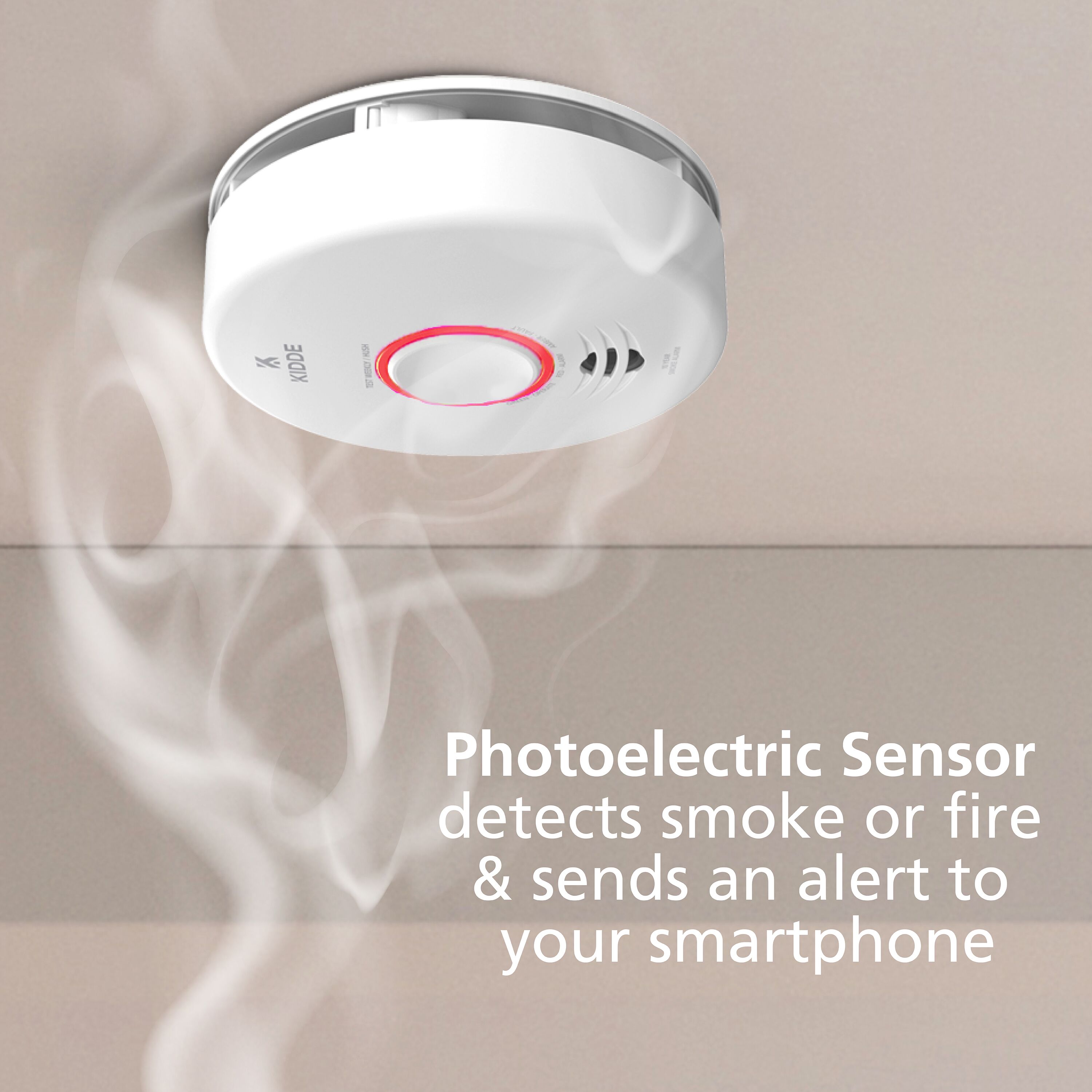
Kidde Smart Detect is the budget pick. It's Wi-Fi connected, sends phone alerts, and costs a third of the other options.
The design is basic. The features are basic. But it does the core job: detects smoke and CO, connects to Wi-Fi, sends you a notification. There's no fancy sensor technology, no Pathlight, no built-in speaker.
The battery is AA, replaceable, which is nice if you want to swap fresh ones in periodically. Kidde estimates battery life at a few years depending on usage.
The app works fine. You get alerts. You can silence them from your phone. There's a battery status indicator.
The trade-off is that Kidde doesn't work with Z-Wave or Zigbee, so your smart home hub (if you have one) won't see it. It's Wi-Fi only, which is fine, but it means one more device on your network.
For someone who just wants smart notifications without paying premium prices, Kidde is the answer. It's not fancy. It works.
Quick Comparison
| Feature | Nest Protect | First Alert Onelink | Kidde Smart Detect |
|---|---|---|---|
| Smoke Detection | Yes | Yes | Yes |
| CO Detection | Yes | Yes | Yes |
| Phone Alerts | Yes | Yes | Yes |
| Wireless Interconnect | Yes | No | No |
| Pathlight/Nightlight | Yes (Pathlight) | Yes (basic) | No |
| Built-in Speaker | Yes | Yes (Alexa) | No |
| HomeKit Support | No | Yes | No |
| Google Home | Yes | No | No |
| Battery Replaceable | No (10-year) | No (10-year) | Yes (AA) |
| Price | ~$120 | ~$100 | ~$35 |
The Interconnect Question
One feature that matters is wireless interconnect. If you've got detectors in multiple rooms and one detects smoke, they should all alarm at once. This is standard on hardwired systems.
Nest Protect does this wirelessly, which is excellent. First Alert Onelink and Kidde don't have native interconnect, though you could theoretically set up automations through HomeKit or other systems to alert you about multiple detectors triggering at once.
If you're buying multiple units, interconnect is a good reason to go with Nest Protect.
Installation
All three of these install like normal smoke detectors. You mount them to the ceiling or high on a wall using the included bracket. You follow the app's instructions to connect to Wi-Fi and test the alerts. Total setup time is maybe five minutes.
None of these work with Z-Wave or Zigbee hubs. They're all Wi-Fi based. That means they bypass your home automation hub and talk directly to their manufacturer's cloud.
Final Thoughts
Smoke detectors are one of those things where you shouldn't cheap out on the core technology. Nest Protect, First Alert Onelink, and Kidde Smart Detect all have reliable sensors. The differences are in the smart home integration and extra features.
If you're a Google Home person with multiple rooms to cover, Nest Protect. If you're all-in on HomeKit, Onelink. If you just want alerts and don't care about ecosystem integration, Kidde gets the job done for a third of the price.
Whatever you choose, get something smart. The cost difference is small, and the peace of mind of getting alerted even when you're away is worth every penny. Check current prices on Amazon and get detectors in every room where sleeping happens. That's the real protection.