I got sick of subscription fees. Every time I looked at my Ring cameras, I was paying $100 a year just to see motion alerts on my phone. And all my footage was sitting on Amazon's servers somewhere, processed by who-knows-what algorithms. That's when I switched to UniFi Protect, and honestly? It's changed how I think about home security.
If you want cameras that don't phone home, work reliably, and integrate beautifully with Home Assistant, UniFi Protect is the answer. No subscriptions. No cloud fees. One hardware purchase—around $200 for the Console—and you're done paying forever.
What You're Actually Getting
The UniFi Protect ecosystem consists of three main pieces:
A Console: The NVR (network video recorder) that does all the heavy lifting. Options include the Cloud Key Gen2+ (~$200), Dream Machine (~$500), or Dream Router (~$300). This is where your footage lives, where AI processing happens, and where you configure everything.
Cameras: You pick which models fit your needs.
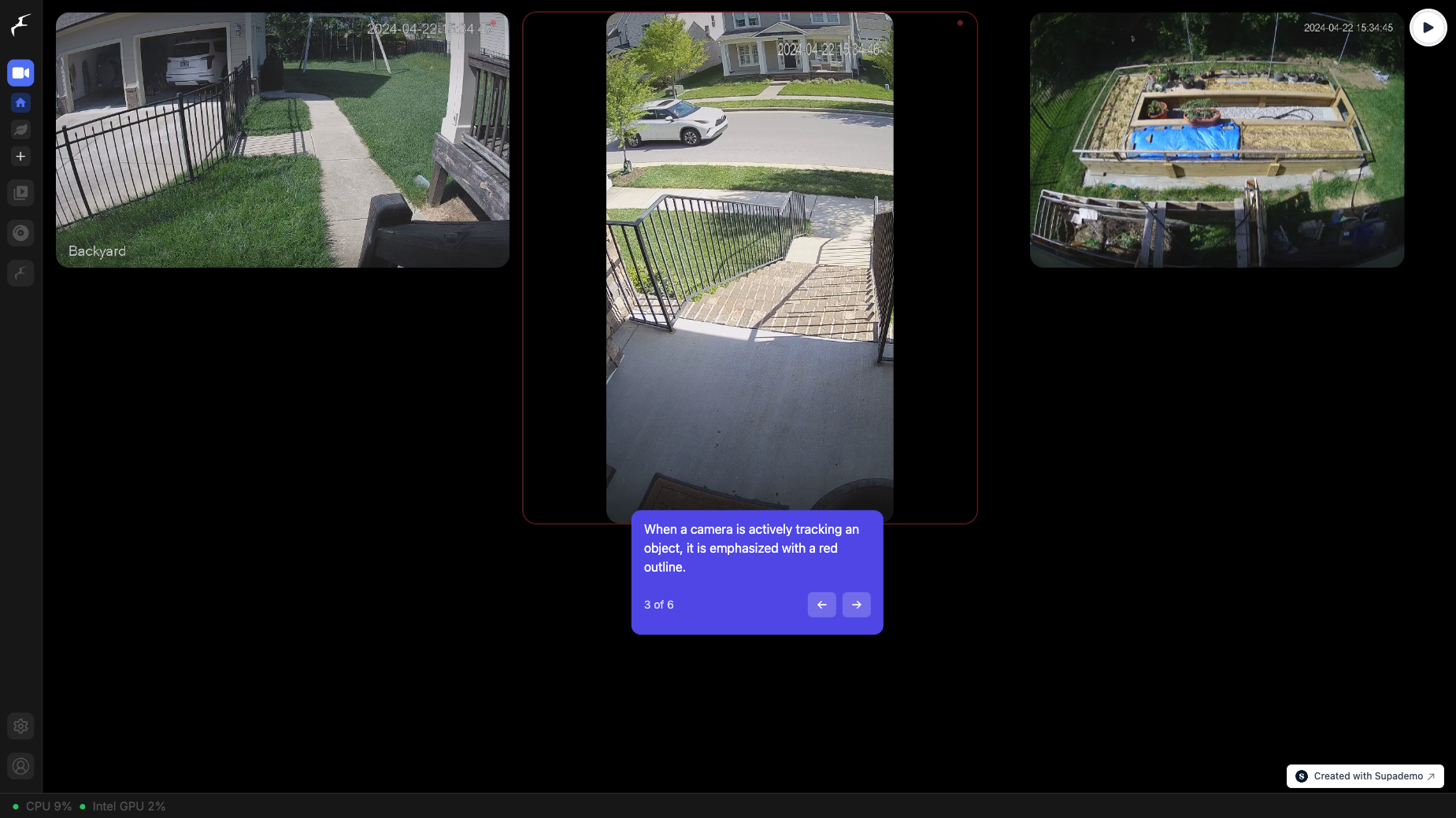
The App: A mobile and desktop experience that's snappy and actually works.
The beauty is that everything runs locally. Your cameras never need internet access. Footage never leaves your network. Even your phone uses LAN access when you're home.
The Camera Lineup
I've tested three models extensively, and they all deserve a spot in the rotation.
G5 Bullet (~$100)
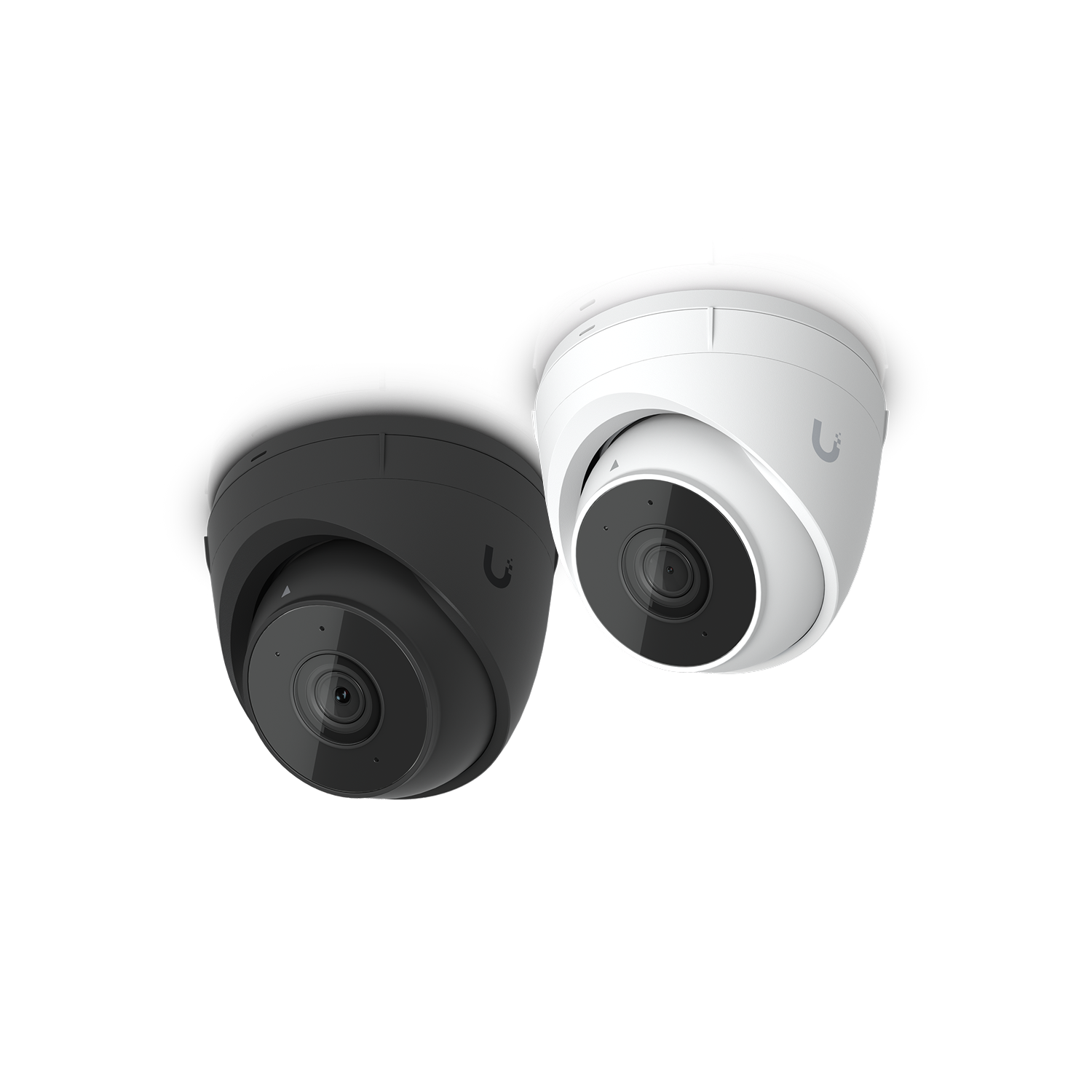
The outdoor workhorse. 5MP resolution (essentially 2K), PoE powered, infrared night vision, 110-degree field of view. You mount it to a soffit or eave, and it doesn't ask for anything more. I've got three of these covering my driveway and backyard. They're weather-sealed, the image is crisp, and the IR night vision actually illuminates things instead of turning everything into a green blob.
In Home Assistant, the Bullet feeds video and triggers motion/person/vehicle detection events. At night, when someone walks past, my porch lights flash automatically. It's not just notification spam—it's actual automation that makes my home more responsive.
G5 Turret Ultra (~$30)
This is the budget king, and I mean that in the best way possible. 4MP, smallest form factor, also PoE powered. It's basically a dome camera the size of your fist. I mounted one in my garage pointing at the door—perfect angle, no fancy gimbal needed, and it disappears into the ceiling.
Sure, it's lower resolution than the Bullet, but you're saving $70. For an indoor corner coverage camera where you're just checking if someone came through the door, it's perfect.
G5 Flex (~$30)
The Swiss Army knife. 5MP, works indoors or outdoors, and here's the trick—it powers over USB-C. You can plug it into a regular USB outlet, or use PoE if you want flexibility. It's slightly bulkier than the Turret, but way more versatile. I have one in my office window.
The USB-C power means you don't need a PoE switch in every location. That matters if you're retrofitting an older house.
Why UniFi Protect Beats the Alternatives
Let me be direct about the competition.
Ring/Amazon: You're paying $120/year for cloud storage and AI features. Your data is in Amazon's ecosystem. The subscription is the business model.
Arlo: Same deal. Subscription required for anything useful. And their local recording has a 24-hour rolling buffer only.
Frigate: Amazing DIY option if you're technical. But it requires a dedicated machine running 24/7, pulling video streams yourself, and troubleshooting issues. It's powerful but high-maintenance.
UniFi Protect sits in the middle. It's easy—not as simple as Ring, but nowhere near as fiddly as Frigate. And there's zero recurring cost. You buy hardware once.
Home Assistant Integration
Here's where it gets fun. The UniFi Protect integration exposes:
- Live camera feeds (viewable in dashboard)
- Motion detection events
- Person/vehicle/animal detection (if your Console supports it)
- Doorbell event triggers
- Smart detection on/off controls
In Home Assistant, I've built automations that:
- Flash my Philips Hue lights when a person is detected at night
- Send a snapshot to my phone if a vehicle is detected in the driveway after 10pm
- Turn on specific cameras to record high-bitrate footage during motion events
- Trigger an Ifttt applet to log detections to a Google Sheet for later review
The detection is fast and accurate. It's not perfect—the occasional false positive on trees blowing—but it's genuinely useful for automating my home.

The Catch: You're Locked Into Ubiquiti
This is important. UniFi doesn't support ONVIF, which is the open standard that lets you mix cameras from different brands. Your entire ecosystem needs to be Ubiquiti. You can't add a cheap Hikvision camera to fill a gap or replace one model with another vendor's camera later.
For most people, this is fine. The Ubiquiti camera lineup is solid, prices are reasonable, and they all work together seamlessly. But if you're the type to cherry-pick components from different manufacturers, you'll need Frigate or a different approach.
Setup and Performance
Installation is straightforward. Cameras need PoE power (which means either a PoE switch or PoE injectors), but setup in the UniFi app is intuitive. The Console runs quietly and doesn't require much compute—a Cloud Key Gen2+ is passive cooling and draws minimal power.
I've had zero downtime with my system. Cameras reconnect smoothly after network hiccups. The database is stable. And the app loads faster than Ring ever did.
The Real Value Prop
Here's what actually matters: In three years of running UniFi Protect, I'll have spent $200 on the Console and roughly $200 on cameras. Ring would've cost me $500 in subscriptions alone by then, not counting the hardware.
But beyond the math, there's the privacy angle. Your footage never touches a cloud. Your usage data isn't tracked. You're not training someone else's AI model with your home video.
If you want cameras that work reliably, integrate with Home Assistant, cost nothing to operate, and give you complete control—UniFi Protect G5 is your answer. Grab a Cloud Key Gen2+ Console, pick your cameras based on where you need coverage, and enjoy the peace of mind that comes with owning your data.
Buy UniFi Protect on Amazon | UniFi Community Forums
The G5 Bullet is the camera I recommend first. If you've got a tight budget and only need corner coverage, start with a Turret Ultra. And if you want maximum flexibility without a PoE infrastructure, the G5 Flex works in a pinch. All three play nicely with Home Assistant, and that's the real win here.