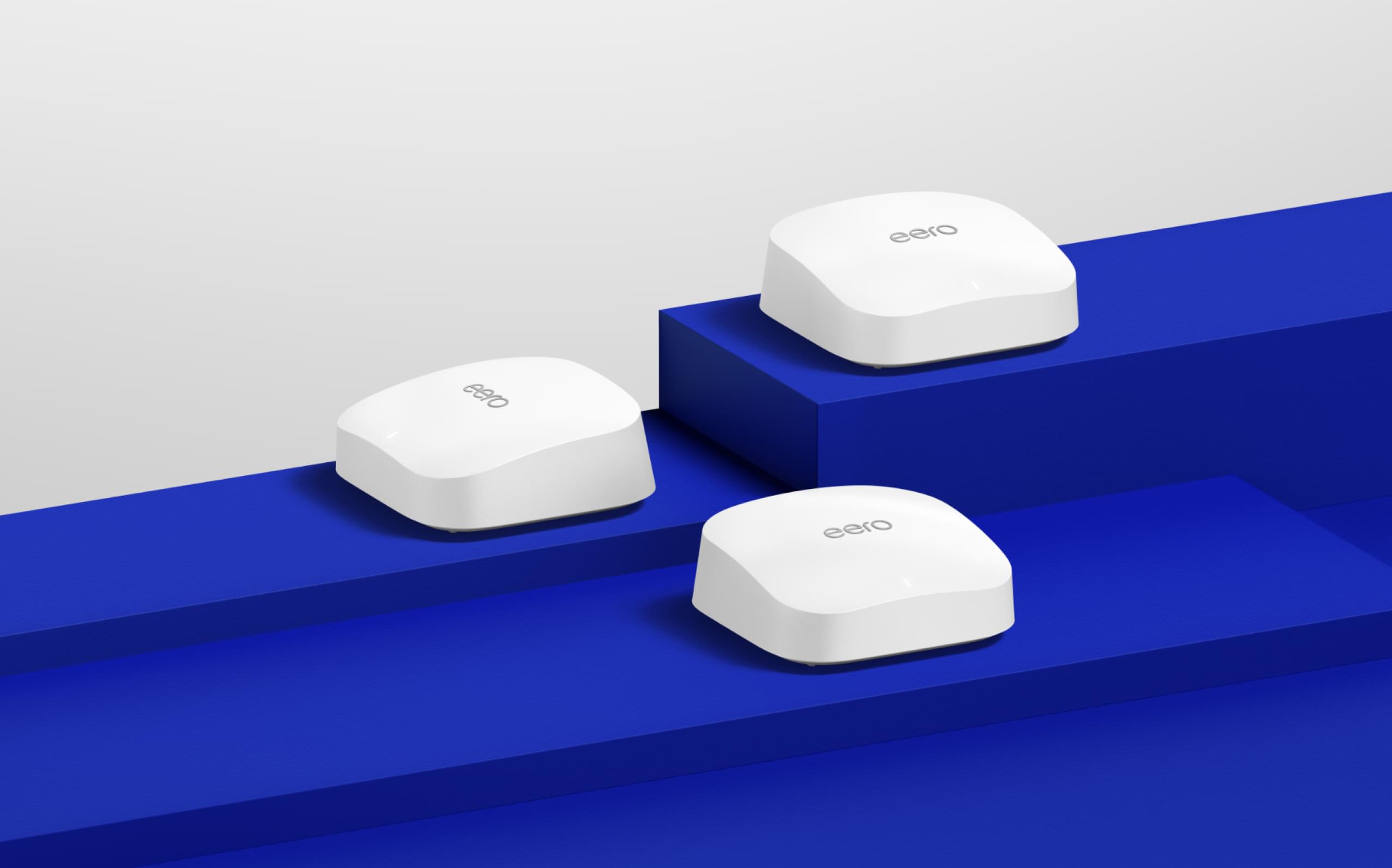
I replaced my aging Eero mesh system with Google Nest WiFi Pro, and I'm genuinely impressed. Not just as a router—as a complete smart home hub.
Most people buy a mesh router for WiFi. The Nest WiFi Pro gives you that, plus Thread, plus Matter, plus Google Assistant in every room. For a Google Home household, this is the obvious move. But I want to be clear about where it excels and where it falls short.
What You're Getting
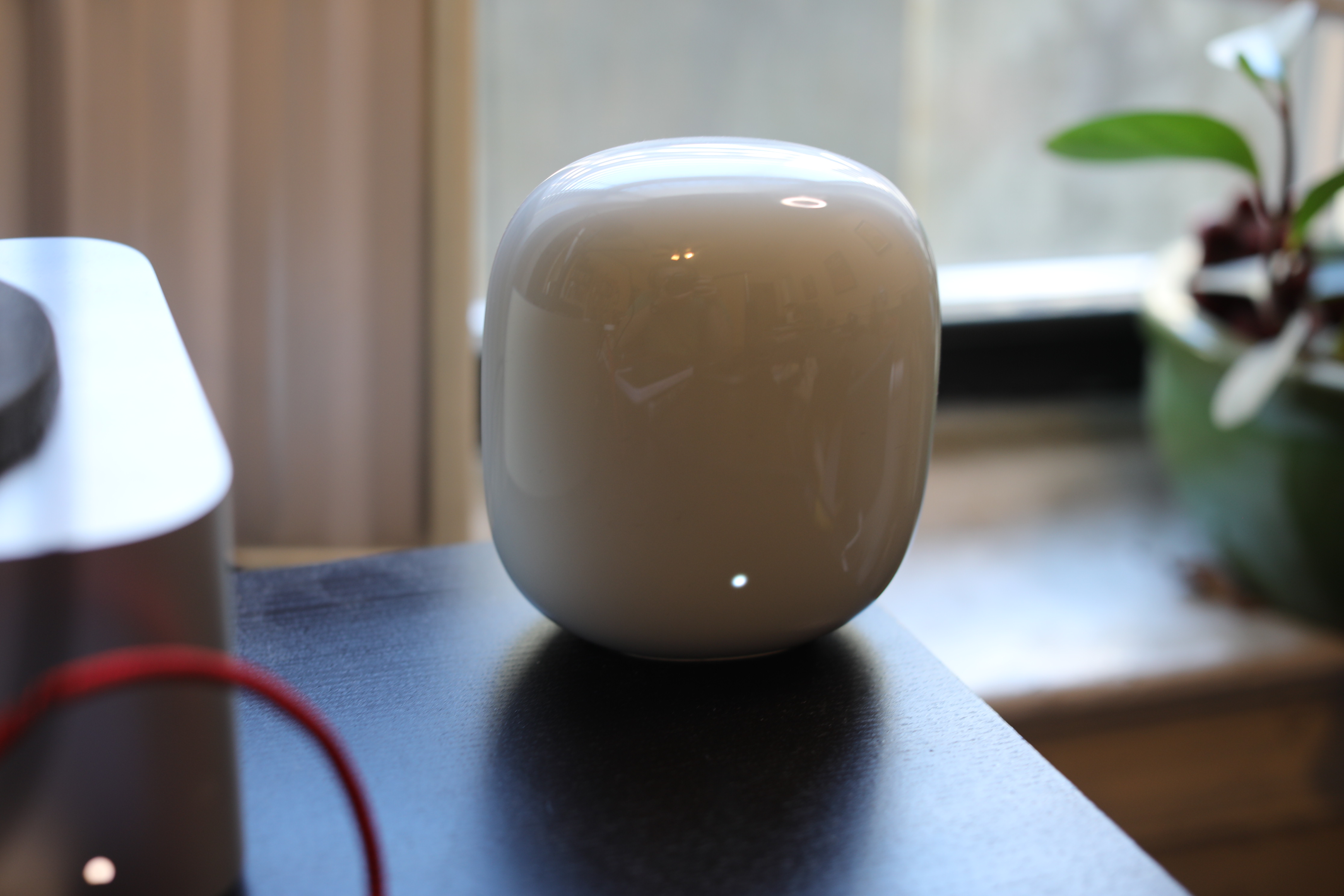
The Nest WiFi Pro comes in three configurations: single router, two-pack, or three-pack. I tested the three-pack (~$400), which covers up to 6,600 square feet. Each node is identical—they all have Wi-Fi 6E (tri-band), a Thread border router, and a built-in Google Assistant speaker.
The setup is painless. Download the app, turn on the router, and follow the prompts. I went from unboxing to full coverage in about 20 minutes. The app handles everything—placement suggestions, channel optimization, Priority Device feature for things like gaming or video calls.
Check Google Nest WiFi Pro on Amazon
The Smart Home Angle
Here's what makes the Nest WiFi Pro special: every node is a Thread border router and Matter controller. If you're buying a smart home hub anyway (for Thread devices and Matter support), the Nest WiFi Pro replaces it entirely. You're not adding a separate hub to a shelf. Your router is the hub.
In practice, this is elegant. All your Thread door sensors, motion detectors, and locks mesh through the Nest WiFi network. Thread coverage follows your WiFi coverage. A sensor in your garage gets the same reach as your guest bedroom.
Matter works too. I paired a non-Google Matter light and it showed up instantly in Google Home. It responded normally—no lag, no weirdness. The Nest WiFi Pro acts as a proper Matter controller, not a second-rate implementation.
How's the WiFi?
Honestly, it's solid but not class-leading. Wi-Fi 6E is present and accounted for. The tri-band backhaul (a dedicated band for the mesh network to communicate) helps a lot in a house like mine with lots of devices and interference.
Speed tests show you'll get 600–800 Mbps on the far end of the network, which is more than enough for streaming, gaming, and video calls. Not blazing, but consistent.
The Priority Device feature is genuinely useful. You can designate, say, your PlayStation or work laptop to get priority bandwidth. When the whole household is streaming video, your work calls stay stable.
I tested this by firing up four 4K YouTube streams while my wife was on a Zoom call. The Zoom call stayed at full quality while the streams adapted down. Without Priority Device, she'd have been pixelated.

The Smart Speaker Part
Every node has a speaker with Google Assistant. You get voice control in every room—perfect if you like asking about weather, controlling lights by voice, or playing music.
The speakers are decent but not premium. They'll fill a medium room but don't have the bass or quality of a standalone Google Home. For voice commands and background music, they're fine. If you're an audiophile, skip this feature and use dedicated speakers.
Where It Falls Short
Not everyone is a Google Home person. If you use Apple HomeKit exclusively, the Nest WiFi Pro's smart home integrations aren't that useful. Apple HomeKit devices work, but they connect directly to Apple's Thread network, not Google's. The integration isn't tight.
Also, there's no Zigbee. The Eero Pro 6E includes Zigbee, which lets you control non-Matter Zigbee devices. The Nest WiFi Pro only does Thread and Wi-Fi. If you've got a drawer full of old Zigbee devices or prefer certain Zigbee brands (like older Hue lights), you'll need a separate hub.
The admin interface is app-only. There's no web UI. For most people, that's fine. But if you like tweaking DNS settings, enabling bridge mode for a secondary router, or checking detailed logs, you're out of luck. Everything goes through the Google Home app.
Speaking of bridge mode—you can't use the Nest WiFi Pro with an existing router in bridge mode. It wants to be the primary router. If you've got cable internet with a gateway/modem combo, you're attaching the Nest WiFi Pro as a secondary mesh system, and you won't get the full benefit.
The Comparison
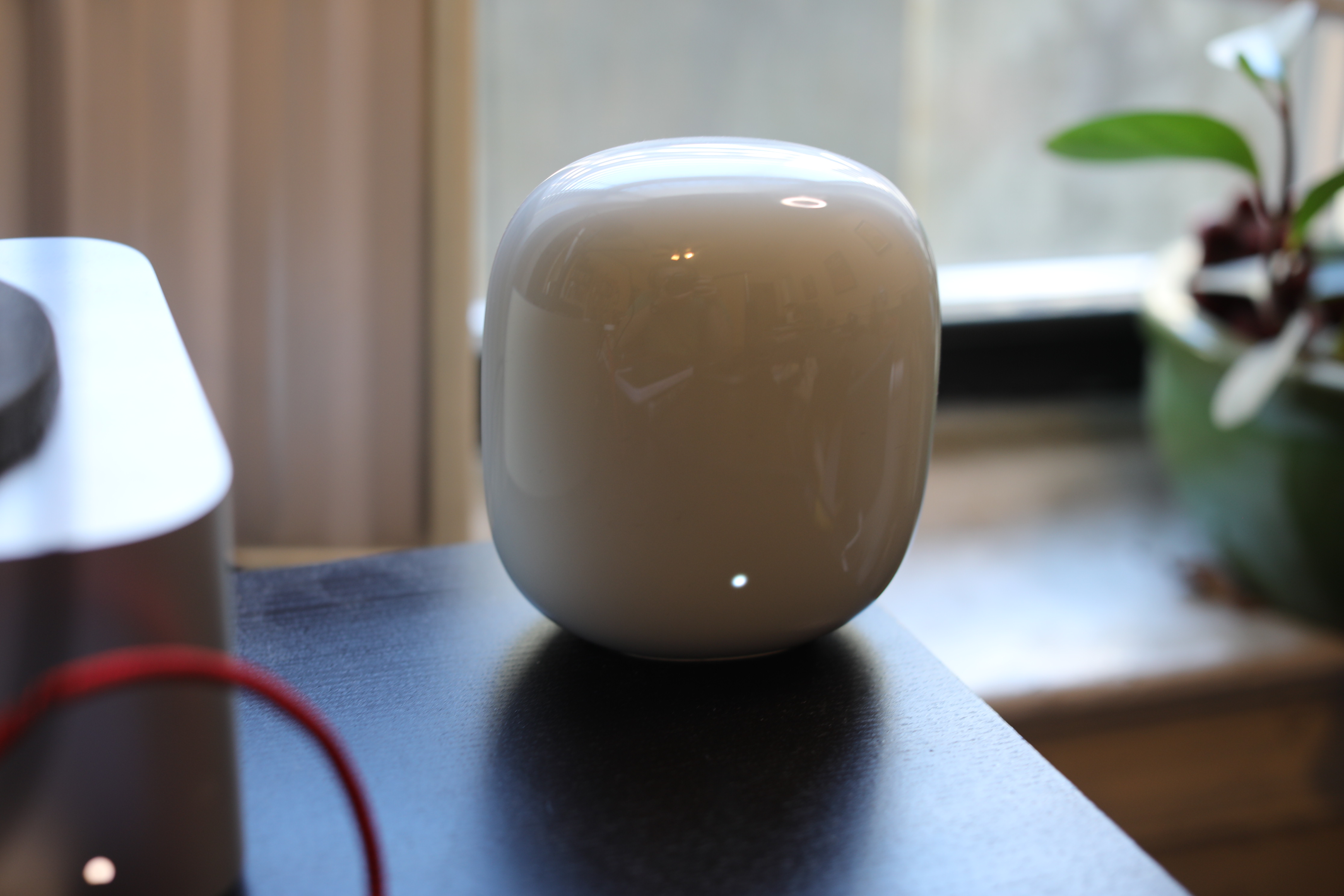
Google Nest WiFi Pro vs. Asus AiMesh Pro 6E – Asus is faster in speed tests but doesn't have Thread or Matter. You're paying for pure performance, not smart home integration.
Google Nest WiFi Pro vs. Eero Pro 6E – Eero has more protocol support (Zigbee included) and a better web interface. But Eero doesn't have Thread border router built in, so you'd need a separate HomePod mini or hub. Eero's cheaper, but the Nest WiFi Pro is more integrated.
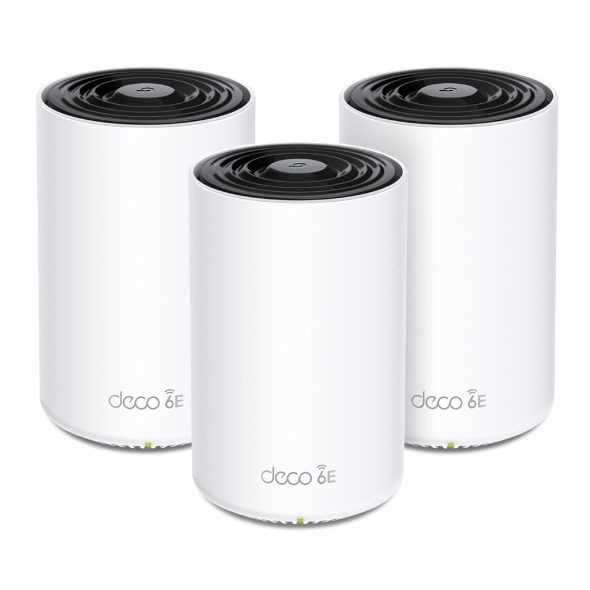
Google Nest WiFi Pro vs. TP-Link Deco XE75 – TP-Link is cheaper (~$200 for three-pack) and has decent WiFi 6E coverage. But no Thread, no Matter, no smart home integration at all. Pure networking hardware.
For a Google Home household, the Nest WiFi Pro is the obvious choice. For mixed ecosystems, Eero is more flexible. For pure WiFi performance, Asus wins. For budget, TP-Link is hard to beat.
Is It Worth It?
At $300–$400 for a three-pack, you're paying a premium over pure networking routers. But you're getting:
- Thread border router (otherwise $50–$100 separate device)
- Matter controller (otherwise another $50–$100)
- Wi-Fi 6E coverage (competitive pricing with other mesh systems)
- Google Assistant in every room (nice if you use it, irrelevant if you don't)
If you're already a Google Home person and want Thread + Matter in your home, the Nest WiFi Pro is legitimately cheaper than buying a router plus a separate hub. The integration is tighter. The app experience is better.
If you're Apple HomeKit only or need Zigbee support, look elsewhere.
Buy Google Nest WiFi Pro on Amazon
The Takeaway
The Nest WiFi Pro is Google's way of telling you: "Stop buying separate hubs. Your router is the hub now." It mostly works. WiFi coverage is solid. Thread mesh is stable. Matter support is real.
It's not the fastest mesh system and it lacks flexibility for advanced network configuration. But if you want a single device that handles WiFi, Thread, Matter, and voice control, it's the best option I've tested. For a Google household, it's a no-brainer. For everyone else, weigh your ecosystem needs carefully.