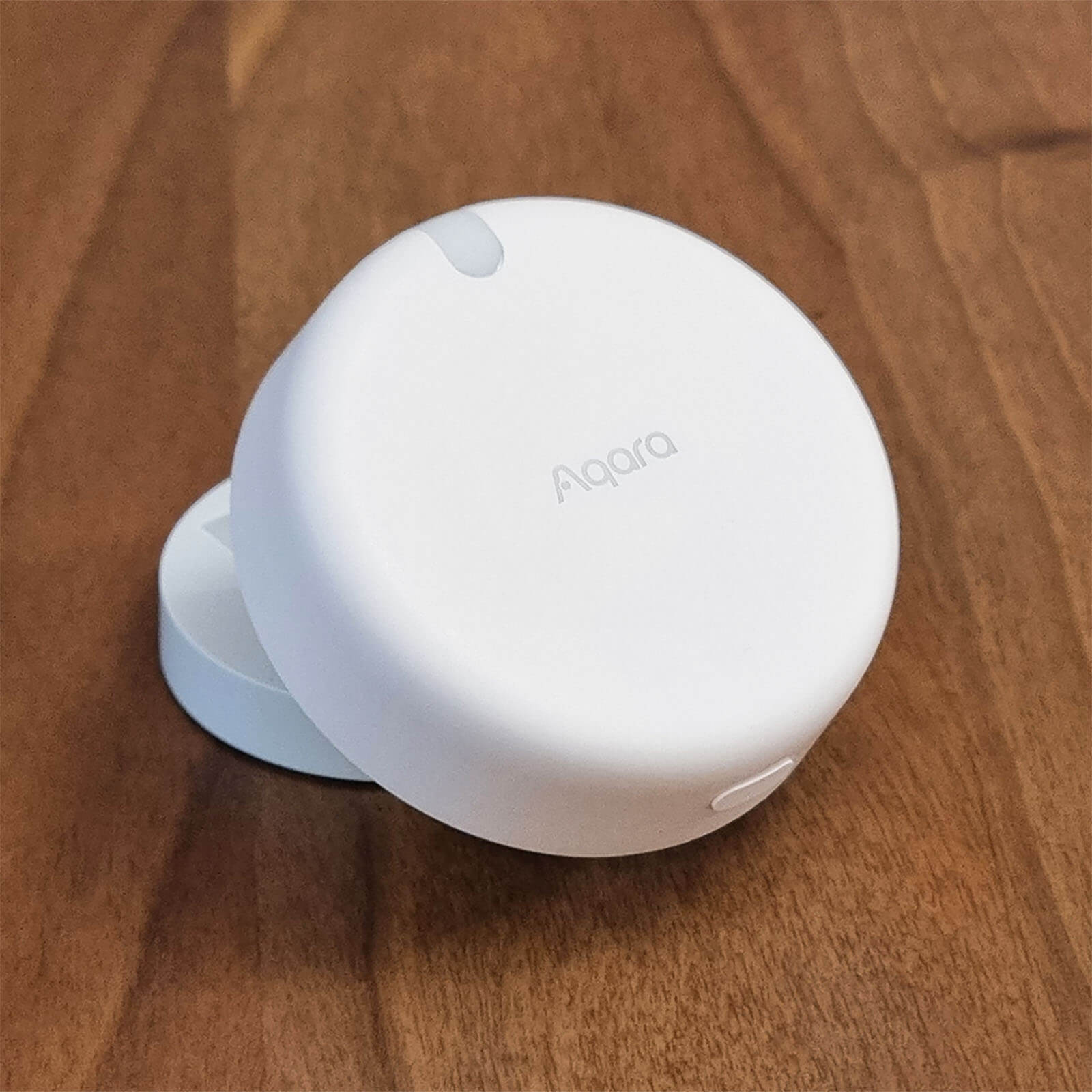
I've been using the Aqara FP2 for about three months now, and I gotta say—it's one of those devices that quietly makes your home smarter without any fuss. If you've ever had motion sensor lights that turn off mid-shower or bathroom fans that kill themselves the moment you stop moving, you know why presence detection matters. This thing actually knows someone's in the room.
What Makes mmWave Different?
Traditional PIR (passive infrared) motion sensors detect temperature changes. They're fine for triggering lights when you walk in, but the second you sit down at your desk, you're invisible to them. The FP2 uses millimeter-wave radar—it's the same tech some cars use for collision detection. It sees through movement, stillness, doesn't care if you're standing, sitting, or basically statue-ified on the couch.
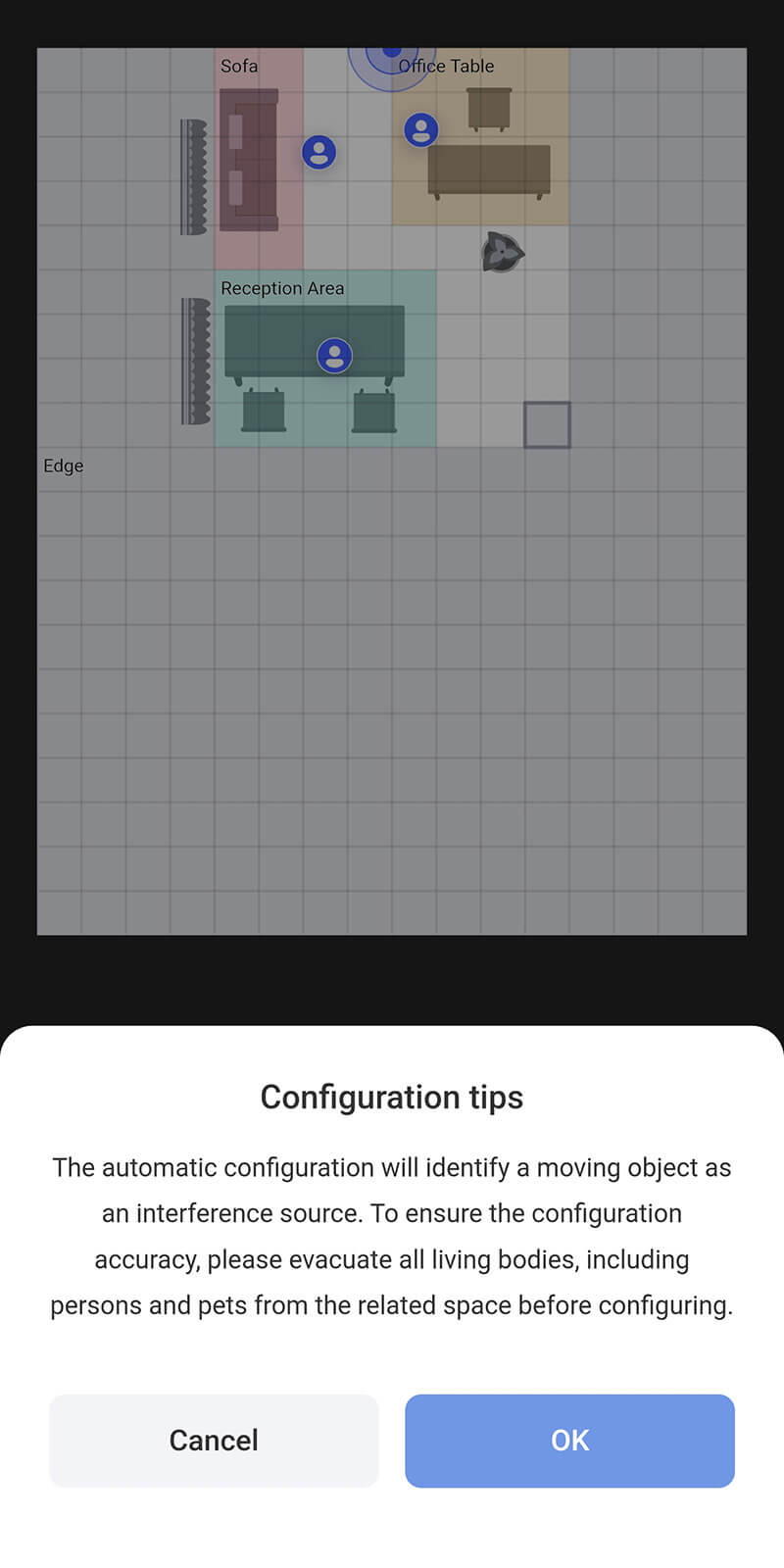
The FP2 can detect up to five people in the same room simultaneously. More useful: you can divide your space into up to 30 zones and know exactly which zone has people in it. I set ours up to cover the kitchen and adjacent dining area—different automations for each space without adding five sensors.
The Practical Stuff
Setup is straightforward. It's a wired device (USB-C power), so you'll need an outlet or power injector nearby. I mounted mine on the wall between the kitchen and dining room. It covers about 430 square feet, which is plenty for a medium-sized room or open concept space.
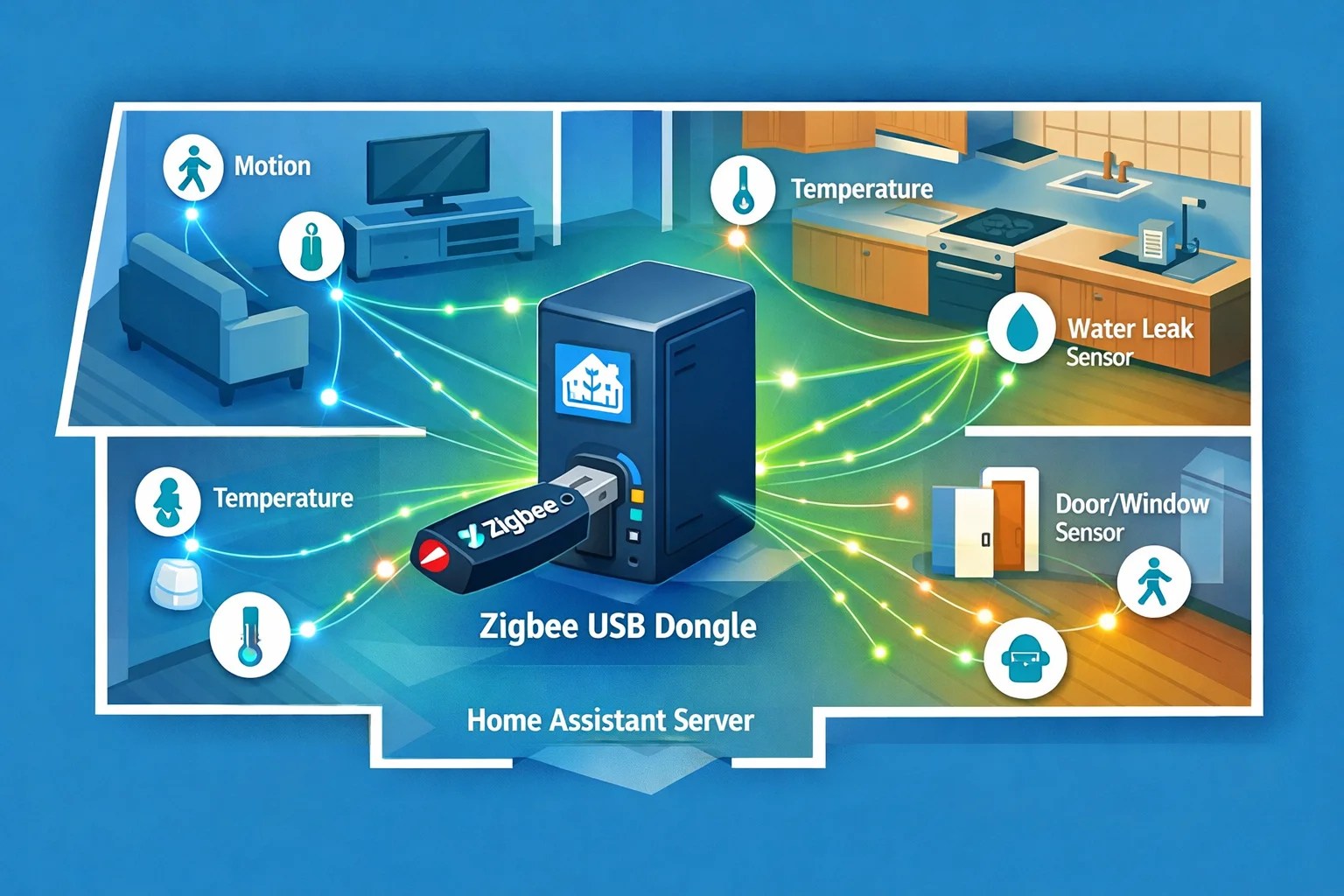
Connection options: Wi-Fi 2.4GHz. No hub required. It works natively with HomeKit, Home Assistant, Alexa, and Google Home. There's also a built-in light sensor, which is helpful for automations that depend on ambient light levels.
One thing that impressed me—fall detection. It won't replace a proper medical alert system, but if someone takes a tumble in the room, it triggers a notification. With elderly relatives visiting, that's a real comfort feature.
Where It Shines
Our bathroom lights used to turn off every couple minutes if we were just reading on the toilet (yes, I'm admitting that). Now they stay on because the FP2 knows someone's actually there. The office automation is another win—lights and fans stay active as long as someone's at the desk, not just when there's motion. And the zone positioning means our hallway lights know the difference between someone walking through versus someone standing in the kitchen.
The response time is quick. No noticeable lag between detection and automation trigger.
What's Not Perfect
The Aqara app is functional but not beautiful. You're configuring zones through some slightly clunky UI. Once it's set up, though, you're probably using it through HomeKit or Home Assistant anyway, so it's fine.
There's also a small learning curve with zone positioning. You might need to fine-tune the zones based on your actual space—walls, furniture, and reflective surfaces can affect coverage. Nothing dramatic, just takes a minute to dial in.
The Comparison
Why not just use a $15 motion sensor? Because you'll spend the next year battling automation logic trying to keep lights on when you're sitting still. For $60, the FP2 on Amazon eliminates that entire headache. It's more expensive than basic PIR but way cheaper than installing multiple sensors or living with frustrating automations.
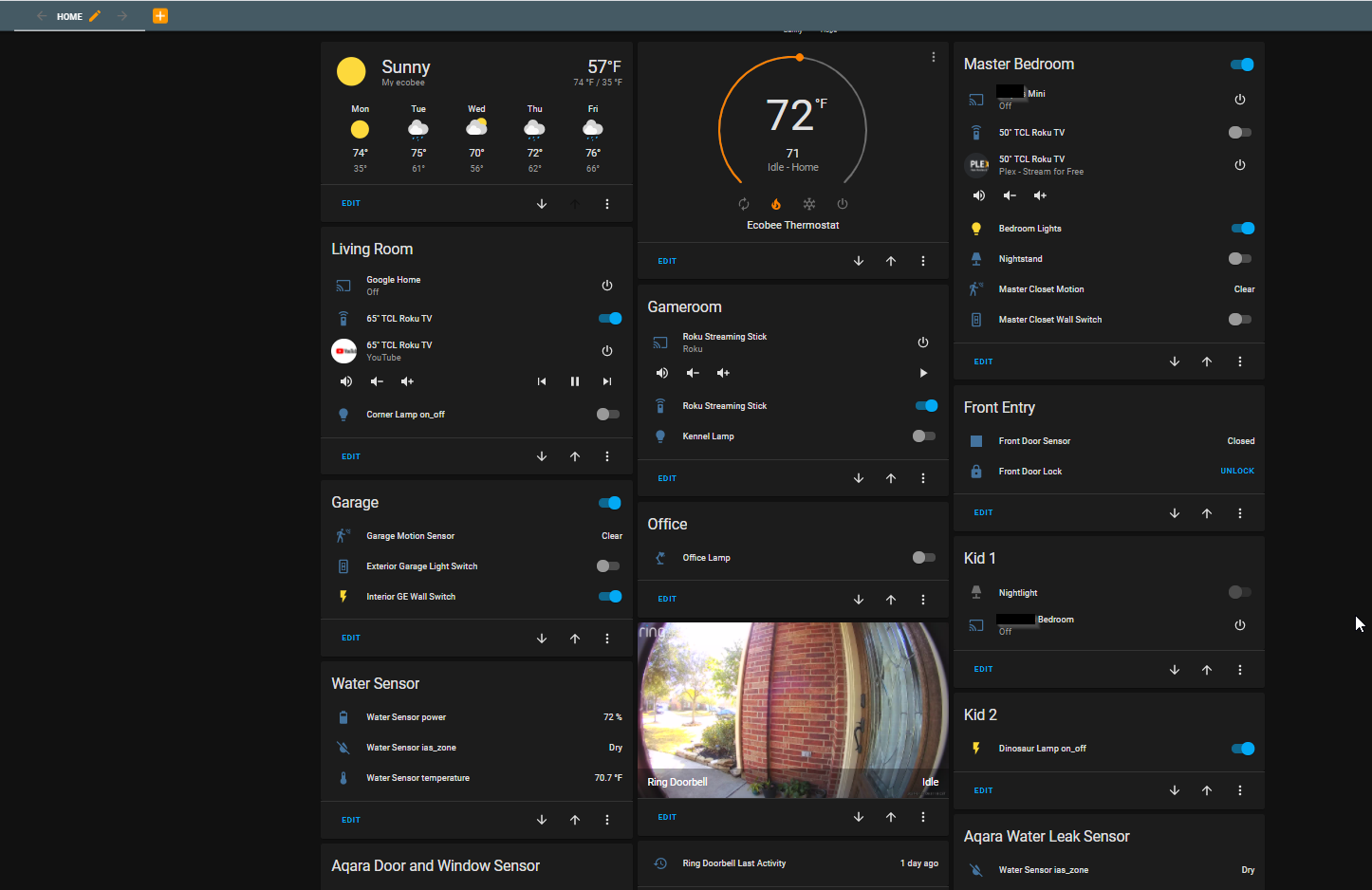
If you're running HomeKit exclusively, this integrates like it was built for it. Home Assistant users get even more power—you can tap into the zone data and the fall detection for custom automations.
This is the kind of device that doesn't make headlines but makes your home actually feel intelligent. After three months of use, I honestly can't imagine going back to motion-only detection. It's worth the investment if you're tired of automations that don't understand "human standing still equals still here."