The power went out for three hours last month, and I learned something painful: a Home Assistant hub without backup power is a liability, not an asset.
When the grid went down, my automations stopped. My camera recordings paused. My database got corrupted (SQLite is not fond of hard shutdowns). And here's the kicker—my security cameras were useless because the whole network was dark. No internet, no recorded footage, no nothing.
A $45 UPS would've prevented all of that.
Why Your Smart Home Hub Needs Battery Backup
This matters more than you think. Here's what happens when power dies abruptly:
Your database gets corrupted. Home Assistant uses SQLite. If you yank power while a write is in progress, you corrupt the entire database. Recovery is painful and sometimes impossible.
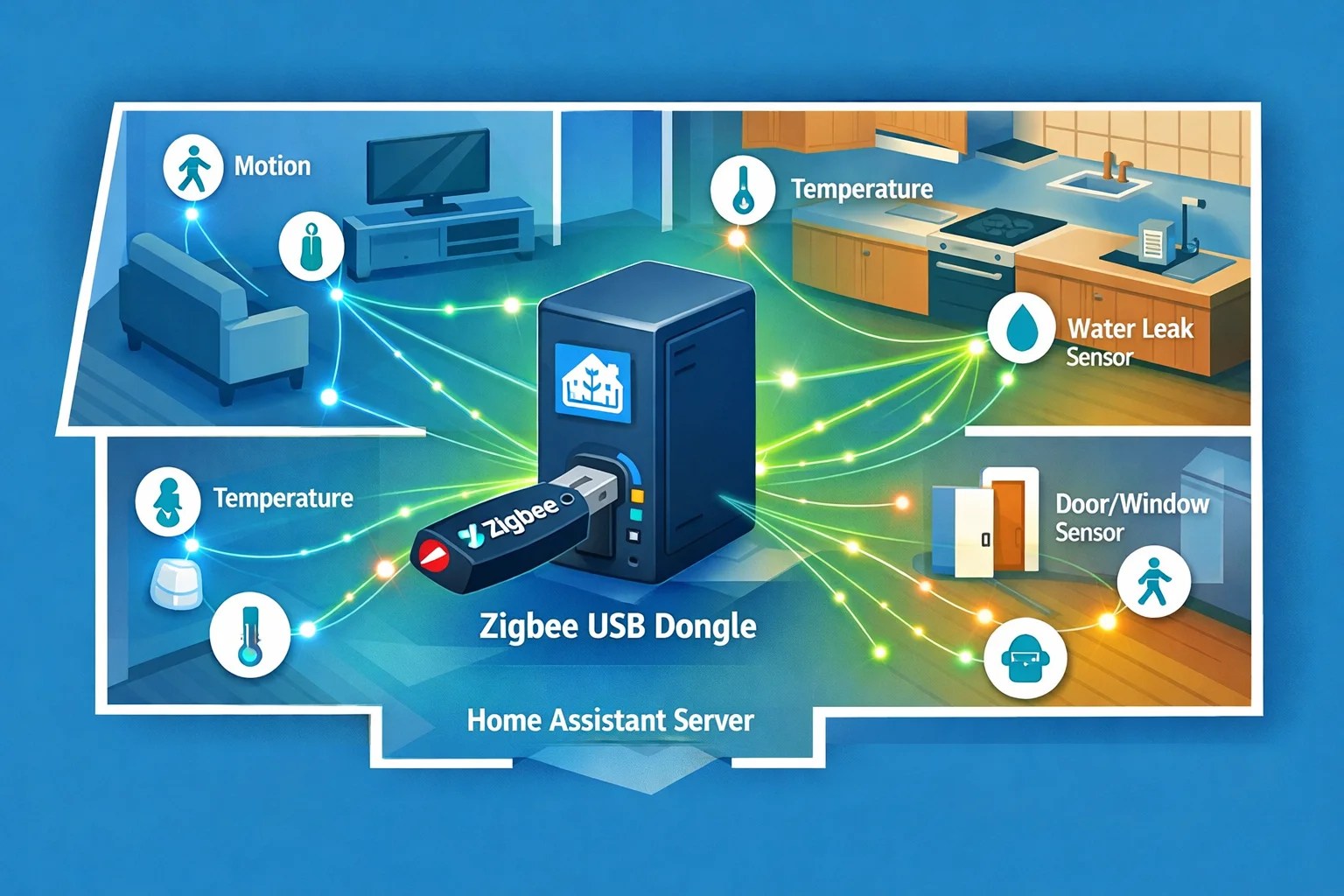
Your Z-Wave/Zigbee mesh rebuilds. After a hard reboot, your devices take 10-15 minutes to re-join the network and rebuild routing tables. Any automations relying on those devices just hang.
Your security system goes dark. Cameras, door locks, motion sensors—they all stop reporting. You lose visibility right when you need it most.
Internet goes out anyway. Even if your hub has battery, if your modem dies, you can't reach anything remotely. That's why you power the modem too.
A good UPS buys you time. Power the hub, router, and modem for 30-120 minutes depending on your setup. That's enough to trigger a graceful shutdown, save your database, and let the mesh network stay intact.
The Candidates
I've tested three models that cover different scenarios.
APC Back-UPS BE425M (~$45)
This is the no-brainer if you're running a single hub and router. It's small enough to fit on a shelf next to your equipment. 255W output, which is plenty for a Home Assistant Green or Hubitat Elevation hub plus your internet.
Specs: 6 outlets, USB output, no surge-only outlets. All outlets have battery backup (not common at this price). Battery lasts about 2.5 hours powering just a hub and router.
The catch: no voltage regulation. If you live somewhere with brownouts, it won't protect against sags. But for straight power loss? Perfect.
I've had three of these in rotation across different locations, and they work silently. You'll forget it's even there until you actually need it.
CyberPower CP685AVRG (~$75)
Step up if you're powering more devices. This one has automatic voltage regulation (AVR), which is fancy talk for "protects against brownouts and voltage sags too." If your power flickers instead of dying outright, this catches it.
Specs: 8 outlets (half with battery, half surge-only), 390W output. The AVR protects everything plugged into it from voltage fluctuations, not just the battery outlets.
Design is slightly chunkier than the APC, but the extra outlets and voltage regulation matter if you're running a modem, router, smart hub, and maybe a small NAS.
Battery runtime is about 2-3 hours for a typical smart home setup (hub + router + modem + network switch).
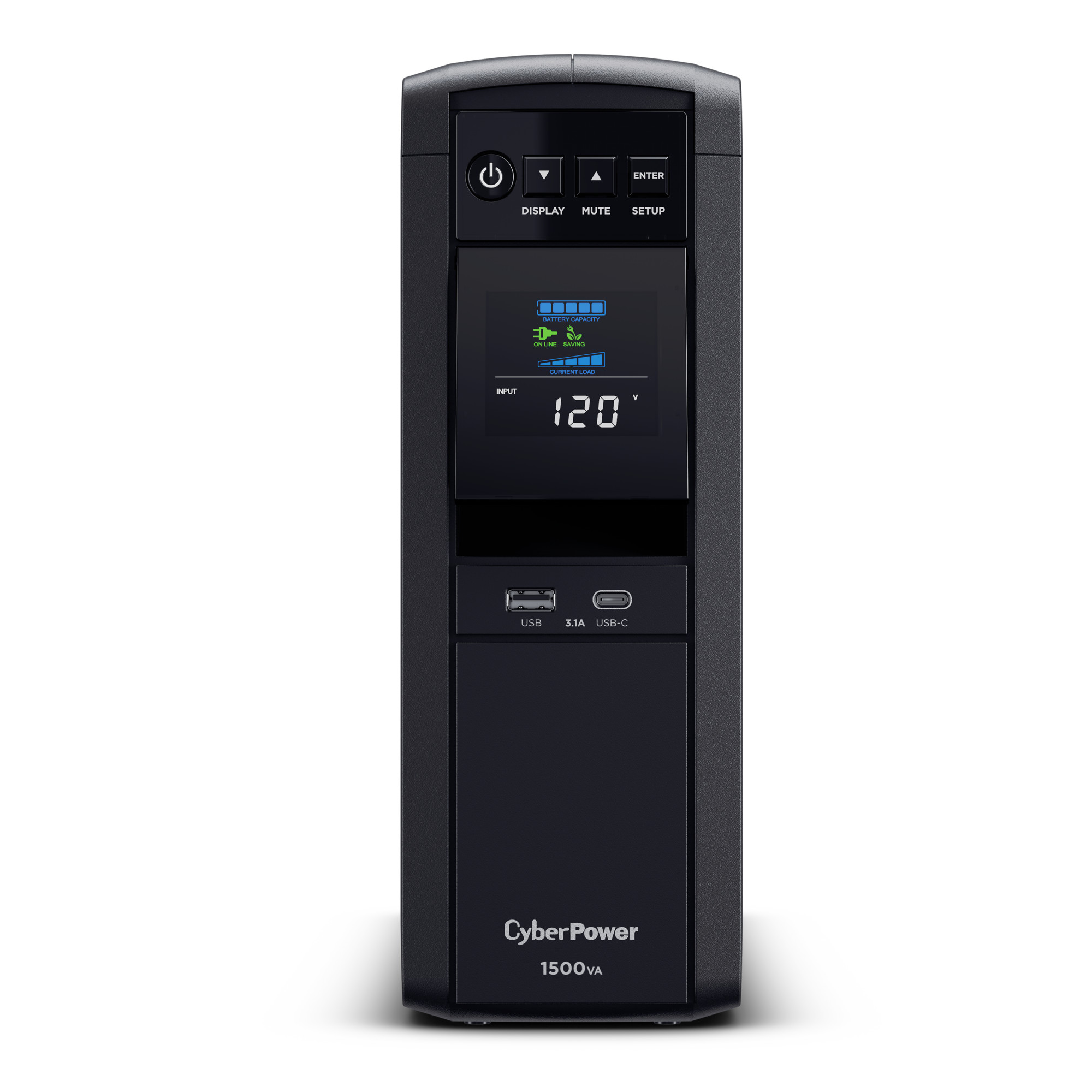
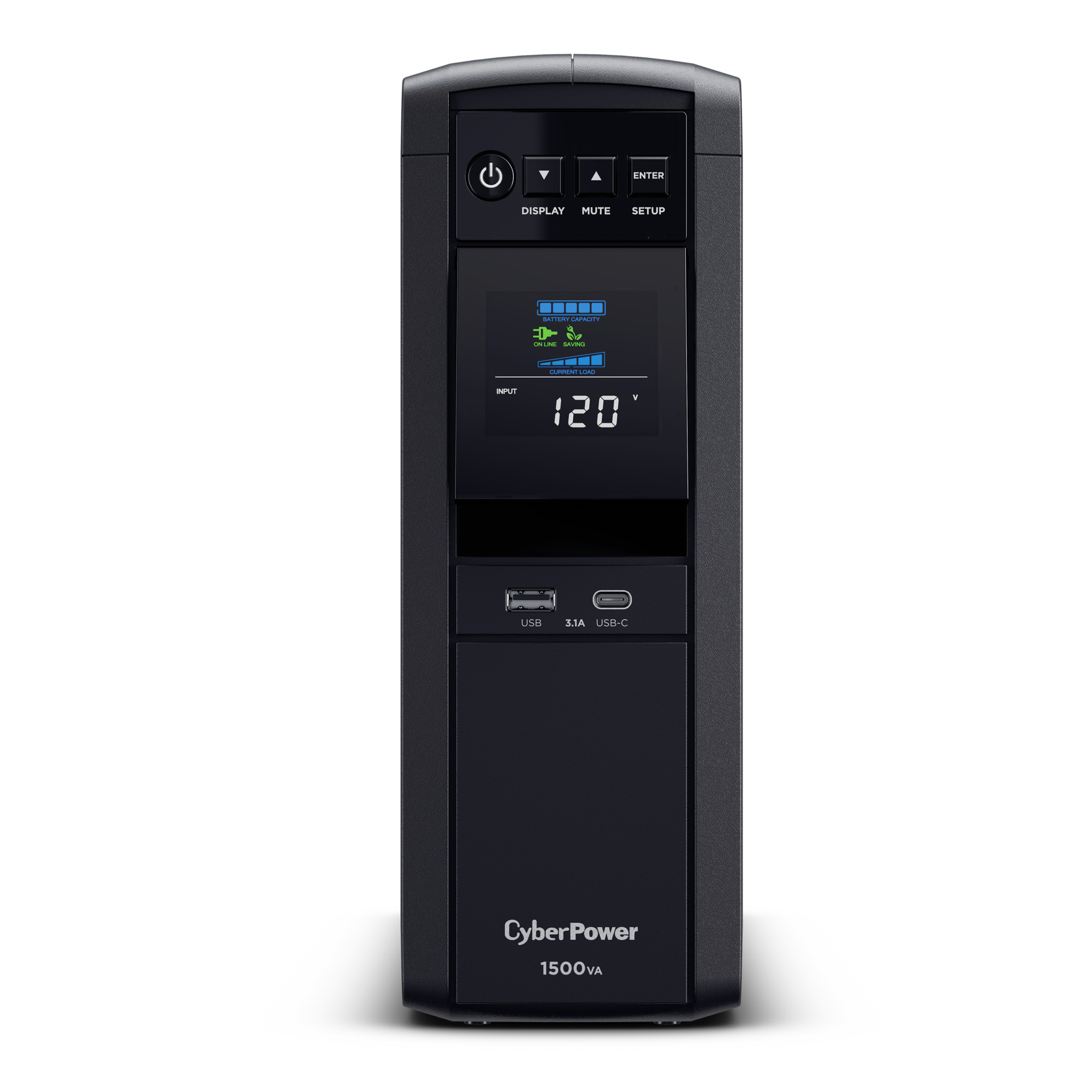
APC Back-UPS Pro BN1350M2 (~$180)
This is the no-compromise option. 810W, 10 outlets, sine wave output, LCD display, USB-C. If you're running a full homelab—NAS, Unraid server, managed switch, modem, router, hub—this is what you buy.
Specs: Dual USB outputs (USB-A and USB-C), phone/coax protection (catches power surges on phone lines too), LCD status display. The sine wave output is pure AC power, not the stepped approximation cheaper units produce. This matters for sensitive equipment.
Battery runtime varies by load, but with a light hub setup, you're looking at 4+ hours. Overkill for most people, but if you've invested in serious smart home infrastructure, this protects your investment.
What to Plug In (And What NOT To)
This matters.
Plug in:
- Your smart home hub (Home Assistant Green, Hubitat Elevation, whatever)
- Your modem
- Your router
- Your network switch (if you have PoE cameras or other networked devices)
Don't plug in:
- Monitors or TVs (they draw lots of power; battery runs out instantly)
- Printers (same issue)
- Chargers for things you don't immediately need (phone chargers can wait; hub startup cannot)
- Space heaters or microwave (kill the whole battery in seconds)
Prioritize the network and the hub. That's what keeps your home running when power's out.
Home Assistant Integration: NUT
Here's where it gets clever. Install the NUT (Network UPS Tools) integration on your Home Assistant. It monitors battery level, remaining runtime, and power status.
nut:
  host: 192.168.1.100
  port: 3493
Then create an automation:
automation:
  - alias: Graceful Shutdown on Low Battery
    trigger:
      - platform: numeric_state
        entity_id: sensor.ups_battery_charge
        below: 15
    action:
      - service: homeassistant.homeassistant_stop
When the battery hits 15%, Home Assistant shuts down gracefully. Your database saves. Your mesh network doesn't get corrupted. Everything stays clean.
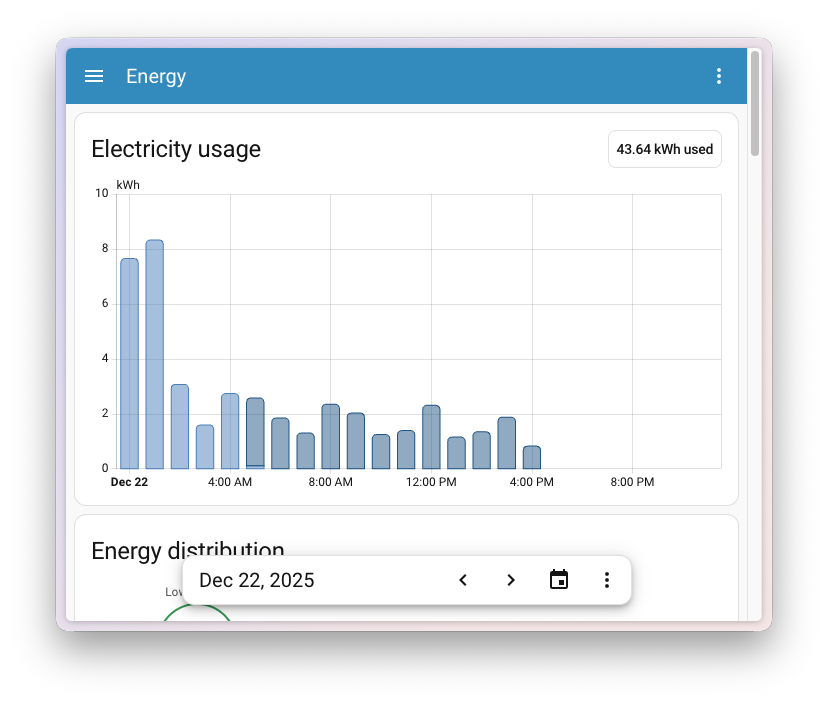
You can also build a dashboard card that shows battery percentage and remaining runtime. Useful for knowing how long you've got if power is out.
Real-World Scenario
Last month during that outage, my setup looked like this:
Home Assistant Green (about 15W) + Unifi Switch (8W) + Modem (10W) + Router (8W) = roughly 41W total draw.
My APC BE425M can deliver 255W. Even accounting for inefficiency, I'm looking at hours of runtime on battery.
Power died at 2:15 PM. UPS kicked in. My automation detected the power loss and gracefully shut down everything. By 2:30 PM, my system had saved its state and shut down cleanly. When power returned at 5:15 PM, I restarted cleanly. Database was fine. Z-Wave mesh recovered in 12 minutes. Everything worked.
Without the UPS? I'd have done a hard power cycle. Database corruption would've taken 30 minutes to repair. The mesh would've needed manual intervention. I might've lost data.
$45 prevented an afternoon of troubleshooting.
Placement and Cable Management
Stick your UPS somewhere accessible but out of sight. Don't shove it in a closet where it can't ventilate. The cooling fan isn't loud, but it'll kick in during battery discharge.
Use a quality power cord. If your UPS came with a cheap cable, replace it. You're betting your smart home on this thing.
Keep the battery terminals clean. Dust buildup doesn't help anything.
Testing
Here's the thing: you don't know if your UPS works until it actually saves you. Test it.
Unplug your hub from wall power and let the UPS supply it for a minute or two. Make sure everything boots correctly from battery. Check the battery indicator. Then plug it back in.
Do this annually. A UPS is like insurance—you're paying a small amount now to avoid a big disaster later. Make sure the insurance is valid.
The Math
UPS: $45–$180 one-time. Ring subscription: $120/year. Frigate NAS setup: $300–$800.
If you're already running Home Assistant, a UPS is the cheapest insurance you can buy. It protects your data, keeps your network alive during outages, and prevents corruption.
APC Back-UPS BE425M on Amazon | CyberPower CP685AVRG on Amazon | NUT for Home Assistant
Every serious smart home setup needs this. Not optional. Not nice-to-have. Required. A single power event with corrupted database will cost you more time than the UPS costs money. Get one this week.