I installed a Sonoff NSPanel Pro on my kitchen wall three months ago, and I've had an interesting relationship with it ever since. It's genuinely useful, but not in the way I expected. Let me explain.
The NSPanel Pro ($90) is essentially a smart light switch that's been replaced with a 3.95-inch touchscreen. You mount it on your wall where a traditional light switch lives, and it becomes a control panel for your entire smart home. Out of the box, it runs Sonoff's eWeLink ecosystem. Flash it, and it works with Home Assistant. Add Thread support, built-in Zigbee 3.0, and a thermometer, and you're looking at a genuinely interesting wall-mounted control device.
But here's the thing: it's not a tablet replacement. It's an expensive smart switch. And depending on how you feel about wall-mounted control, that's either genius or overkill.
What It Actually Does (Out of the Box)
The NSPanel Pro ships with eWeLink Cast firmware, which gives you a touchscreen dashboard for controlling lights, scenes, thermostats, camera feeds, and automations. The screen is bright and responsive. Tap a light and it toggles. Swipe left and you're in a different room. Hold to adjust brightness.
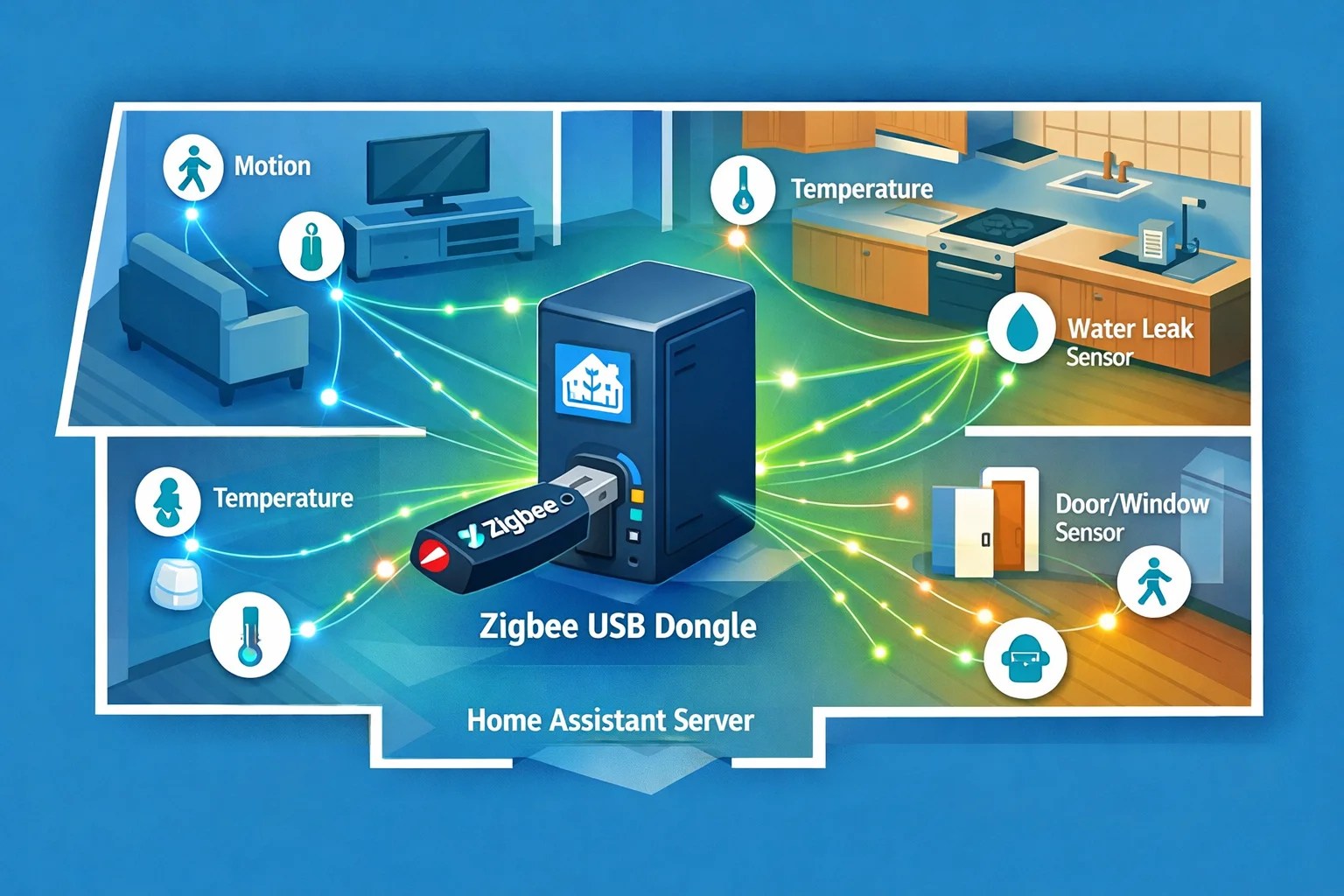
The built-in Zigbee gateway means you can pair Zigbee devices directly to the NSPanel—no separate hub required. One device sits on your wall and simultaneously controls lights, reads temperature sensors, and acts as a Zigbee hub. That's genuinely useful if you've got Zigbee stuff but no dedicated hub.
The 2.9GHz and Thread support (newer firmware) means it can also function as a Thread border router, though that's a secondary use case.
It can pull camera feeds and display them on the screen. Picture-in-picture mode lets you see two cameras simultaneously while still controlling lights. For security monitoring without a dedicated tablet, that's handy.
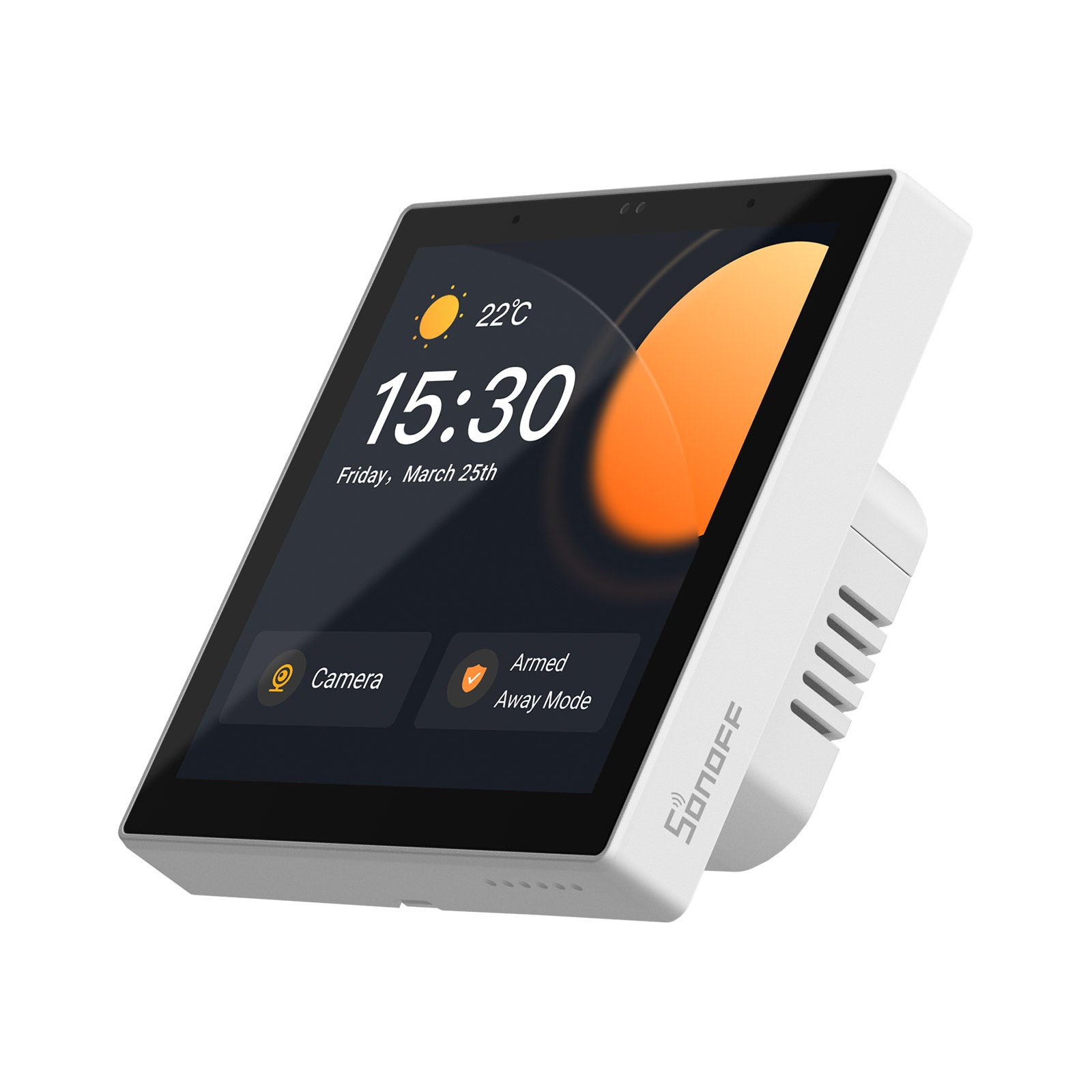
Honestly, the stock eWeLink experience is polished. The dashboard is intuitive, the responsiveness is snappy, and if you're invested in Sonoff devices, it feels like a native integration.
Home Assistant Integration: Flashing vs. Not Flashing
Here's where the NSPanel gets interesting. You have two paths:
Path 1: Don't Flash It
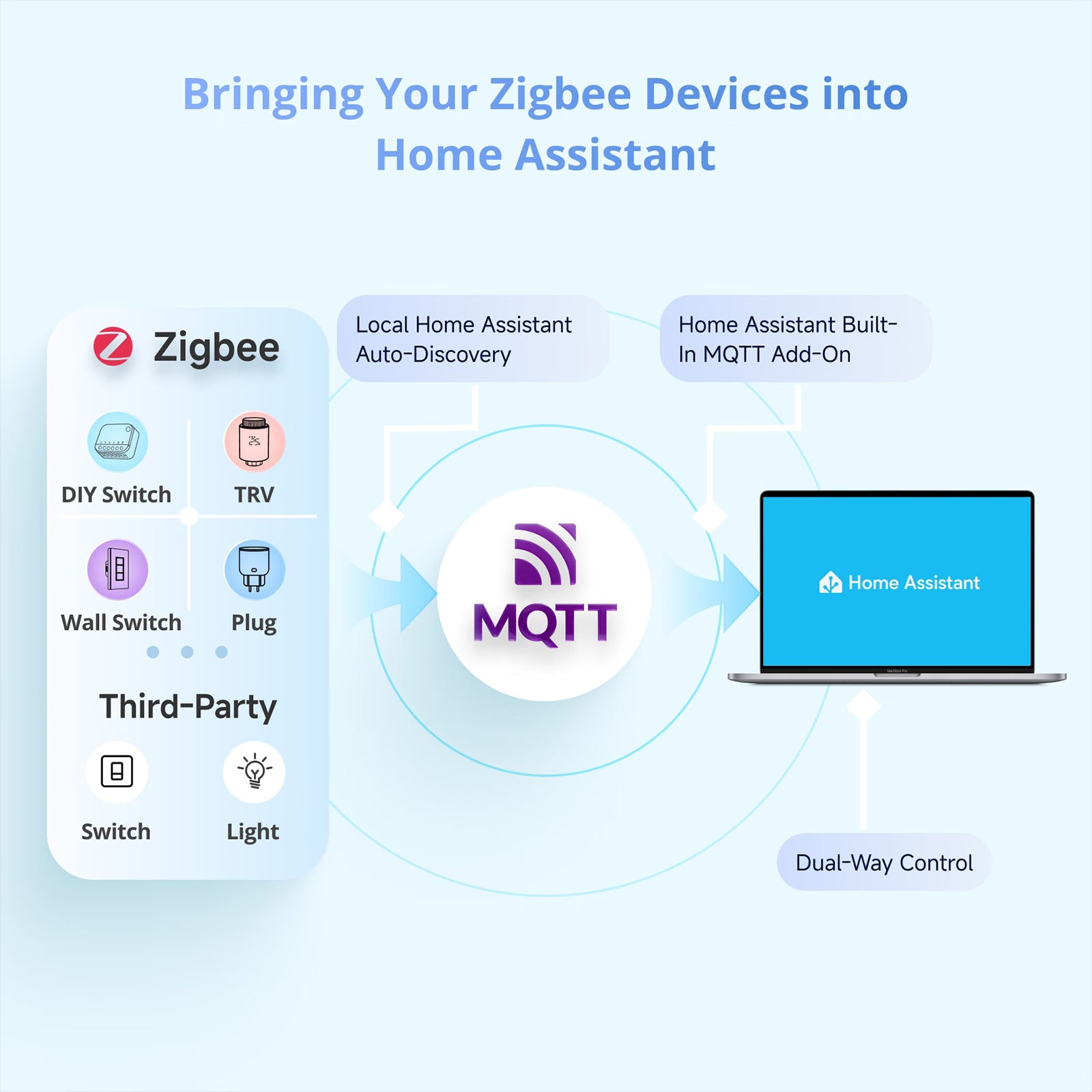
Use eWeLink Cast in stock form, but pull up your Home Assistant dashboard in the built-in browser. Tap the web button, navigate to your HA instance, and control your entire home from the NSPanel's screen. This is the path of least resistance. No flashing, no risk of bricking the device, no complications. Just Home Assistant remotely displayed on a wall screen.
Does it work? Yes. Is it elegant? Sort of. You're running a web browser on a smart switch, which feels a bit like overkill, but the screen is responsive enough that the HA dashboard feels responsive too.
Path 2: Flash with NSPanel Pro Tools
Sonoff hasn't officially blessed Home Assistant firmware, but the community has. NSPanel Pro Tools flashes the NSPanel with custom firmware that fully integrates with Home Assistant—automations, entities, native card support, the whole deal. No browser wrapper, no WebSocket lag.
I didn't flash mine because I was nervous about bricking an eighty-nine-dollar device, and the browser method works well enough. But if you're comfortable with firmware flashing and you want a fully native HA integration, the flashed version is allegedly the better experience.
The Zigbee Hub Feature: Unexpectedly Useful
The built-in Zigbee 3.0 is the feature I underestimated. I already have a dedicated Zigbee hub, so I figured the NSPanel's hub would be redundant. But then I realized: I can pair Zigbee devices directly to the NSPanel and control them locally on the screen without Home Assistant. For visitors or guests, that's actually useful—they can adjust the lights without touching your HA dashboards or needing passwords.
It's a secondary feature, but it adds functionality without adding complexity. The Zigbee radio is solid, and pairing devices is straightforward via the eWeLink app.
Temperature and Humidity Sensor
The NSPanel has a built-in thermometer and humidity sensor. On the dashboard, you can see real-time temp and humidity. It's not ultra-precise, but it's useful for knowing "is my kitchen stuffy?" or "why's this room cold?". Feed that data into Home Assistant automations if you want.
Screen Quality: The Honest Assessment
3.95 inches is small. Really small. The resolution is 480×480 pixels. Text is readable from arm's length, but you're not watching movies or doing fine work on this screen. It's a control panel, not a home dashboard for entertainment.
The brightness is good—even in my bright kitchen, the screen is visible. Colors are accurate. Touch responsiveness is excellent—taps register instantly, no lag.
For what it's designed to do—control smart home devices at a glance and see basic info like temperature and camera feeds—it's perfectly adequate. But you're not going to open this and say "wow, that screen is amazing."
Comparison: Aqara Panel vs. Fire Tablet vs. Nothing
vs. Aqara Smart Panel Hub S1 (~$180): More expensive, larger screen (7 inches), HomeKit-native. If you're in HomeKit, it's arguably more polished. If you're in Home Assistant, the Sonoff is cheaper and adequate.
vs. Mounting a Fire Tablet (~$60 for the device, but you need a stand or wall mount, plus you're running a full Android tablet on your wall—it's uglier, uses more power, and requires a charger):
The Fire Tablet is more versatile. You can use it as a dashboard, watch videos, read books. But it looks janky mounted on a wall, and it's power-hungry. Most people who mount a Fire Tablet end up hating it after six months.
The NSPanel looks intentional. It looks like a wall-mounted device, not a tablet bolted to the wall.
vs. Nothing: If you don't have a wall-mounted control panel, you use your phone. The NSPanel eliminates that friction—change the temperature without pulling your phone from your pocket, toggle lights with a tap instead of opening an app.
For some people, that's worth ninety dollars. For others, it's a luxury.
Real-World Use: Where It Shines and Stumbles
I use my NSPanel constantly. Temperature adjustments, turning off lights when I'm busy cooking, quick security camera checks, testing automations. It's become the fastest way to interact with my home's most common controls.
Where it stumbles: the screen is small enough that detailed dashboards feel cramped. I've got a HA dashboard with 20+ cards, and viewing it on the NSPanel is functional but not ideal. The stock eWeLink dashboard is better designed for the small screen, but it's also less powerful than HA.
The other stumble: there's no fast-track to advanced automations or configuration. It's a control panel and hub, not a replacement for a dedicated controller. If you need complex automations, you're still doing that in Home Assistant or Node-RED.
Power and Installation
The NSPanel requires a 48-240V AC power source (basically, your existing light switch wiring). If your wall doesn't have switch wiring, you can't install it. If it does, installation is straightforward—same as replacing a normal switch. Kill the breaker, disconnect the old switch, wire in the NSPanel, and you're done.
It draws minimal power—negligible impact on your electrical bill.
Installation location matters. I put mine in my kitchen because that's where I spend time. Hallways work. Bedside is useful. Somewhere you walk past regularly and might want quick access to controls—that's the ideal spot.
Should You Buy It?
If you have Home Assistant and want a quick access point for common controls: Yes. At ninety dollars, it's a reasonable buy for the convenience.
If you have Home Assistant and you already pull out your phone whenever you need to control something: Maybe not. A dedicated wall panel adds friction to your workflow only if you're walking past it regularly.
If you're in the eWeLink ecosystem (lots of Sonoff devices): Definitely. The native integration makes it valuable.
If you're in HomeKit: Look at the Aqara Panel instead. It's more polished for Apple.
If you think this will be your primary way to control your home and you want a big screen: Buy a tablet. This isn't a tablet.
The Bottom Line
The NSPanel Pro is a solid mid-tier control panel that does one job well: sitting on your wall and letting you quickly interact with your smart home without pulling your phone out. It's not a tablet replacement. It's not a replacement for Home Assistant. It's a convenience layer that works better the more you already have your smart home set up.
For ninety bucks and an existing wall outlet, it adds real value to a Home Assistant setup. I'm keeping mine.
Check Sonoff NSPanel Pro pricing on Amazon
The Sonoff NSPanel Pro is the right fit if you want a wall-mounted control panel that doubles as a Zigbee hub. It's not going to revolutionize your setup, but it's a solid addition to any Home Assistant setup that needs quick, hands-free control.