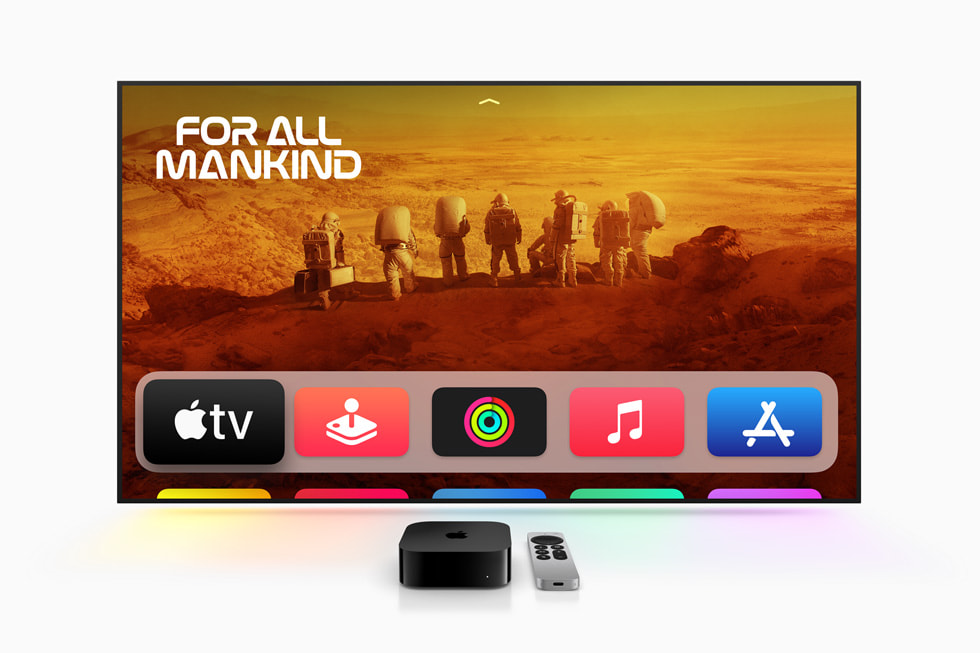
Most people buy an Apple TV 4K to stream Netflix. I bought mine for that too. But here's what I discovered after unboxing it: this little black box is also doing some heavy lifting as my smart home hub, and I didn't even realize it was capable until I dug into the settings.
The Apple TV 4K (3rd gen, $130–180) is a dual-purpose device. It's a fantastic streaming box, sure. But it's also simultaneously working as a Thread border router, a HomeKit hub, a Matter controller, and a HomeKit Secure Video processor. If you're in the Apple ecosystem and already want a streaming device, this is a genuine two-for-one deal.
What Makes It a Smart Home Hub?
Let me break down what the Apple TV 4K actually does behind the scenes:
Thread Border Router: Thread is a mesh networking protocol that's incredibly power-efficient for smart home devices. If you've got Thread-enabled locks, sensors, or buttons, they need a border router to talk to your home. The Apple TV 4K has Thread built in and automatically creates a mesh network. Every Thread device that connects strengthens the mesh for others. This matters because Thread devices are often far from your Wi-Fi router (like that door lock on your garage), but Thread's mesh means they don't need Wi-Fi directly.
HomeKit Home Hub: This is the prerequisite for remote access. Without a home hub, you can only control your HomeKit devices when you're physically home. With the Apple TV plugged in and set as a hub, you get remote access from anywhere, which means automations trigger even when you're away.
HomeKit Secure Video Processing: This is the killer feature that people miss. Apple's HomeKit cameras can analyze video locally on your home hub—meaning the AI processing happens on your Apple TV, not on Apple's servers. The video is encrypted end-to-end. Apple never sees the raw footage. Up to four camera feeds can be analyzed for person/vehicle/animal detection depending on which Apple TV model you own (the 128GB version handles the load better than the 64GB). This is a privacy win that competitors charge subscription money for.
Matter Controller: The Apple TV can pair Matter devices directly and control them through the Home app. Not every HomeKit device is Matter yet, but more are arriving monthly. Having a Matter controller built into your existing hub means you don't need to buy a separate device.
Comparing It to the HomePod Mini
The HomePod mini ($99) also functions as a HomeKit hub. It does Thread, HomeKit, and automation triggers just fine. Here's the difference: the HomePod mini can't process HomeKit Secure Video. If you want local video analysis without a subscription, you need either an Apple TV 4K or an iPad running iPadOS 16+.
The HomePod mini is smaller and cheaper. The Apple TV 4K is more capable and actually useful as a streaming device. If you already want a streaming box, the Apple TV 4K wins. If you only care about HomeKit and don't need 4K streaming, the HomePod mini makes sense.
Personally, I preferred having one device that does both. My living room has space for a streaming box anyway.
Installation and Setup
Unbox the Apple TV, plug it in, and sign into your Apple account. In the Home app, go to Home Settings > Invite > Home Hub & Bridge > set the Apple TV as your home hub. Done. Thread and Matter are enabled by default once it's set as a hub.
For HomeKit Secure Video, you need an iCloud+ subscription (50GB for $1/month, 200GB for $3/month, or 2TB for $10/month). The subscription covers HomeKit Secure Video for all cameras in your home—unlimited cameras, not a per-camera fee. That's significantly better than Ring Protect (one subscription per device) or Google Nest (similar per-camera model).
The Thread Network Visualization
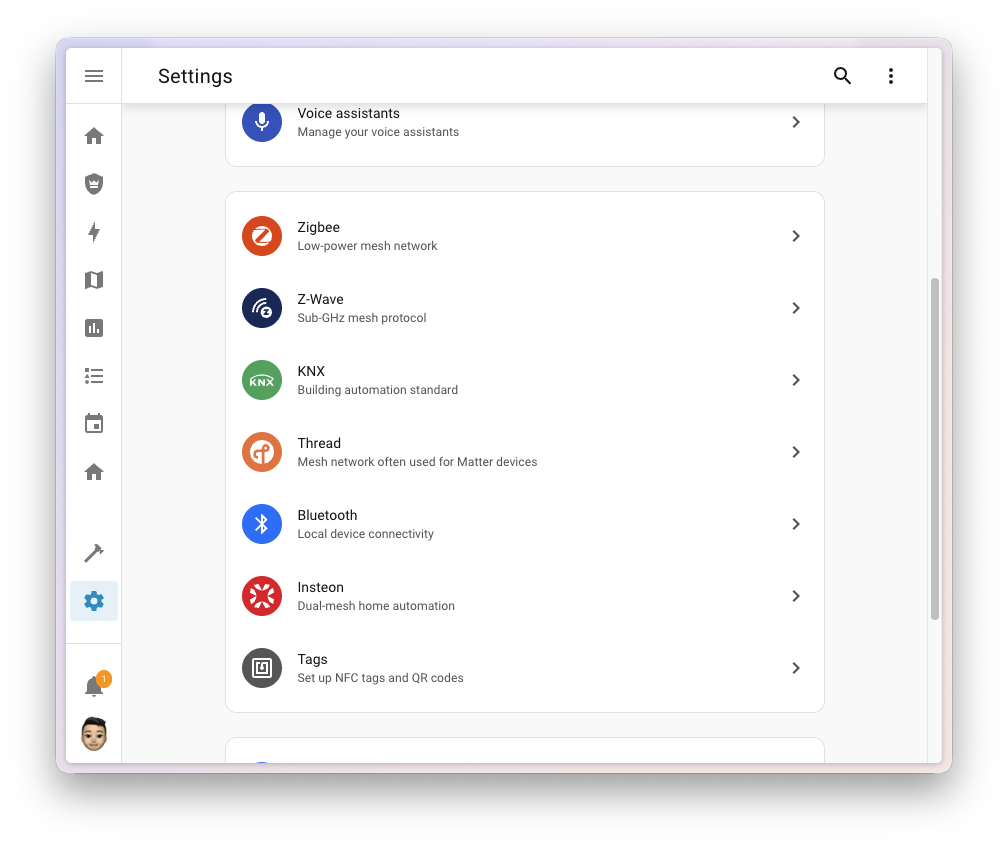
Open the Home app, tap Home Settings > Thread Network. You'll see a diagram of your Thread mesh showing your Apple TV as the border router and all connected Thread devices visualized with signal strength. This visualization alone makes managing a Thread network infinitely easier. I finally understood why my Aqara door lock had spotty connectivity—it was two hops away from the router. Moving a Thread light bulb closer to the border router solved it instantly.
Real Performance
I've had the Apple TV 4K running as my home hub for eight months. Remote access works flawlessly—I'm controlling my lights from three states away without lag. HomeKit Secure Video on my two cameras processes without any noticeable performance impact on streaming. Thread network is stable, and devices connect reliably.
The only limitation I've hit is video processing bandwidth. With two 1080p cameras running continuous video analysis, the Apple TV can handle it fine. Adding a third camera would require the 128GB model (which I don't have). This is documented in Apple's specs, and it's an honest limitation, not a bug.
The Catch
HomeKit is still more limited than Google Home or Alexa in terms of smart home platform support. Not every smart device manufacturer has HomeKit support. If you've got a mix of HomeKit, Zigbee, Z-Wave, and Wi-Fi devices, you'll need separate hubs to control everything. The Apple TV 4K solves HomeKit and Thread, but it won't replace a Home Assistant instance or SmartThings hub if you've got a heterogeneous setup.
Also, the upcoming HomePad might change the equation entirely. Apple's announced a new smart display for HomeKit, and if it matches the rumors, it could be the more natural hub for Apple users. But we're not there yet.
Should You Buy It?
If you're invested in HomeKit, need a 4K streaming box, and want local video processing—yes. This is the most capable Apple smart home hub on the market. You're getting a great streaming device and serious smart home infrastructure in one box.
If you only care about HomeKit and don't need streaming, the HomePod mini is cheaper and does 90% of what you need.
If you're not in the Apple ecosystem, this isn't your device.
The Apple TV 4K edges out the competition because it does two jobs well. You're not compromising on streaming quality to get HomeKit features, and you're not buying a weak streaming device just to get a hub. It's genuinely useful in both roles.
Check Apple TV 4K pricing on Amazon
The Apple TV 4K is the smartest choice for Apple Home users who already want a streaming box. It handles Thread networking, HomeKit automation, and secure video processing without breaking a sweat. For most people in the Apple ecosystem, it's the obvious hub choice.