SmartThings has served me well over the years. But if you're ready to take control of your smart home and ditch the cloud, migrating to Home Assistant is worth the weekend effort.
I'm not going to sugarcoat it: this isn't a five-minute setup. But if you break it down into steps, it's totally manageable. Here's how I'd do it.
Why Migrate?
SmartThings is great for beginners, but it has limitations. Samsung's moving a lot of automation logic to Edge drivers, which are confusing. And you're always dependent on their cloud. With Home Assistant, you get full local control, 3,000+ integrations, and your privacy back.
The migration is annoying, but you only have to do it once.
What You Need
Hardware:
- Home Assistant Green (~$70) or a mini PC ($100–$150)
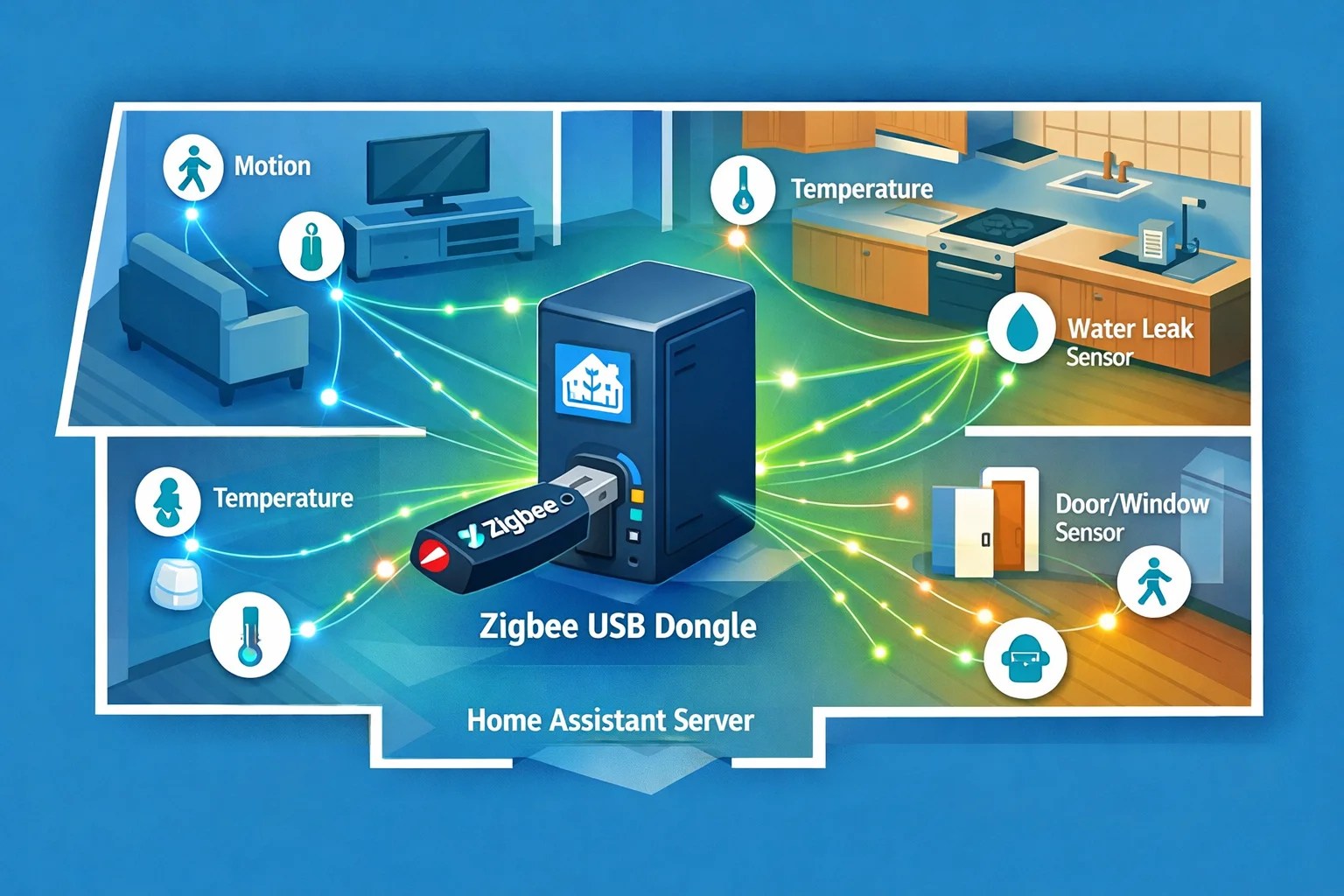
- Zigbee USB dongle: SkyConnect (~$50) or ZBT-2 (~$30)
- Optional: Z-Wave USB adapter if you have Z-Wave devices
Time:
- Budget two weekends for a medium-sized home (15–30 devices)
The Smart Migration Strategy
Here's the key: don't try to migrate everything at once. Do it room by room. Get one room working perfectly in Home Assistant, then move to the next. This way, if something breaks, you haven't nuked your whole setup.
Step 1: Install Home Assistant and Core Integrations
Flash Home Assistant onto your Green or mini PC. This takes 10 minutes. Then get into the Home Assistant interface and install these integrations right away:
- Z-Wave JS (if you're keeping Z-Wave devices)
- ZHA or Zigbee2MQTT (for Zigbee devices)
- MQTT (if you want it for advanced stuff)
Don't worry about smart home integrations yet. Focus on local protocol support first.
Step 2: Set Up Your Wireless Protocols
For Z-Wave devices: You can't just pair your old Z-Wave devices to the new hub. Z-Wave devices remember which hub they were paired to. You have to exclude them from SmartThings first.
Open SmartThings, find each Z-Wave device, and tell it to remove/exclude. Then add it to Home Assistant's Z-Wave JS. Takes about 30 seconds per device.
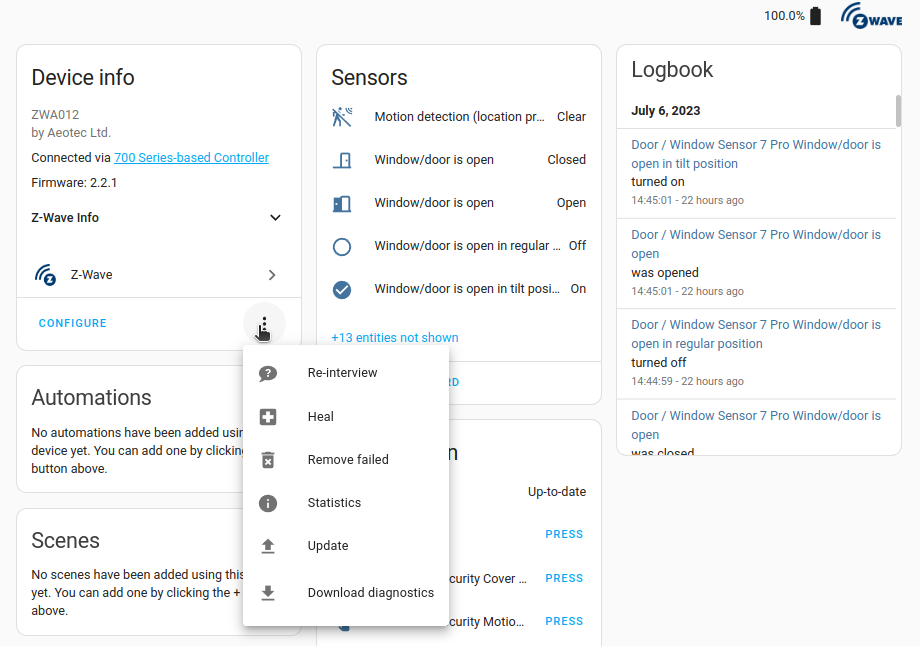
For Zigbee devices: Zigbee is easier. Put your ZHA/Zigbee2MQTT coordinator in pairing mode, then put each Zigbee device in pairing mode. They'll join immediately. Much faster than Z-Wave.
Pro tip: Zigbee devices will pair in about 20 seconds each. Z-Wave takes a minute or two. Start with Zigbee to build confidence.
Step 3: Set Up Device Naming and Areas
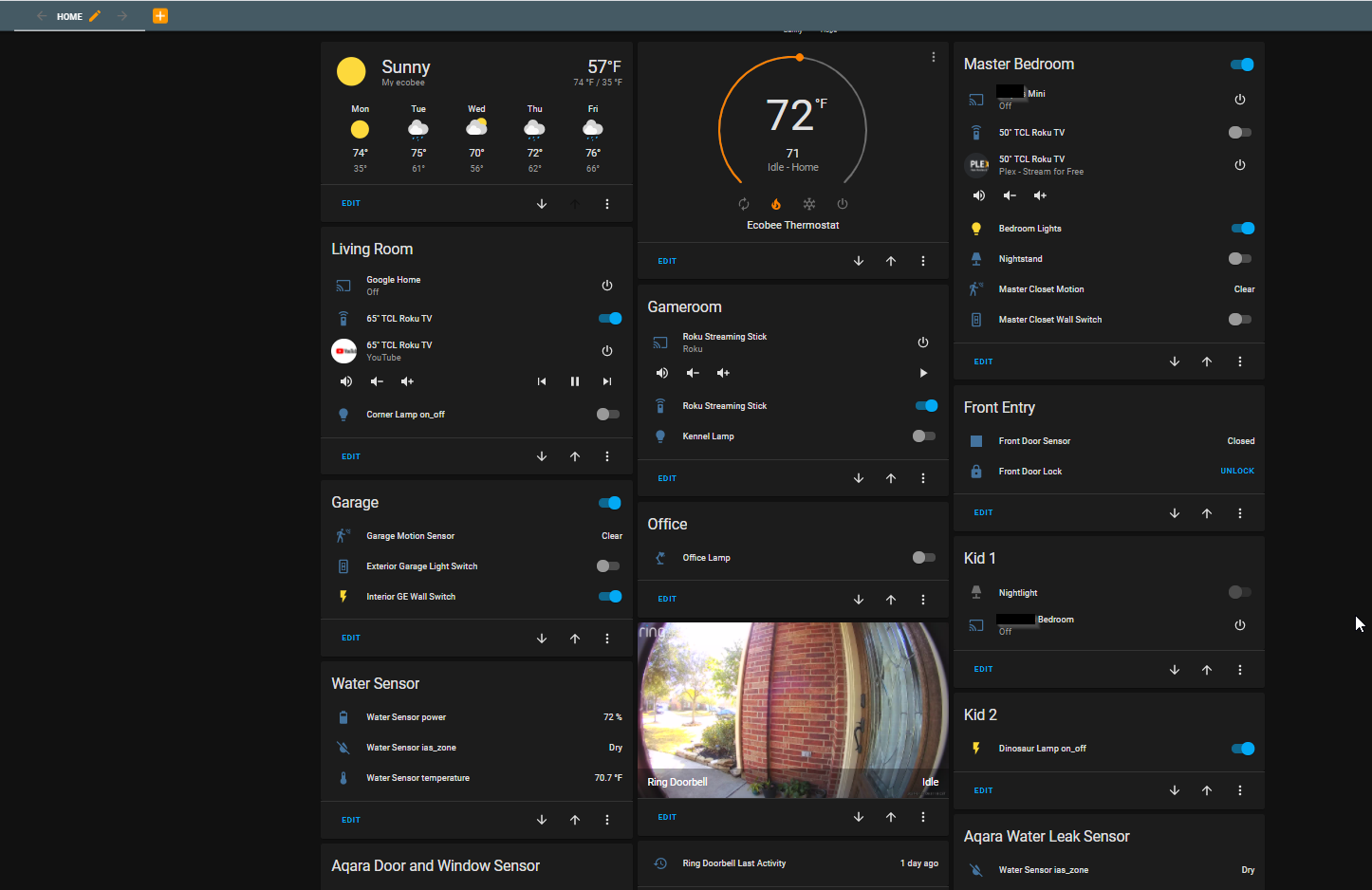
Once your devices are paired, name them in Home Assistant. Create areas (Living Room, Kitchen, Bedroom) and assign devices to them. This makes automations way easier to read.
Home Assistant will auto-detect device types (lights, switches, sensors), so you don't have to configure anything. Just organize.
Step 4: Rebuild Your Automations
This is where the real work happens. SmartThings automations won't port over. You have to rebuild them in Home Assistant.
The good news: Home Assistant's automation editor is powerful and visual. You can build most automations without touching YAML code.
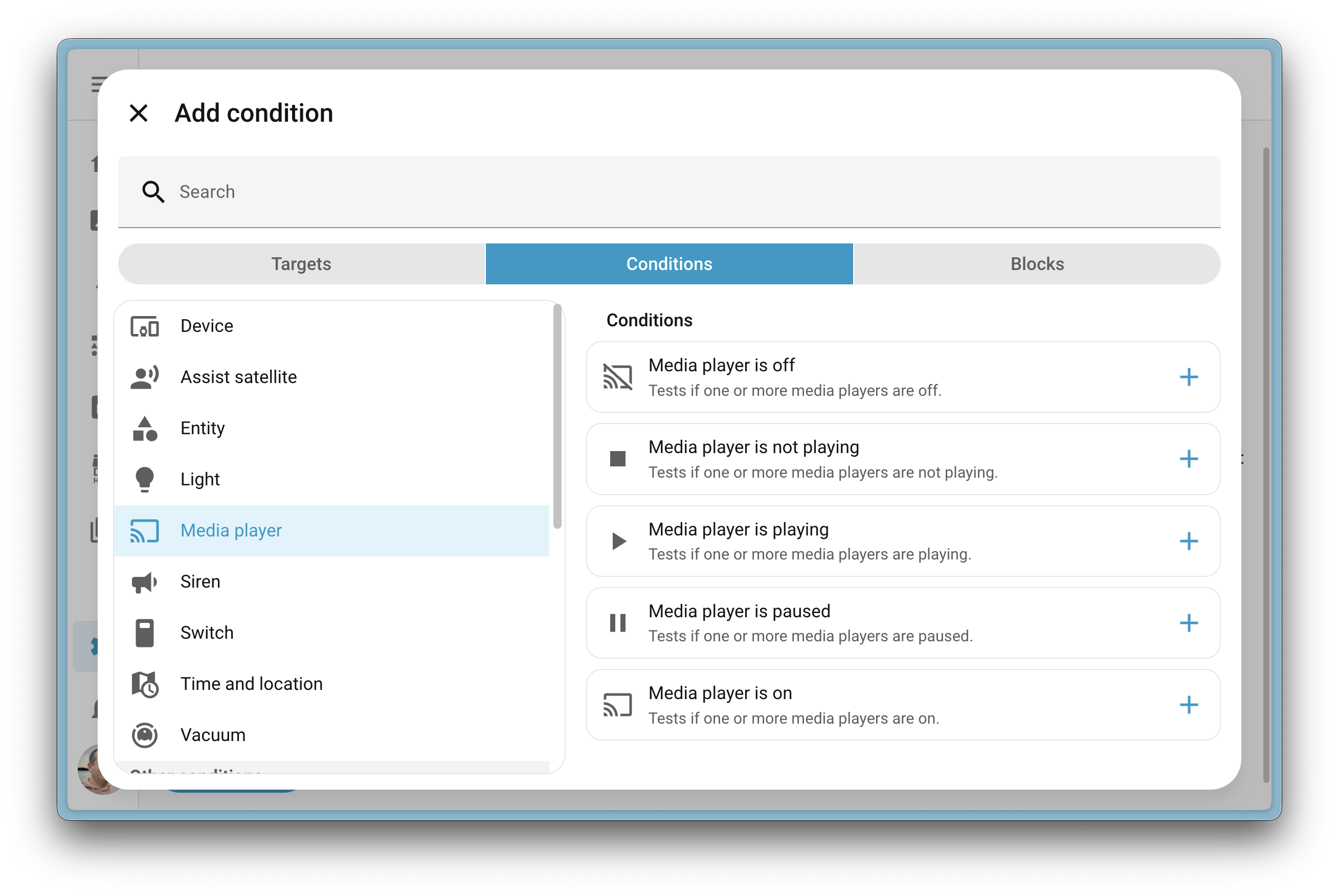
Start simple. Build a basic automation: "When motion is detected, turn on the light." Get comfortable with the structure. Then build more complex ones.
If you have really complex automations, look into Node-RED. It's a visual programming tool that integrates with Home Assistant. It's overkill for most people, but power users love it.
Step 5: Set Up Mobile Notifications
Your phone needs to talk to Home Assistant. Install the Home Assistant app on your phone. Pair it with your Home Assistant instance. Now you can get notifications and control your home from anywhere.
This is also how you'll test that everything works before you tear down SmartThings.
The Real Timeline
- Hardware setup and HA installation: 1 hour
- Pairing Z-Wave and Zigbee devices: 2–4 hours depending on device count
- Setting up automations: 4–8 hours
- Testing and tweaking: 2–3 hours
Total: one intensive weekend, or two relaxed weekends if you're doing this in the evenings.
Common Hiccups
Device won't pair: Make sure it's in pairing mode. Check your coordinator's range. Try moving closer.
Automation isn't triggering: Verify the device paired correctly in Z-Wave JS or ZHA. Check the automation logic step by step.
Zigbee devices dropping off the mesh: Add a Zigbee router device (a powered Zigbee plug) to extend the mesh range.
Z-Wave devices slow to respond: Z-Wave is slower than Zigbee. It's normal. If it's really slow, you might have too many hops in your mesh.
Migration Timeline by Home Size
- Small (5–10 devices): One long weekend
- Medium (15–30 devices): Two weekends
- Large (30+ devices): Plan for 3–4 weekends and break it into phases
The Payoff
Once you're migrated, you'll never go back. Having full local control, 3,000+ integrations, and complete privacy is worth the setup effort. Your automations will be faster, more reliable, and completely yours.
Get Started with Home Assistant
Take the leap. Your smart home will be more powerful than ever.