A smart thermostat by itself does what you could do with a programmable thermostat from 2005 — it follows a schedule. If you're paying for a Nest or Ecobee and using the default schedule feature, you're getting about 20% of what those thermostats can actually do.
Home Assistant is where thermostat automation gets genuinely useful. Presence-based heating that responds to whether your household is actually home. Weather-adjusted setpoints that account for tomorrow's forecast. Room-sensor averaging that uses actual occupied-room temperatures rather than the temperature six feet from your radiator. This guide covers how to build all of it.
Connecting Your Thermostat to Home Assistant
First, your thermostat needs to be in HA as a climate entity.
Ecobee: Install the Ecobee integration via Settings → Devices & Services → Add Integration → Ecobee. After OAuth login, your thermostat appears as climate.ecobee with all room sensor temperature data exposed as separate entities.
Nest (Google): The official Google/SDM integration works via the Google Home Developer Program. It requires creating a Google Cloud project and enabling the Smart Device Management API — it's more involved than Ecobee's setup but works well. The Nest thermostat appears as climate.nest_learning_thermostat.
Honeywell Home / Resideo: The home_assistant_homewhiz integration or the official Resideo integration handles T6, T9, and T-series thermostats. Room sensors from the T9 appear as separate temperature entities.
Generic (non-cloud thermostats): If you have a "dumb" thermostat controlling a heat pump or furnace, HA's generic_thermostat integration can create a virtual climate entity that controls a switch (like a smart relay) to turn heating on and off, using any HA temperature sensor as input.
Once your climate entity is connected, verify it appears correctly:
# Check in Developer Tools → States
# Find your entity: climate.your_thermostat_name
# State should show: heat, cool, off, heat_cool, auto
# Attributes should include: current_temperature, temperature
Automation 1: Presence-Based Heating
This is the highest-impact automation for most households. When nobody is home, drop the temperature to a reduced setpoint (eco mode). When someone arrives, restore comfort temperature.
Setup: You need person entities tracking the household members. These come from the HA Companion App (iPhone or Android), network presence detection (arp-scan, router integration), or both combined using the combine option in HA's person configuration.
For the best reliability: use the Companion App's location tracking combined with your router's device detection. The app updates when you leave your geofence, the router confirms when your device disconnects from home Wi-Fi. Two signals, one reliable result.
The automation (UI):
Go to Settings → Automations & Scenes → Create Automation.
Trigger: State change of the group.family group (or individual person entities) to not_home — check All so the trigger fires only when everyone is gone.
Condition: Time between 7am and 11pm (you don't want this dropping the temperature in the middle of the night when everyone is asleep rather than out).
Action: Call climate.set_preset_mode with preset away (for Ecobee/Nest) or climate.set_temperature with a reduced setpoint.
The automation (YAML):
alias: "Thermostat: Away when everyone leaves"
description: "Drop to eco setpoint when all household members leave"
triggers:
  - trigger: state
    entity_id:
      - person.rob
      - person.sarah
    to: not_home
conditions:
  - condition: state
    entity_id: person.rob
    state: not_home
  - condition: state
    entity_id: person.sarah
    state: not_home
  - condition: time
    after: "07:00:00"
    before: "23:00:00"
actions:
  - action: climate.set_preset_mode
    target:
      entity_id: climate.ecobee
    data:
      preset_mode: "away"
Return home automation:
alias: "Thermostat: Comfort when someone arrives"
triggers:
  - trigger: state
    entity_id:
      - person.rob
      - person.sarah
    to: home
actions:
  - action: climate.set_preset_mode
    target:
      entity_id: climate.ecobee
    data:
      preset_mode: "home"
Ecobee and Nest both have built-in away and home presets that set the temperature to their configured values. If your thermostat doesn't support presets, use climate.set_temperature with explicit values instead.
Automation 2: Weather-Adjusted Setpoints
Your thermostat doesn't know what's coming. If tomorrow is going to be 5°C colder than today, your house might be colder than usual when you wake up — especially if there's been no overnight heating.
Weather-based adjustments compensate for this proactively.
Setup: First, install the Met.no or OpenWeatherMap weather integration in HA. Both are free. Met.no has no API key requirement — just add it and it uses your HA location.
The weather entity provides forecast data including temperature, templow, precipitation, wind_speed, and condition. The forecast service (weather.get_forecasts) returns hourly or daily data you can use in templates.
Automation: Pre-heat if tomorrow morning will be cold:
alias: "Thermostat: Cold morning pre-heat"
triggers:
  - trigger: time
    at: "22:00:00"
actions:
  - action: weather.get_forecasts
    target:
      entity_id: weather.met_no
    data:
      type: hourly
    response_variable: forecast_data
  - choose:
      - conditions:
          - condition: template
            value_template: >
              {{ forecast_data['weather.met_no']['forecast'][8]['temperature'] < 2 }}
        sequence:
          - action: climate.set_temperature
            target:
              entity_id: climate.ecobee
            data:
              temperature: 20
              hvac_mode: heat
This runs at 10pm, fetches the hourly forecast, checks what the outdoor temperature will be at 6am (8 hours ahead), and if it's below 2°C, sets the overnight heating target to 20°C instead of the usual lower nighttime setpoint.
Simpler weather adjustment — heating threshold:
alias: "Thermostat: Adjust based on current outdoor temp"
triggers:
  - trigger: numeric_state
    entity_id: sensor.openweathermap_temperature
    below: 0
actions:
  - action: climate.set_temperature
    target:
      entity_id: climate.ecobee
    data:
      temperature: 21
When outdoor temperature drops below 0°C, bump the indoor target up a degree. Simple and useful.
Automation 3: Room Sensor Temperature Averaging
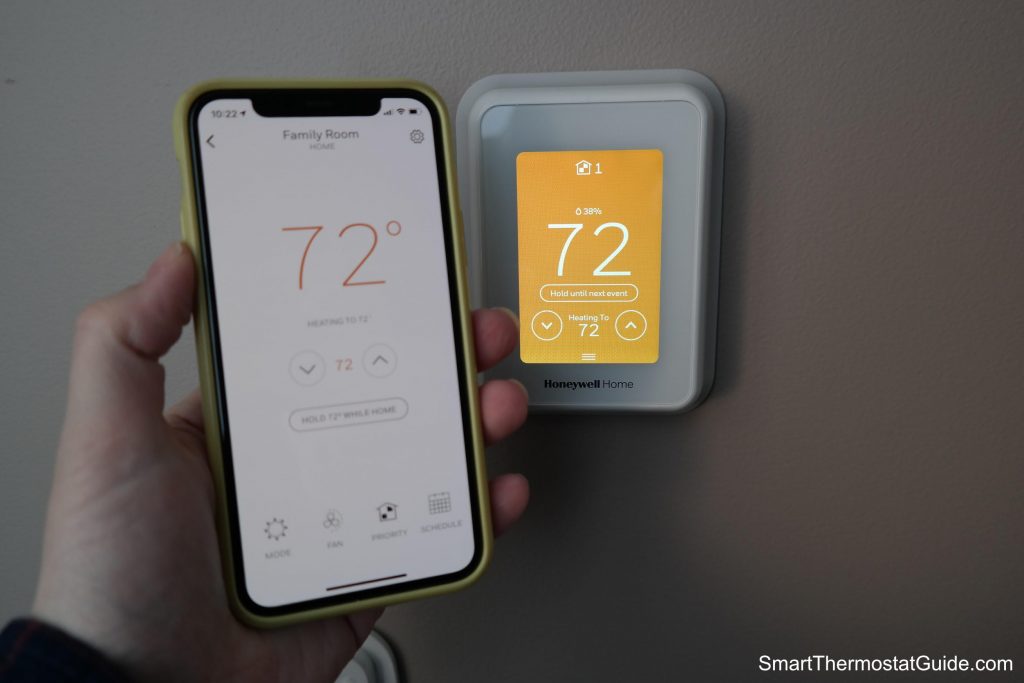
This solves a real problem. Your thermostat's built-in temperature sensor is in the hallway, or near a window, or six feet from the radiator. It reads 21°C but your living room is 18°C and your bedroom is 23°C.
Ecobee's room sensors are one solution — they average temperatures across rooms and switch active sensors based on time of day (use living room sensors during the day, bedroom sensors at night). But you can replicate this in HA with any temperature sensors.
Step 1: Create a template sensor that averages room temperatures:
Go to Settings → Devices & Services → Helpers → Create Helper → Template → Template Sensor.
Name: "Average Living Room and Bedroom Temperature"
Template:
{{ (states('sensor.living_room_temperature') | float + states('sensor.bedroom_temperature') | float) / 2 | round(1) }}
Unit of measurement: °C (or °F)
This gives you sensor.average_living_room_and_bedroom_temperature as a usable entity.
Step 2: Use the averaged temperature to drive thermostat adjustments:
alias: "Thermostat: Compensate based on room average"
triggers:
  - trigger: numeric_state
    entity_id: sensor.average_room_temperature
    below: 19.5
    for:
      minutes: 10
conditions:
  - condition: state
    entity_id: climate.ecobee
    state: heat
actions:
  - action: climate.set_temperature
    target:
      entity_id: climate.ecobee
    data:
      temperature: "{{ states('climate.ecobee') | float + 0.5 }}"
When the actual average room temperature has been below 19.5°C for 10 minutes (while heating mode is active), bump the setpoint up half a degree to compensate. This acts as a feedback loop, adjusting the thermostat based on where you actually are rather than where the thermostat sits.
Automation 4: Time-Based Schedules with HA
Nest and Ecobee have built-in scheduling, but building schedules in HA gives you more flexibility — you can combine them with presence, weather, and other conditions rather than just time.
Weekday morning warm-up:
alias: "Thermostat: Weekday morning"
triggers:
  - trigger: time
    at: "06:30:00"
conditions:
  - condition: time
    weekday:
      - mon
      - tue
      - wed
      - thu
      - fri
  - condition: state
    entity_id: group.household
    state: home
actions:
  - action: climate.set_preset_mode
    target:
      entity_id: climate.ecobee
    data:
      preset_mode: "home"
  - action: climate.set_temperature
    target:
      entity_id: climate.ecobee
    data:
      temperature: 21
      hvac_mode: heat
Nighttime setback:
alias: "Thermostat: Nighttime setback"
triggers:
  - trigger: time
    at: "23:00:00"
actions:
  - action: climate.set_temperature
    target:
      entity_id: climate.ecobee
    data:
      temperature: 17
      hvac_mode: heat
Using Input Helpers for Flexible Setpoints
Hardcoding temperatures in automations works but isn't flexible. A better approach: create input_number helpers for your setpoints so you can change them from the dashboard without editing automations.
Create helpers in Settings → Devices & Services → Helpers → Input Number:
input_number.home_temp(range 16–24, step 0.5)input_number.away_temp(range 14–20, step 0.5)input_number.sleep_temp(range 16–20, step 0.5)
Then reference them in automations:
actions:
  - action: climate.set_temperature
    target:
      entity_id: climate.ecobee
    data:
      temperature: "{{ states('input_number.home_temp') | float }}"
Add the input_number sliders to your HA dashboard. You can now adjust your comfort setpoints from your phone or dashboard card without touching an automation.
The Virtual Thermostat: Generic Thermostat Integration
If you don't have a smart thermostat but have a smart switch or relay controlling your heating, HA's generic_thermostat creates a software thermostat that any temperature sensor can feed.
Add to configuration.yaml:
climate:
  - platform: generic_thermostat
    name: Living Room
    heater: switch.heating_relay
    target_sensor: sensor.living_room_temperature
    min_temp: 15
    max_temp: 25
    ac_mode: false
    target_temp: 20
    cold_tolerance: 0.3
    hot_tolerance: 0
    min_cycle_duration:
      seconds: 5
    keep_alive:
      minutes: 3
    initial_hvac_mode: "heat"
This turns a dumb boiler relay controlled by a smart switch into a fully-featured HA climate entity. All the automations described above work against it.
Measuring Impact
After setting up presence-based and weather-based automations, you'll start to see the impact in your utility bills within a month or two — especially if your household has irregular schedules where the factory "away at 9am, home at 6pm" schedule doesn't fit reality.
The combination that makes the biggest difference:
- Presence detection — stop heating empty houses. Most households have 1-3 hours of unnecessary heating daily.
- Room sensors — heat the rooms you're actually in rather than where the thermostat is.
- Weather pre-heat — account for cold mornings without overcooling evenings.
Building these in HA gives you a level of control that no commercial smart thermostat subscription offers, without paying monthly for the privilege.