If you've bought a smart home device recently and the packaging said "Matter," there's a good chance it's communicating over Thread. Most people have no idea what Thread is — they set up the device, it works, and they move on. That's fine. But if you've ever wondered why some Matter devices respond faster, work without a hub, or keep operating when your Wi-Fi acts up, Thread is why.
Here's how Thread works and why it matters for your setup.
What Thread Actually Is
Thread is a low-power mesh networking protocol for IoT devices. It uses the same radio frequency as Zigbee (IEEE 802.15.4 at 2.4GHz), but with a crucial architectural difference: Thread devices speak IP natively.
Zigbee devices communicate using Zigbee's proprietary protocol. Getting that to your phone or voice assistant requires a hub that translates Zigbee into something your network understands — like the Philips Hue Bridge or the ZHA integration in Home Assistant. Thread skips that layer. Thread devices get real IP addresses and communicate on your network directly, the same way your laptop or phone does.
The practical implication: Thread devices don't require a dedicated hub. They do need what's called a Thread Border Router, but that's different — and you probably already have one.
Thread vs. Zigbee vs. Wi-Fi: The Actual Comparison
These three aren't really competing technologies — they solve different problems and often coexist in the same home.
Wi-Fi is high-bandwidth, high-power, and directly on your network. Good for cameras and other devices that need to move a lot of data. Bad for battery-powered sensors, because Wi-Fi is power-hungry. A battery-powered Wi-Fi sensor might need new batteries every few weeks.
Zigbee is low-power and mesh-networked, which makes it ideal for sensors and battery devices. The catch is its proprietary protocol stack — it needs a hub to communicate with anything outside the Zigbee network. The Hue Bridge is a Zigbee hub. Zigbee2MQTT with a USB dongle is a Zigbee hub. Zigbee will be around for a long time because there are billions of deployed devices, but it's not where new devices are headed.
Thread is low-power and mesh-networked like Zigbee, but IP-native. Battery life is comparable to Zigbee. Speed is faster. And because it speaks IP, Thread integrates directly into Matter — the cross-platform smart home standard — without a proprietary translation layer.
The protocol comparison in one sentence: Zigbee is the incumbent, Thread is the successor, Wi-Fi is the heavy-lifter.
What a Thread Border Router Does
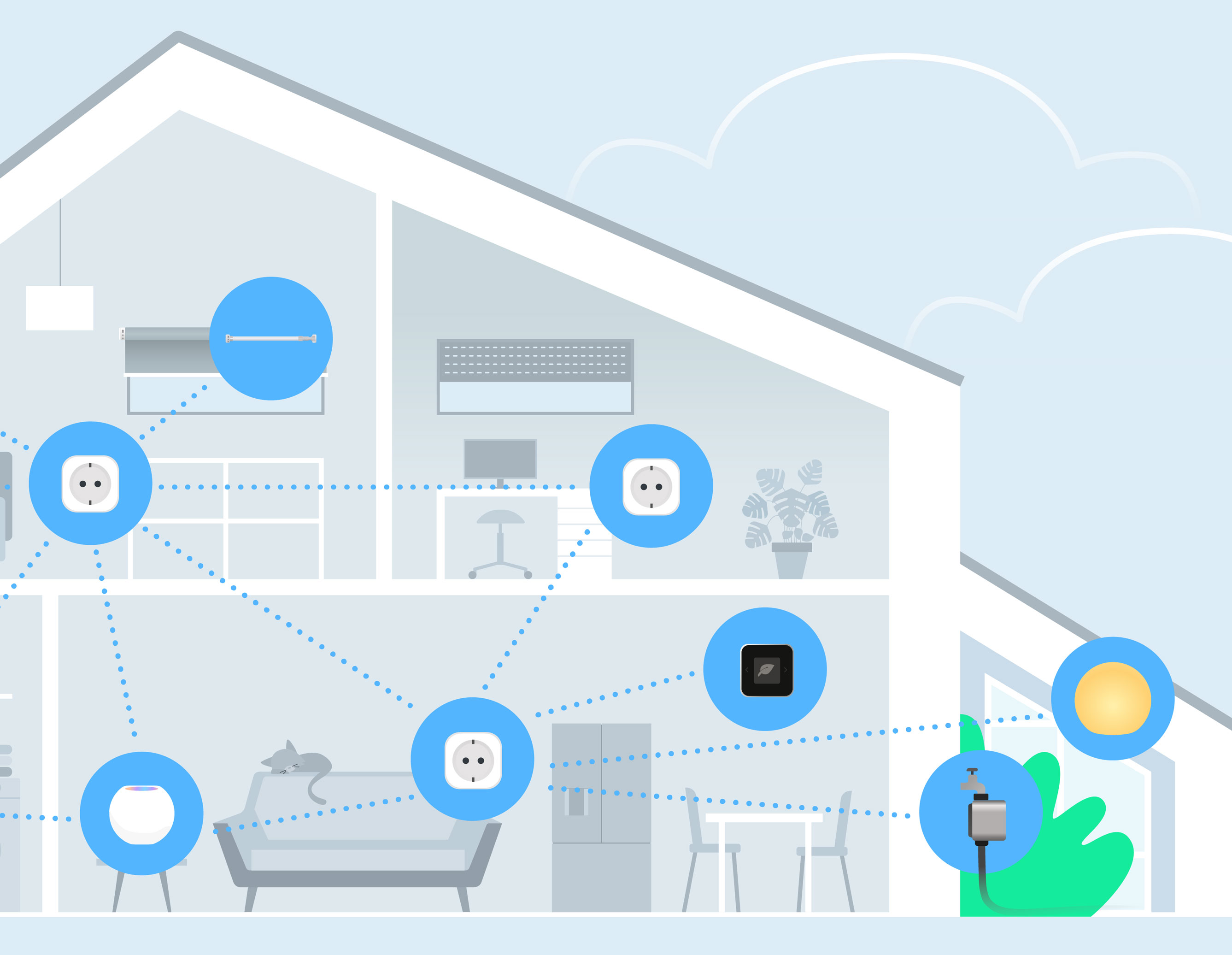
Thread devices form a mesh with each other, but that mesh is isolated from your Wi-Fi network unless you have a Thread Border Router (TBR). The TBR is the bridge between your Thread mesh and your home network — it gives Thread devices a path to communicate with your phone, voice assistants, and cloud services.
The key thing people miss: you probably already have a Thread Border Router. Any of these double as TBRs:
- Apple HomePod mini (2020 or later)
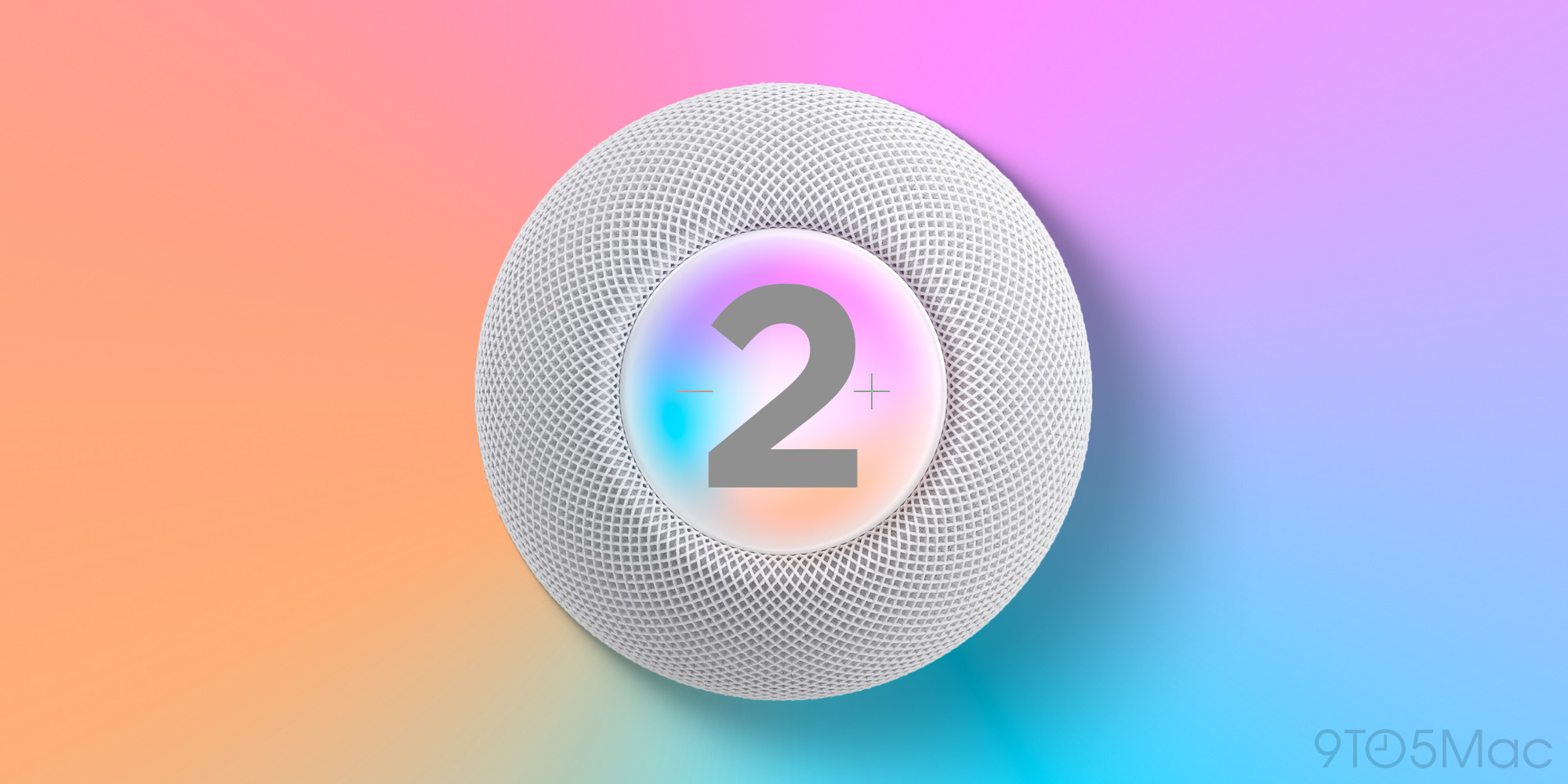
- Apple HomePod 2nd gen
- Apple TV 4K (3rd gen, Wi-Fi + Ethernet model)
- Amazon Echo (4th gen)
- Amazon Echo Show 8/10/15 (3rd gen)
- Google Nest Hub (2nd gen)
- Google Nest Hub Max
- Google Nest Wifi Pro
- eero 6 Pro and newer
If you have a HomePod mini in your kitchen, it's already a Thread Border Router. Thread devices in your home automatically find it and route through it.
You can have multiple TBRs on the same network. Multiple border routers improve reliability — if one goes offline, Thread devices automatically reroute through another. They also extend effective range, since Thread devices near each border router connect through the nearest one.
How Thread Mesh Works
Every Thread device can be one of three things:
Router: A mains-powered device that routes data for other Thread devices. Routers extend the network's range and create redundant paths. Eve Energy smart plugs, Nanoleaf light strips, and other always-on devices are routers.
End Device: A battery-powered device that doesn't route for others. Door sensors, temperature sensors, and motion sensors are usually end devices. They wake up briefly, send their data to a nearby router, and go back to sleep. This is why battery life on Thread sensors is measured in months or years, not weeks.
Leader: One router in the mesh takes the leader role, managing network configuration. This changes automatically if the current leader goes offline.
The mesh architecture means Thread networks are self-healing. If a router device goes offline, neighboring devices automatically find alternate paths. There's no single point of failure except the border router — which is why having multiple border routers matters.
Thread 1.4 and Why It Changed Things
Before Thread 1.4, there was a frustrating fragmentation problem. Apple's Thread network, Google's Thread network, and Amazon's Thread network were separate islands. If you had a HomePod mini and an Echo 4th gen, you had two Thread networks that didn't talk to each other. Devices on Apple's Thread couldn't route through Amazon's TBR.
Thread 1.4, which launched in late 2024, introduced credential sharing. Multiple border routers on the same home network can now share Thread credentials and operate as one unified mesh. Apple, Google, and Amazon devices cooperate. One Thread network, multiple border routers.
As of now, the eero 7, IKEA DIRIGERA, and newer HomePod and Echo firmware all support Thread 1.4. If your devices are relatively recent and updated, you're likely already benefiting from this without knowing it.
Thread and Matter: The Relationship
Thread is a radio protocol — it moves bytes from point A to point B. Matter is an application layer — it defines how devices describe themselves and what commands they accept.
Matter can run over three transports: Thread, Wi-Fi, and Ethernet. Almost all battery-powered Matter devices use Thread because Wi-Fi kills batteries. Mains-powered devices can go either way.
The "Matter over Thread" combination is what you'll see advertised on most new sensors, contact sensors, and battery-powered devices from Eve, Aqara, Nanoleaf, and others. The Matter part means it works with any Matter controller. The Thread part means it has good battery life and participates in the mesh.
"Matter over Wi-Fi" devices — like most smart plugs and bulbs — are also Matter-certified but use Wi-Fi for their radio. They don't participate in the Thread mesh, but they also don't need to since they're already on your Wi-Fi network.
Thread Devices Worth Having in 2026
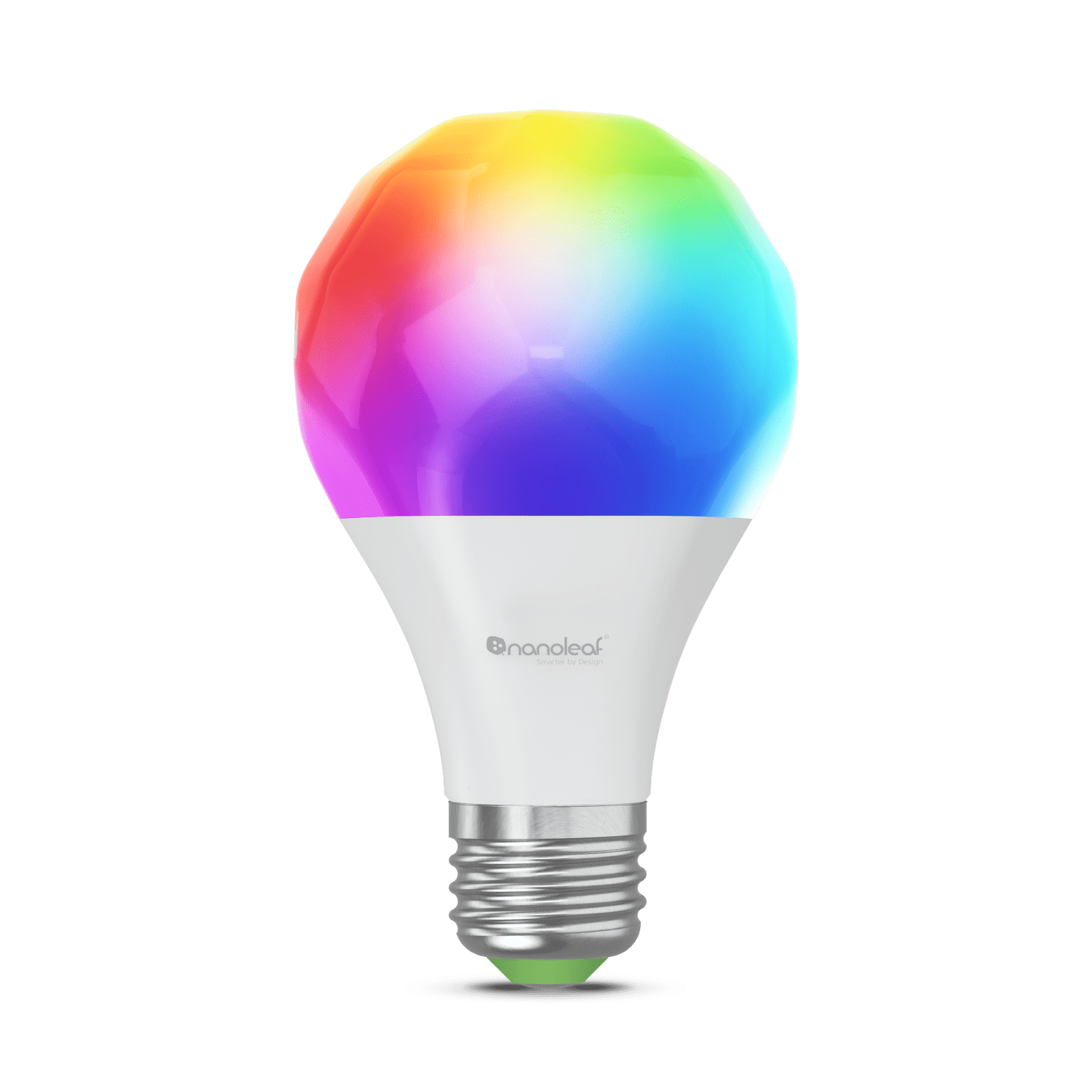
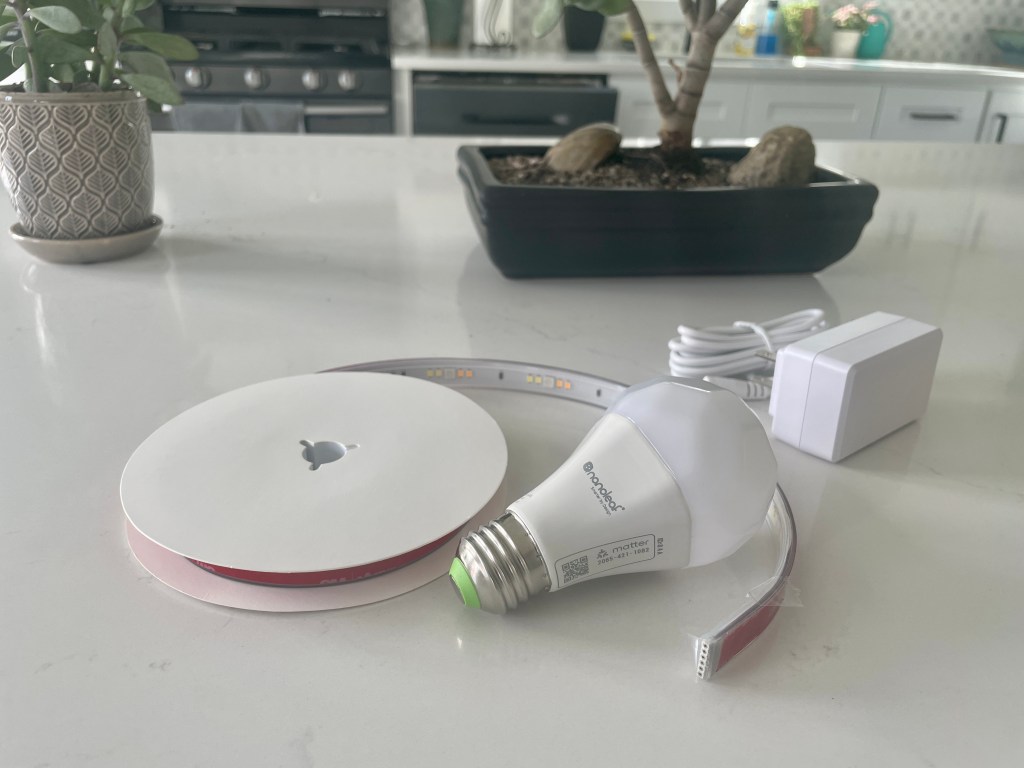
Nanoleaf Essentials A19 Matter bulb (~$20): Thread-based, no hub required, works with any Matter controller. One of the first widely available Thread bulbs. The white light quality is good, full color version available.
Eve Energy smart plug (~$30): A Thread router (always-on, extends your mesh) with energy monitoring. Every Eve Energy you add to your home strengthens the Thread network for every other Thread device. Worth having a few just for the mesh coverage.
Aqara Door and Window Sensor P2 (~$20): Matter over Thread, works with Apple Home, Google Home, Alexa, and Home Assistant. The best-value Thread sensor in 2026. Adhesive mount, clean removal.
Aqara Motion Sensor P2 (~$22): Same Thread/Matter architecture as the door sensor. PIR motion detection, months of battery life.
Eve Door & Window sensor (~$40): More expensive than Aqara but strong build quality and deep Apple Home integration with historical data.
Thread in Home Assistant
Home Assistant has native Thread support. With HA 2023.6 and later, you can see your Thread network topology in Settings → System → Thread. If you have an Apple TV 4K or another TBR on your network, HA can use it as a border router for Thread devices.
For dedicated Thread support in HA without depending on Apple or Google hardware, the Home Assistant Yellow and Home Assistant SkyConnect USB dongle include a combined Zigbee/Thread radio. This lets your HA instance serve as its own Thread Border Router.
The advantage of HA as your TBR: full local control with no cloud dependency. Thread devices communicate to HA directly, HA processes automations locally, and nothing leaves your network unless you want it to.
Common Thread Setup Questions
Do I need to buy a border router? No, if you already have one of the devices listed above. Check whether any of your existing smart home devices appear on the TBR list.
Can Thread devices work without a border router? Thread devices can talk to each other without a TBR, but they can't receive commands from your phone or voice assistant. You need at least one TBR for anything useful.
Should I replace my Zigbee devices with Thread? Not necessarily. Zigbee works fine and there's no reason to throw away functional hardware. As devices naturally get replaced or upgraded, choose Thread/Matter when available. The transition is gradual.
My Thread devices are slow to respond. The most common cause is a border router that's too far away or overloaded. Adding a second TBR or placing a mains-powered Thread router device (like Eve Energy) between your sensors and border router will help.
Thread vs. Zigbee for Home Assistant? Both work well in HA. Thread doesn't require a separate coordinator dongle if you use Apple or Google TBRs. Zigbee gives you the larger device ecosystem and better HA integration (Zigbee2MQTT is more mature than Thread tooling). My current setup uses both: Zigbee2MQTT for my existing devices, Thread/Matter for new additions.
Thread is the networking backbone of the modern smart home. You don't need to understand the protocol details to benefit from it — but knowing what a border router does, why Thread devices have better battery life, and how Thread 1.4 unified the fragmented ecosystem will help you buy smarter and troubleshoot faster.
The transition from Zigbee to Thread isn't a cliff you need to jump off — it's a gradual migration happening device by device. Buy Thread/Matter when you're adding new sensors or bulbs, keep your existing Zigbee devices running, and let the ecosystem shift happen naturally.