Starting a smart home is easier in 2026 than it's ever been. It's also easier than ever to make expensive mistakes in the first month that you'll spend the next year undoing.
The biggest trap: buying devices before picking an ecosystem. The second biggest: buying too much too fast and ending up with a pile of gadgets you barely use.
This guide cuts through both of those. First, we figure out which ecosystem fits your household. Then we build two kits — one at $250 for getting started, one at $500 for genuinely transforming how your home works.
Step 1: Pick Your Ecosystem
This is the decision that determines everything else you buy. There are three major platforms in 2026: Amazon Alexa, Apple HomeKit, and Google Home. They don't play well together — mixing them adds friction without adding value.
The good news is that Matter has simplified this significantly. Most new devices carry the Matter logo and work with all three platforms simultaneously. But your primary ecosystem still determines which app you use daily, which voice commands work best, and which devices are natively supported without workarounds.
Choose Amazon Alexa if:
You want the widest device selection. Over 100,000 Alexa-compatible devices at every price point. Alexa is also the best choice if you're primarily using Android phones and aren't deep in Google services. The Echo 4th gen ($99) is the best hub at the price — solid sound, built-in Zigbee, and reliable voice recognition. Alexa's Routines are the most capable of the three platforms for complex conditional automations.
The downside is privacy. Alexa is cloud-based and Amazon's business model involves knowing about your life. This bothers some people more than others.
Choose Apple HomeKit if:
Your household is already in the Apple ecosystem — iPhones, iPads, Apple TV, or HomePod. HomeKit has the best privacy story of the three platforms: data is encrypted on-device, Apple doesn't run an ad network, and many Siri requests process locally. The Home app is clean and well-designed. HomeKit Secure Video for cameras is genuinely excellent.
The trade-off: HomeKit-compatible devices skew more expensive and the selection is smaller. You also need at least one Apple TV 4K or HomePod for automation and away-from-home access. If your household has Android users, they can't control HomeKit devices without an Apple device.
Choose Google Home if:
You want the best voice recognition and you're living inside Google services (Gmail, Calendar, Maps). Google Assistant understands natural language better than either Alexa or Siri — complex multi-step commands and follow-up questions work more reliably. The Nest ecosystem is strong: Nest thermostats are excellent, Nest cameras work well, and the Google Home app is decent.
The trade-off: fewer advanced automation options than Alexa, and like Alexa, it's cloud-based with privacy implications. If you use Android and Google Workspace, Google Home feels native in a way the others don't.
The Matter wildcard: For new purchases, look for the Matter logo. A Matter smart plug works with all three platforms. Matter devices give you flexibility to change your primary ecosystem later without replacing hardware. When in doubt, buy Matter-certified.
The $250 Starter Kit
This kit sets up your living room and bedroom with voice control, automated lighting, and smart plugs. It's the minimum viable smart home — enough to learn what you like and what you'd want to expand.
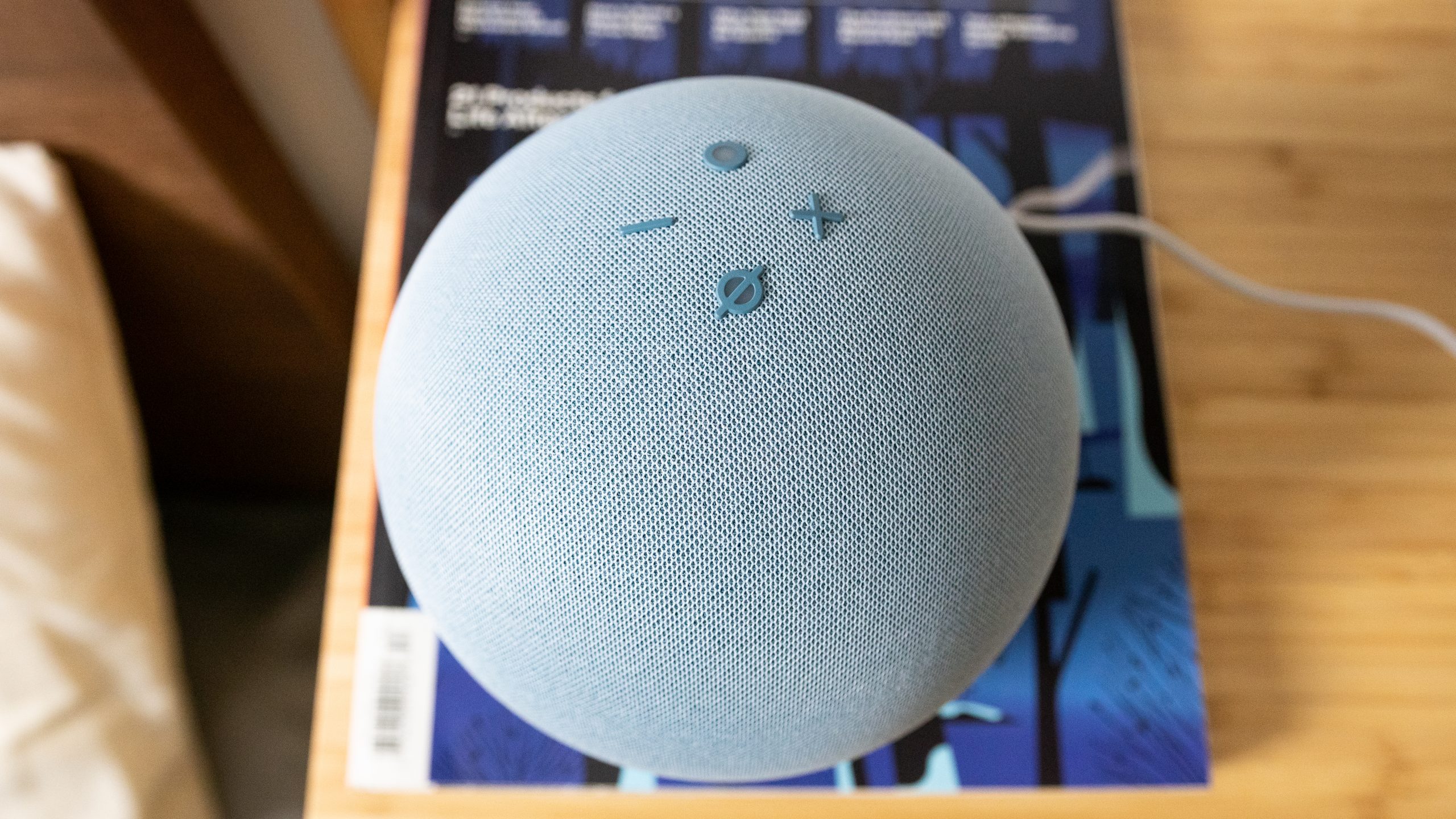
Hub: Amazon Echo 4th Gen ($99)
The Echo 4th gen is the best-value hub available. It includes a Zigbee hub (meaning it can directly control Philips Hue and compatible Zigbee devices without a separate bridge), has a decent speaker for a bedroom or kitchen, and is the most reliable Alexa device Amazon makes. If you're going Apple, substitute a HomePod mini ($99) which doubles as a Thread Border Router and HomeKit hub.
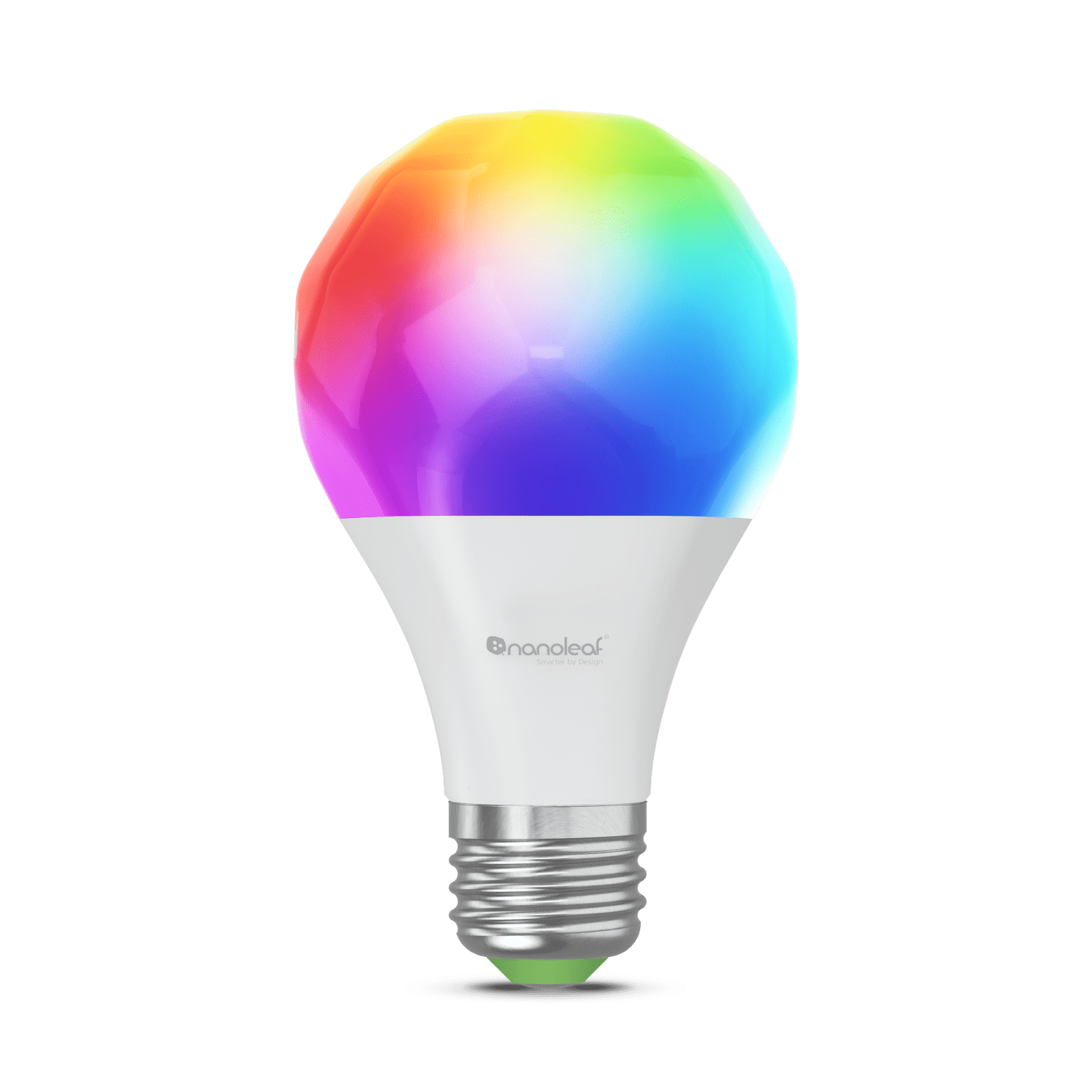
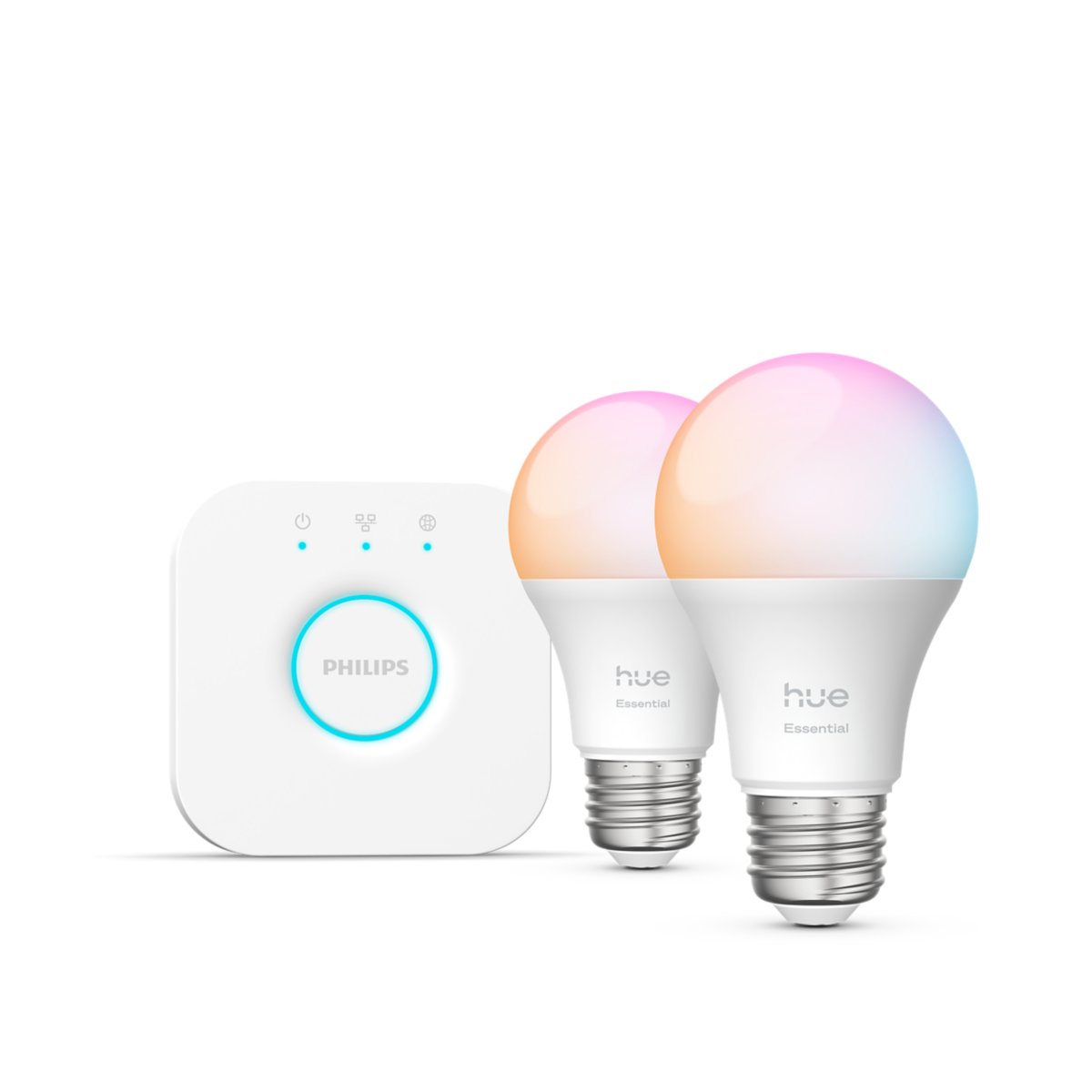
Smart bulbs: Philips Hue Essentials Starter Kit — 2 bulbs + Bridge ($79)
The Hue bridge gives you a dedicated Zigbee hub for your lights that's separate from the Echo's built-in one — cleaner architecture, and the Hue ecosystem is the most polished in smart lighting. The two-bulb starter kit covers your living room lamps or bedside lights. Color-changing, dimmable, works with Alexa, HomeKit, and Google Home.
Alternatively: four Kasa/Tapo Matter A19 bulbs at $10-12 each ($40-50 total) for the same coverage at half the price, no hub required. Less premium but perfectly functional.
Smart plugs: Kasa KP125M 2-pack (~$26)
Matter-compatible, energy monitoring, works with everything. Put one on a floor lamp, one on your coffee maker or fan. Instant voice control and scheduling.
Total: ~$204 + tax, leaving budget for one more item
With the remaining ~$46: Add a third Hue bulb ($25-45), an Aqara door sensor ($20) for your front door, or a SwitchBot Bot ($38) for a light switch you use constantly.
The $500 Kit: Full Room Coverage Plus a Thermostat
This kit adds smart HVAC, covers multiple rooms, and starts building the automations that actually change how you live in your home.
Hub: Amazon Echo 4th Gen ($99) — same as above
Thermostat: Ecobee SmartThermostat Enhanced ($170-220)
The single highest-ROI smart home device. The ecobee learns your schedule, includes a room sensor to monitor occupied rooms, and integrates with every ecosystem. Presence-based heating that drops to eco mode when you leave and restores comfort temperature when you arrive home will pay for this device in energy savings within 18-24 months.
If you're fully committed to Google Home, the Nest Learning Thermostat 4th gen ($280) is better than the Ecobee in that ecosystem — it learns faster, has a cleaner display, and integrates more deeply with Google Home. But it costs more.
Smart lighting for three rooms: Kasa/Tapo Matter A19 bulbs (~$60)
Six bulbs at $10 each. Living room lamps, bedroom lights, home office. No hub required. Matter means they work with your Echo, HomePod, or Google Nest Hub natively. Schedule them to come on at sunset, dim at 10pm, off at midnight automatically.
Smart plugs: Kasa KP125M 4-pack (~$44)
Four plugs cover your main floor lamps, coffee maker, entertainment center power strip, and one appliance of your choice. Energy monitoring on the KP125M tells you how much power each device draws — useful for identifying energy hogs.
Voice assistant in the bedroom: Amazon Echo Dot 5th gen (~$50)
Keep the Echo 4th gen in the living room, add a Dot in the bedroom. Set a morning routine that turns lights on gradually, gives you a weather briefing, and starts your coffee maker. Wake up to something more pleasant than an alarm.
Remaining ~$75-110: Options:
- Aqara motion sensor ($22) for the hallway — lights on automatically when you walk through, off 2 minutes after no motion detected
- Aqara door sensor ($20) on the front door — entry light automation
- Third Echo Dot for the kitchen
- Additional Hue bulbs to replace all remaining fixtures
Total: ~$423-473 for the core kit
This setup gives you voice control throughout the house, a thermostat that learns your schedule, and enough automations to notice the difference daily. The next logical expansion from here: a robot vacuum, additional sensors, or camera coverage.
What to Set Up First
The order you configure things matters. Don't buy everything at once and try to set it all up in a day — that's the path to frustration.
Week 1: Hub + two smart bulbs. Get voice control working in one room. Learn the app, set a simple schedule (lights on at sunset, off at midnight), run a few Routines. Get comfortable.
Week 2: Smart plugs. Add a floor lamp plug and something you use daily (coffee maker or fan). Create your first time-based automation.
Week 3: Thermostat, if your HVAC is compatible. This is slightly more involved — compatibility check, installation, configuring the schedule. Takes 30-60 minutes but is worth it.
Month 2+: Sensors, additional bulbs, more rooms. By now you know what you actually use and what you don't.
Common Mistakes to Avoid
Mixing ecosystems: Don't buy an Echo for the living room, a Google Nest Hub for the kitchen, and some HomeKit-only lights. Each ecosystem has partial support for the others but never full functionality. Matter helps but it's not perfect for edge cases. Pick one primary ecosystem for devices where you have a choice.
Cloud-only devices: Devices that only work through a cloud service will eventually stop working when the company changes its API, shuts down the service, or gets acquired. Prefer local-control or Matter/Thread devices when available. Zigbee devices with a local hub are more durable than Wi-Fi cloud devices.
Too many Wi-Fi devices: Each Wi-Fi smart device joins your router. Twenty Wi-Fi bulbs means twenty more clients competing for bandwidth. Zigbee and Thread devices communicate on their own network and don't congestion your Wi-Fi. For scale, use Zigbee or Thread.
Skipping the thermostat: Of every smart home device you can buy, the thermostat has the highest return on investment. It's not the most exciting, but it's the one that pays back.
Over-automating too early: Start with simple automations that replace things you do manually dozens of times a day. "Living room lights on at sunset" is worth building. "Turn off all lights when the last person leaves" is worth building. Elaborate multi-condition automations come later, after you understand your actual patterns.
After $500: Where to Go Next
Once the basics are running well, the expansions that have the highest daily impact:
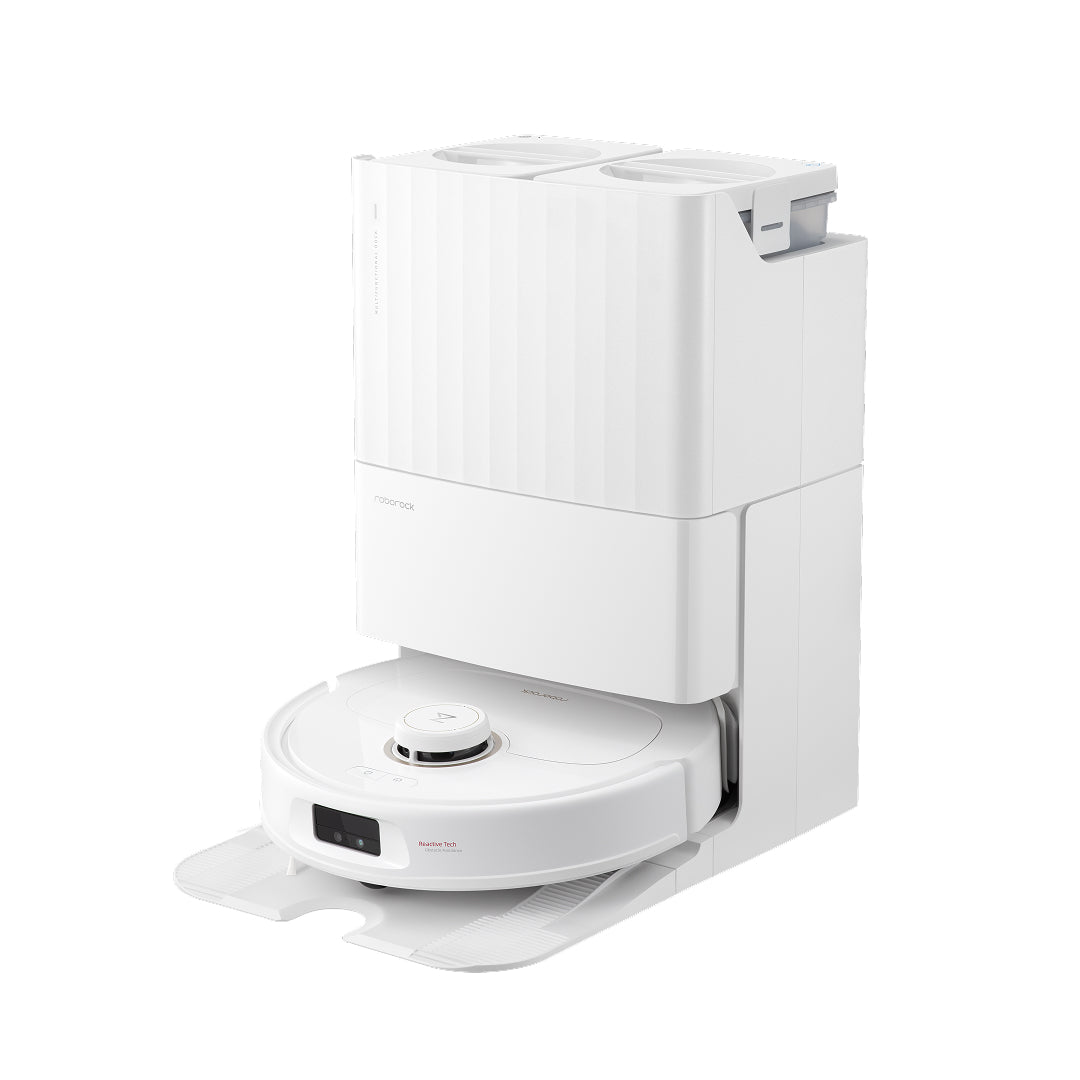
Robot vacuum (~$250-750): No installation, immediate daily quality-of-life improvement. Run it while you're at work. Roborock and Dreame dominate this category in 2026.
Smart lock ($150-290): Keyless entry and the ability to remotely lock your door. August retrofit lock if you want non-invasive, Yale Assure Lock 2 Plus or Schlage Encode Plus if you want a full hardware replacement with keypad.
Security cameras ($35-250 per camera): Indoor or outdoor, local storage or subscription. Wyze for budget, Eufy for local storage without subscription, Arlo for the most polished cloud experience.
Home Assistant: If you want to go deep — full local control, complex automations, integration with everything — install HA on a Raspberry Pi 5 with NVMe SSD ($130-200 in hardware). Every device mentioned above integrates with HA. You get automation capabilities that no commercial platform matches.
The smart home is never truly finished — it evolves with how you actually live. But $250 gets you started, $500 gets you genuinely useful, and from there it builds on itself.