Most smart home guides assume you own your place. They recommend replacing light switches, hardwiring video doorbells, and running Ethernet through walls. If you rent, that's not your reality. Your landlord doesn't want you touching the wiring, your lease probably says nothing permanent without permission, and you're not spending money on upgrades to an apartment you might leave in 12 months.
But a renter's smart home is still very doable. You just have to be selective about what you buy. The constraint is actually useful — it forces you to skip the complex stuff and focus on devices that actually improve your daily life.
Here's what's worth buying in 2026 if you can't drill, can't rewire, and don't want to lose your deposit.
The Renter's Smart Home Ruleset
Before buying anything, one mental check: does this device require any of the following?
- Drilling into walls, ceilings, or door frames
- Replacing existing switches or outlets
- Modifying your electrical wiring
- Permanent adhesive that can't be cleanly removed
If yes to any of those, it's off the list. Everything recommended here either screws into an existing socket, plugs into an outlet, sticks with removable adhesive, or clips onto existing hardware.
Smart Bulbs: The Highest-Impact, Lowest-Risk Upgrade
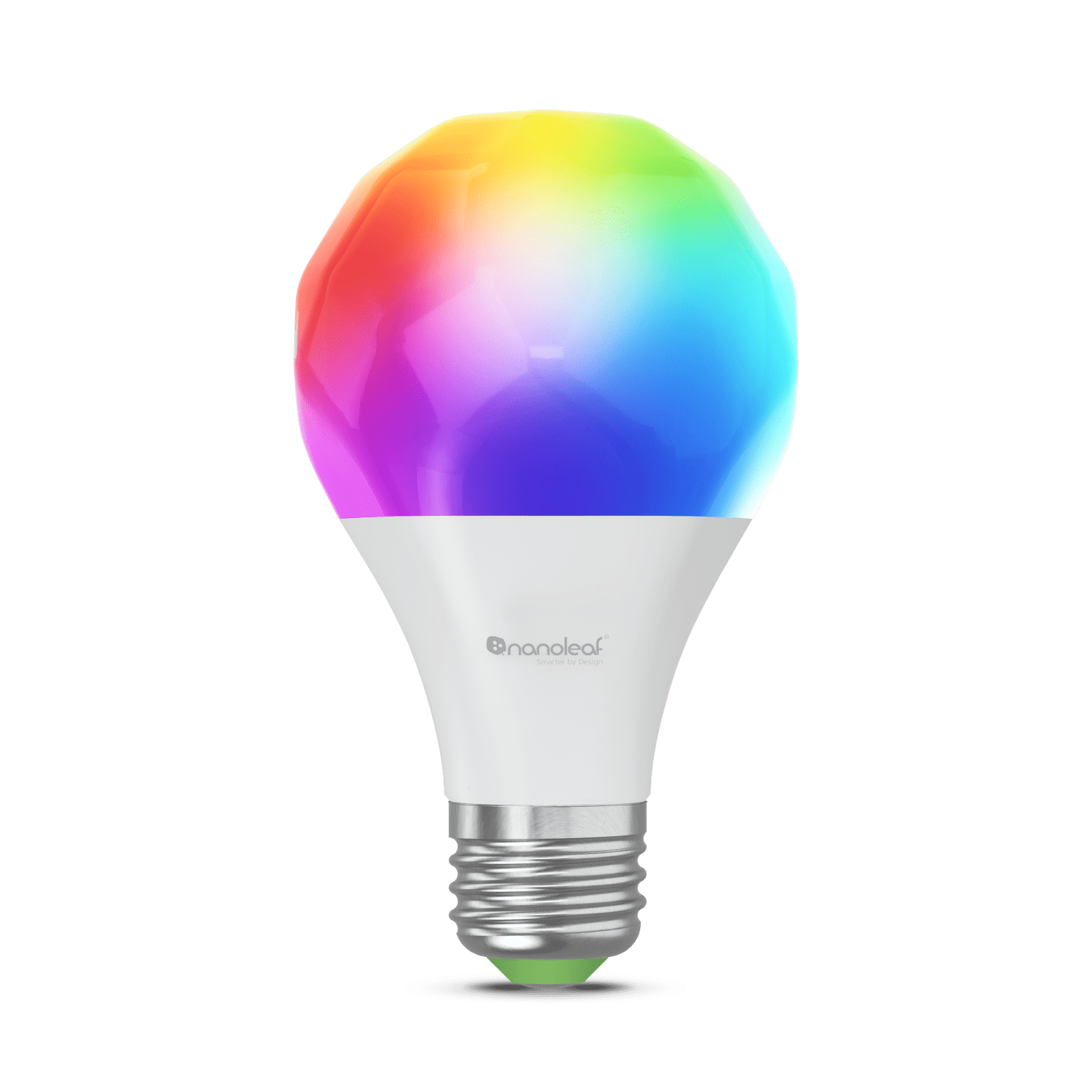
Smart bulbs are the single best investment for renters. You screw them into any existing socket — lamps, ceiling fixtures, whatever you have — and suddenly that light is controllable by app, voice, or automation. No switch replacement, no wiring, no asking your landlord anything.
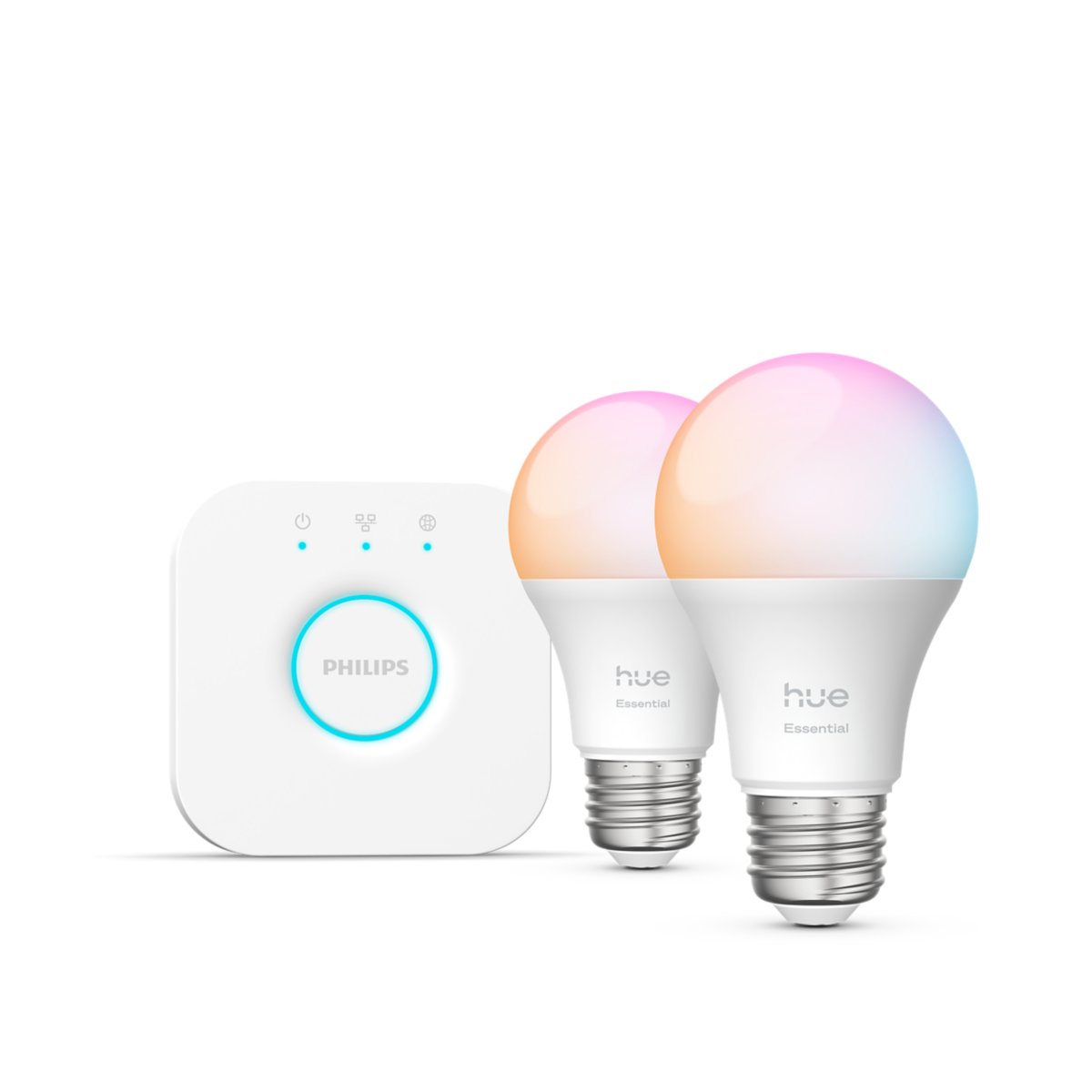
Philips Hue (the premium choice): The 2-bulb White and Color Ambiance starter kit with Bridge runs about $80. Hue bulbs are Zigbee-based, controlled through the Hue Bridge you plug into your router, and they're fast — sub-50ms response time. More importantly, they work locally even when your internet is down. The ecosystem has thousands of third-party integrations and works with every voice assistant. When you move, the whole system moves with you.
The downside is cost. A single Hue color bulb is $45-50. Outfitting a two-bedroom apartment with color bulbs is a $300-400 project.
IKEA DIRIGERA ecosystem: A DIRIGERA hub ($35) plus IKEA TRÅDFRI color bulbs ($15-20 each) gets you 80% of Hue functionality at 40% of the cost. The bulbs aren't quite as vibrant and the app is more basic, but for most rooms it's plenty. Works with HomeKit, Alexa, and Google Home.
Kasa/Tapo Matter bulbs: No hub required, under $12 per bulb, work with every ecosystem via Matter. The smart choice if you want simple plug-in-and-forget lighting without buying into a proprietary bridge.
One critical point on smart bulbs: You can't put smart bulbs behind dumb dimmer switches. A dimmer cuts power before it reaches the bulb, which confuses smart bulbs and eventually kills them. If your apartment has dimmer switches, either replace the dimmers with standard on/off switches (ask your landlord — this is usually fine), use dumb switches in the off position only, or use Hue's clip-on smart dimmer ($25) that sticks to the wall with removable adhesive and doesn't touch the wiring at all.
Smart Plugs: Instant Automation for Any Outlet
Smart plugs cost $13-25 and make any lamp, fan, space heater, or appliance smart. No installation beyond plugging in. When you move, you pull them from the wall and pack them.
Kasa KP125M (~$15 each, 2-pack for $26): Matter-compatible, energy monitoring, works with Alexa, Google Home, HomeKit, and SmartThings. My everyday pick. They're small enough that two can sit in a double outlet without blocking the second socket.
Eve Energy (~$30): Thread-based Matter device. The advantage of Thread: faster response times and mesh networking without Wi-Fi congestion. If you're using Apple Home and have a HomePod mini or Apple TV as a Thread border router, Eve Energy is the best plug you can buy. Worth the price premium for Apple users.
Meross MSS115 (~$15): Works with HomeKit, Alexa, and Google Home without Matter complications. Simpler to set up than some Matter devices. Good budget option.
What to actually do with smart plugs:
- Lamps: Put the plug on a lamp, set a schedule or link it to a sunset trigger. Now your lamp turns on automatically when it gets dark.
- Space heaters: Control a space heater remotely so your bedroom is warm when you wake up. Don't leave them on unattended — but scheduled on/off is genuinely useful.
- Coffee maker: A smart plug on a drip coffee maker means your coffee is ready when your morning alarm goes off.
- Entertainment standby power: TVs, game consoles, and soundbars draw standby power constantly. Plug your entertainment center into a smart power strip and cut power to everything at night.
Smart Locks: Keyless Entry Without Replacing Anything
This is the category where renters get the most skepticism from landlords — and where the devices have gotten the most clever. A retrofit smart lock doesn't replace your deadbolt. It installs on the interior side and controls the existing thumbturn.
August Smart Lock (4th gen, ~$150): August has been doing this longer than anyone. The device clamps around your existing deadbolt's interior thumbturn using the included mounting hardware. No drilling — it attaches to the existing screw holes of your deadbolt's interior plate. From outside, your door looks completely unchanged (landlord sees nothing). From inside, the August motor controls the lock. Auto-lock, remote access via the app, and temporary access codes for guests. Wi-Fi built in on the 4th gen, so no bridge required.
SwitchBot Lock Pro (~$100 + Hub 2 for ~$70): SwitchBot's retrofit lock attaches to the thumbturn with adhesive, which makes it even less invasive. Battery-powered, 6-9 months per set of AA batteries, Matter-compatible when paired with Hub 2. The Lock Pro is slightly more secure than the original SwitchBot Lock and handles larger thumbturns. If you're already invested in the SwitchBot ecosystem, this makes sense.
One real limitation: neither of these gives you a keypad on the outside without additional hardware. August sells a separate Smart Keypad ($70). SwitchBot sells their Keypad Touch ($60). Budget that into the total cost if keypad entry matters to you.
SwitchBot Bot: Turn Anything Into a Smart Device
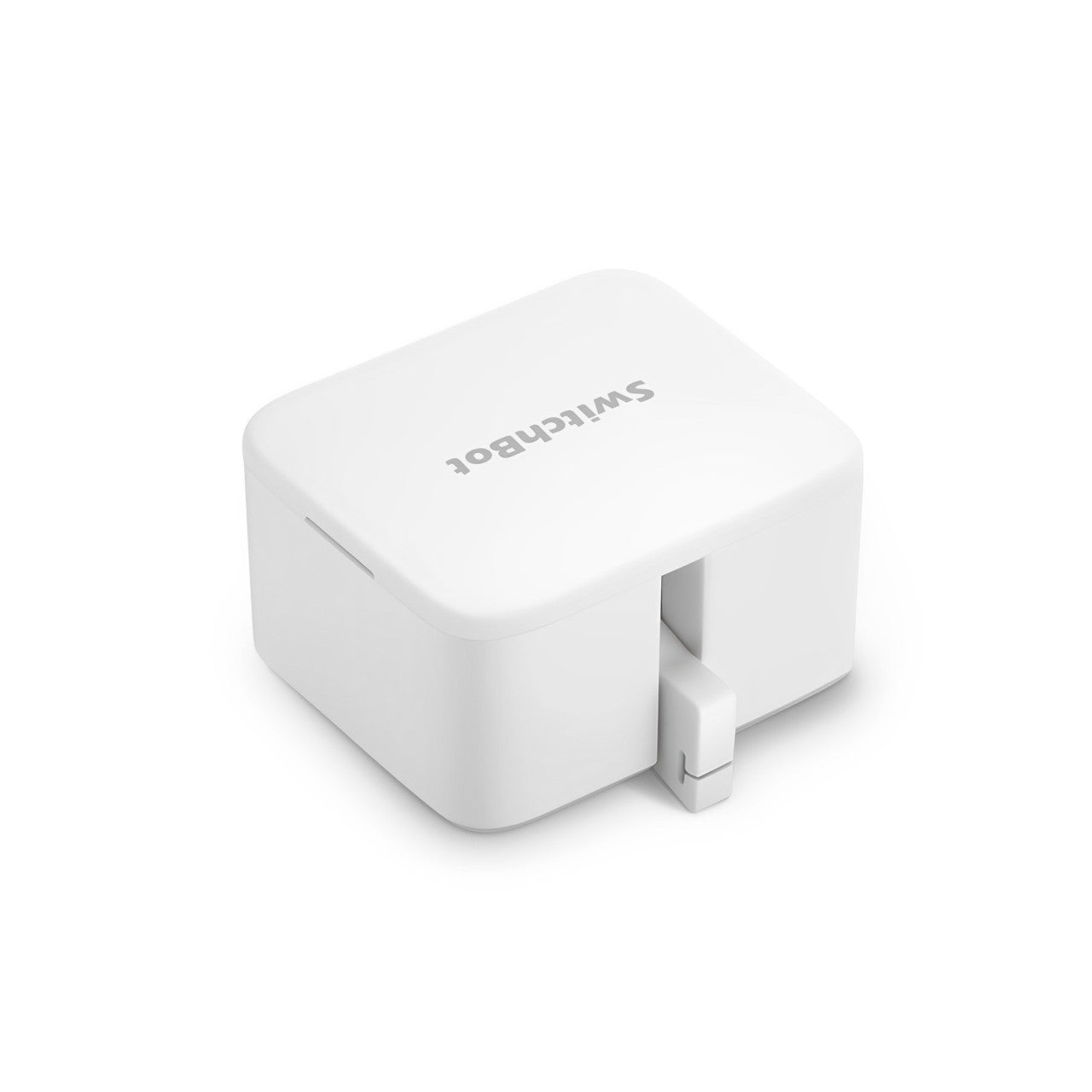
The SwitchBot Bot ($38) is a small robot that physically presses buttons. You stick it above any physical button using removable adhesive and it pushes it on command.
Sounds gimmicky. It's actually genuinely useful for renters because it solves the light switch problem without touching the electrical system. If you have a lamp with an inconvenient physical button, put a SwitchBot Bot on it. If you have an in-wall switch you can't replace, stick a Bot on it. You get voice control and app control without modifying anything.
The Bot also works on coffee makers, washing machine buttons, and any other device with a physical button. It's not elegant — a tiny robot arm stuck to your light switch is a bit odd-looking — but it works and it's reversible.
Sensors: Adhesive-Mounted, Fully Removable
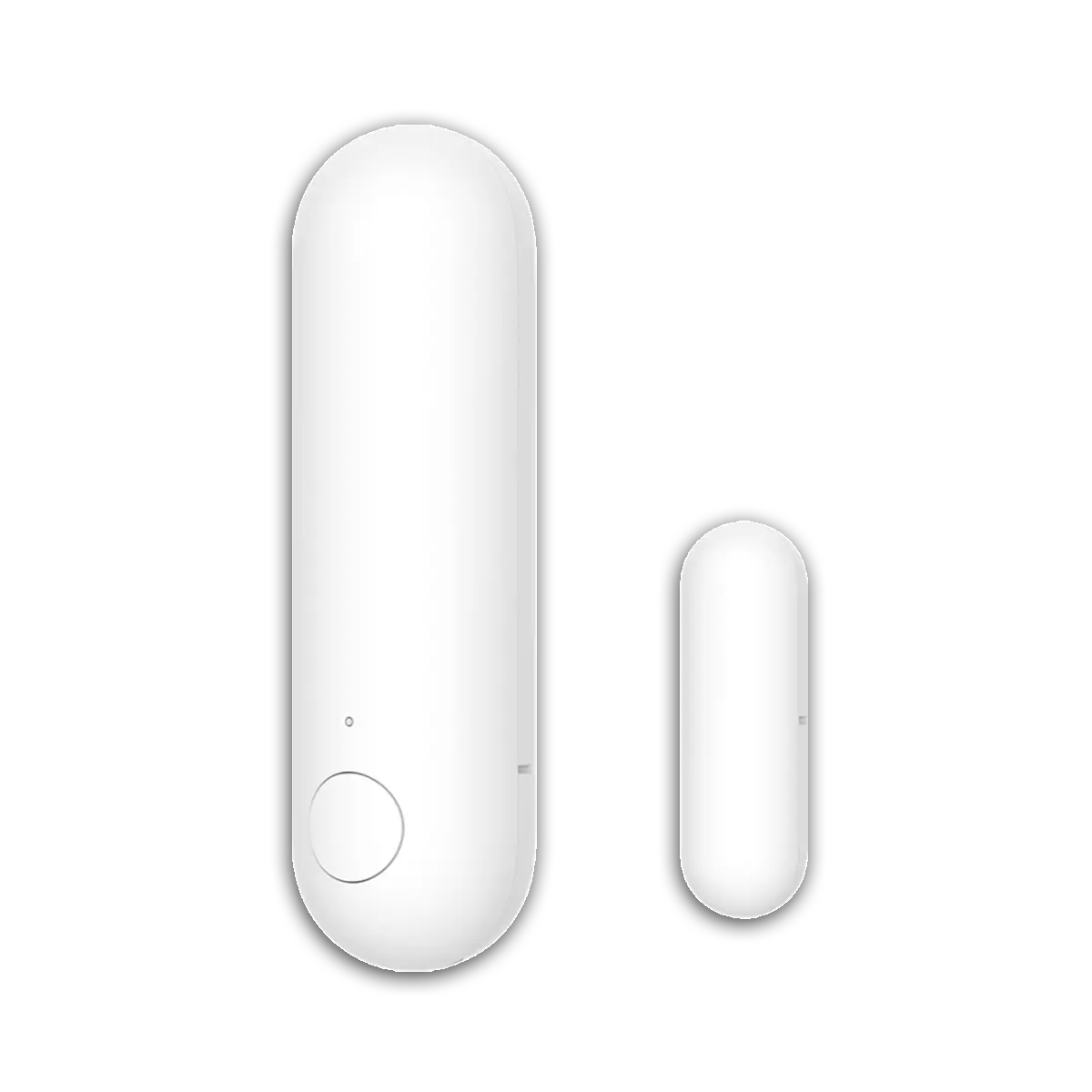
Door/window sensors and motion sensors from Aqara, Eve, and SwitchBot all use removable 3M adhesive. They stick to door frames without drilling, pop off cleanly when you leave, and leave no marks if the surface is painted properly.
Aqara Door and Window Sensor P2 (~$20): Matter over Thread, works with Apple Home, Google Home, Alexa, and HA. The P2 version supports Thread, which means it's part of your Thread mesh network alongside other Thread devices. At $20, it's the best value in this category. The adhesive mount on the door frame with the magnetic component on the door itself — standard contact sensor setup, completely non-destructive.
What you can automate with door sensors:
- Front door opens → turn on entry light (great for arriving home to a lit apartment)
- Bedroom door closes at night → activate Do Not Disturb mode on your phone and dim all lights
- Window opens → disable AC or heater automatically (stop heating or cooling an open apartment)
- Door left open for 5 minutes → send notification
Aqara Motion Sensor P1 (~$22): PIR motion sensor, Thread, same adhesive mounting. Screws into a corner or sticks to a shelf. Triggers lights when you enter a room — genuinely useful for hallways, bathrooms, or closets where you're always fumbling for the switch.
What Smart Thermostats Look Like for Renters
Most renters can't install a Nest or Ecobee — those require checking your HVAC compatibility and often need your landlord's permission.
But there are a couple of options:
Ask your landlord: Many landlords are fine with a smart thermostat swap if you offer to put the old one back when you leave and explain it reduces energy costs. Ecobee Premium ($250) or Nest Thermostat G4 ($280) are both easy swaps in most cases. Worth asking.
Sensibo (~$100): If you have a mini-split AC/heat pump system (common in apartments and newer construction), Sensibo turns any mini-split's IR remote into a smart controller. It plugs into the wall near the unit, learns your remote's signals, and gives you full app control, scheduling, and geofencing. No touching the unit itself.
Smart plugs for window AC: For window AC units, a smart plug isn't a replacement for a smart thermostat but it's something. Schedule the AC to turn on before you get home. Cut power when you leave. It's crude but effective.
Robot Vacuums: The Best Renter Quality-of-Life Upgrade
No installation whatsoever, substantial daily impact. A robot vacuum runs while you're at work and the floor is cleaner than it would be if you vacuumed manually twice a week.
For renters specifically, the under-bed clearance matters. Most robot vacuums are 3-4 inches tall. Measure your bed's clearance before buying.
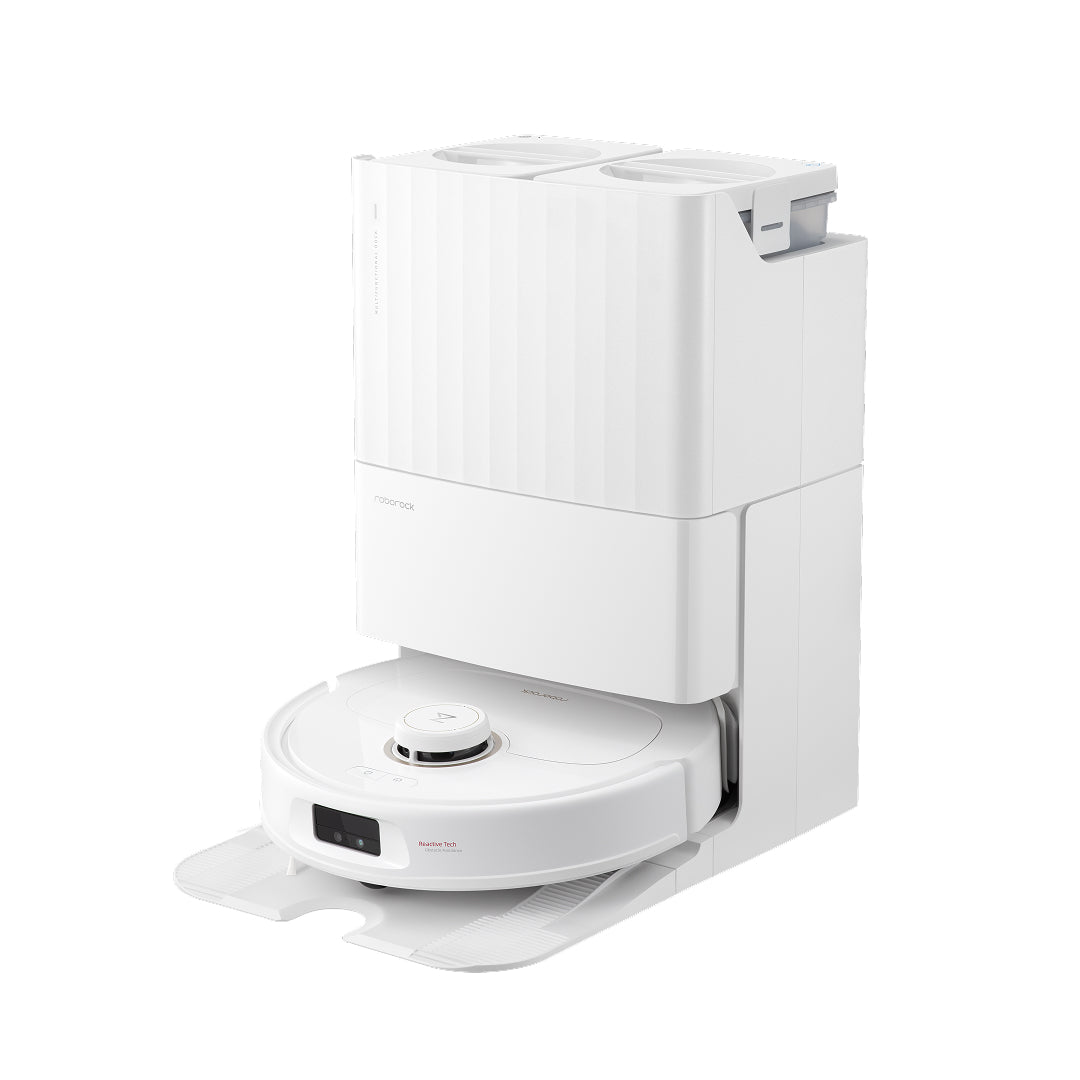
The Roborock Q5 Max (~$250) is the best value robot vacuum in 2026 — LiDAR mapping, multi-floor maps, strong suction, and quiet operation. Run it while you're at work and forget about it.
If you're in a 1-bedroom apartment, even a budget robot vacuum like the Eufy Clean G45 (~$150) will keep up without issues.
What to Buy First
If you're starting from scratch in a rental, this is the order that makes the most sense:
- Smart plugs first ($26 for a 2-pack of Kasa KP125M). Immediate utility with zero commitment. Learn what you actually want to automate.
- Smart bulbs in the rooms you use most (living room, bedroom). Hue if you want the best, Kasa/Tapo Matter if you want cheap. One room at a time.
- A door sensor on your front door ($20 Aqara P2). The automation you'll set up in 20 minutes will be the one you use every day.
- Smart lock if you want keyless entry. August 4th gen is the most polished option.
- Robot vacuum when you're ready to spend more. Not cheap, but high daily impact.
The beauty of this approach is that every device moves with you. When your lease ends, everything unplugs, unsticks, or unclamps in under an hour. Your smart home goes with you to the next apartment, building on itself with each move.